
A billing queue that requires three spreadsheet exports, a customer portal that cannot show real-time status, or an ERP integration that breaks every quarter are not merely IT inconveniences. They are operational constraints with a direct cost in labor, errors, delayed decisions, and customer experience. This legacy system modernization guide is for leaders who need to improve those conditions without putting core operations at unnecessary risk.
Modernization is not synonymous with replacement. For many mid-market organizations, the right answer is a controlled program that preserves valuable business logic, exposes usable data, and replaces the parts of the stack that block growth. The objective is concrete automation, not a technology refresh for its own sake.
Start With the Business Constraint, Not the Codebase
A legacy platform may be old, difficult to support, or built on technology few engineers want to maintain. Those are real concerns, but they are not enough to prioritize a modernization investment. The first question is where the system creates operational drag.
Look for processes where staff rekey data between systems, wait on manual approvals, work from stale reports, or rely on a small number of people who understand undocumented rules. In compliance-sensitive environments, also identify workflows where audit trails, permission controls, or retention requirements are difficult to enforce.
The most valuable modernization candidates usually sit at the intersection of high transaction volume, high error cost, and strategic importance. A back-office workflow that consumes 20 hours each week may be a stronger first target than a complete rewrite of a stable application used only internally.
Define success in measurable terms before discussing architecture. That could mean reducing application review time from two days to four hours, lowering support ticket handling time by 30%, or eliminating duplicate customer records across a CRM and finance platform. Those measures create a decision framework when trade-offs appear later.
Build an Honest Modernization Baseline
Teams often underestimate the behavior hidden inside legacy applications. A system that appears to be a simple database and reporting tool may contain years of exceptions, pricing logic, user workarounds, and integrations that no diagram captures.
A useful discovery phase maps four areas: the business processes the system supports, the data it owns or exchanges, the integrations it depends on, and the operational risks of changing it. This work should include business users, operations leaders, security stakeholders, and the people who maintain the current environment. Architecture documents alone rarely reveal how work actually gets done.
Inventory the integration surface
Identify every inbound and outbound connection, including scheduled file transfers, email-based handoffs, spreadsheets, vendor APIs, and direct database access. Many modernization projects fail not because the new application is poorly built, but because an overlooked dependency interrupts an adjacent workflow.
For each integration, document the data owner, update frequency, failure behavior, authentication method, and reconciliation process. This is especially important where financial, customer, healthcare, or regulated data is involved. A new API does not resolve data quality or ownership problems by itself.
Classify business logic before moving it
Not all legacy logic deserves preservation. Some rules reflect regulations or proven operating policies. Others exist because a prior system had limitations that no longer apply. Separate mandatory controls from historical workarounds.
This distinction prevents a common mistake: rebuilding every old process in a newer technology stack. Modernization should remove unnecessary steps where possible, while retaining the controls that protect revenue, compliance, and service quality.
Choose the Right Modernization Path
There is no universally correct approach. The right path depends on the system's condition, the urgency of the business problem, available budget, and the risk of disruption.
A complete replacement can make sense when the platform is unsupported, security exposure is material, and its architecture prevents meaningful integration. It is also the highest-risk option because it forces the organization to recreate years of behavior while changing user workflows at the same time.
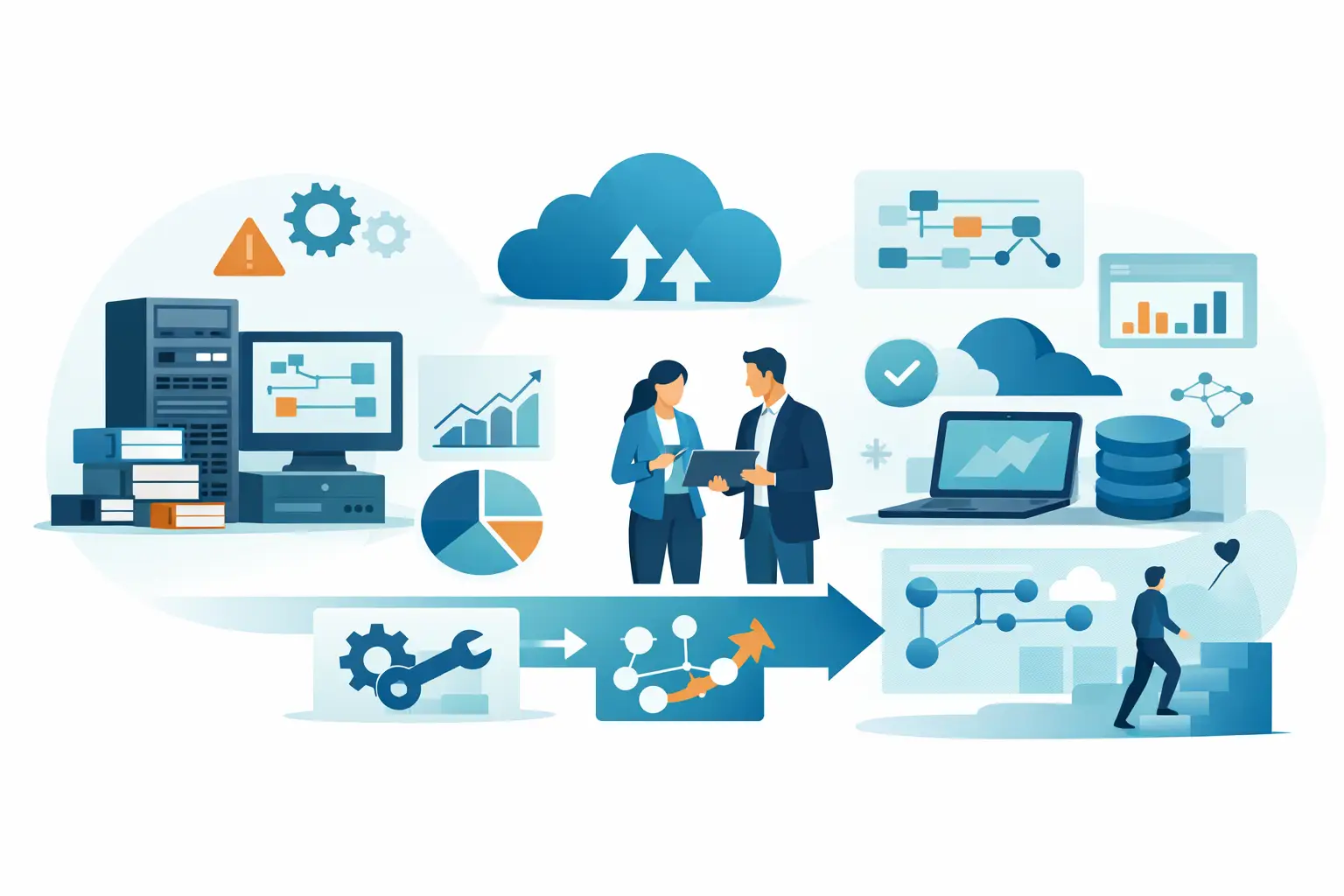
Incremental modernization is often more practical. An API layer can expose legacy data to a new customer portal. A workflow application can replace email approvals while the core system remains the system of record. A reporting layer can consolidate data before a future ERP migration. These approaches deliver value sooner and reduce the size of each production change.
In some cases, the best first move is stabilization rather than visible transformation. Improving monitoring, test coverage, backup procedures, access controls, and deployment practices may reduce business risk immediately. That work is less glamorous than a new interface, but it creates the foundation required for reliable change.
Use AI Where It Improves the Workflow
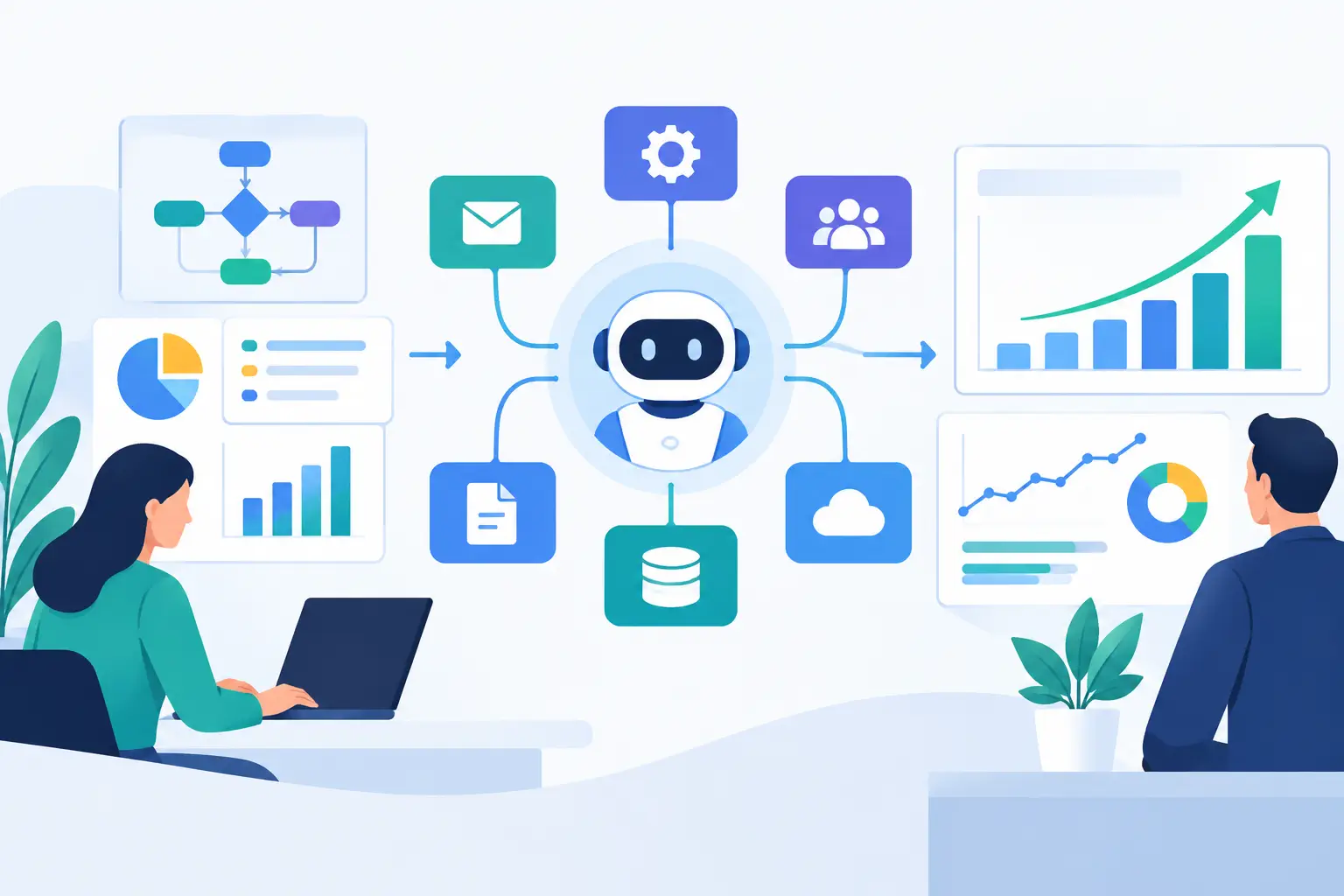
AI can be useful in modernization programs, but only when it is connected to a defined process and accountable system behavior. A generic chatbot placed beside an old application rarely changes operational performance.
Practical use cases include extracting structured information from documents, classifying inbound requests, drafting responses from approved knowledge sources, summarizing case histories, and routing work based on policy rules. In each case, the AI capability should write to or retrieve from approved business systems through secure connectors and defined permissions.
Human review remains necessary for high-impact decisions, ambiguous documents, and regulated workflows. The design should record source data, model output, user actions, and final decisions. That creates traceability and makes it possible to improve the process without treating AI output as unquestionable.
For example, an underwriting team may use document extraction and an LLM agent to prepare a case summary, identify missing information, and populate a review queue. The final approval remains with an authorized employee, while the system captures the evidence behind each recommendation. This is production-grade automation, not generic AI hype.
Deliver in Phases With Production Controls
A modernization roadmap should produce usable outcomes at regular intervals. Large programs that spend a year in design or rebuild mode create uncertainty, weaken stakeholder confidence, and delay learning from real users.
Start with a pilot that addresses a bounded workflow and has clear acceptance criteria. Run it alongside the existing process when the risk warrants it. Compare outputs, measure exception rates, and collect feedback from the people responsible for daily operations. A pilot is not just a demonstration. It is an opportunity to validate data mappings, permissions, performance, and user behavior before broader rollout.
Each release should include QA across functional behavior, integration failures, security controls, and real operational scenarios. Test what happens when an API is unavailable, a source file contains incomplete data, a user lacks the proper role, or a workflow must be reversed. These edge cases are where legacy replacements often lose trust.
Data migration needs the same discipline. Clean and reconcile data before cutover, define which system is authoritative during transition, and plan how users will handle records that do not migrate cleanly. A technically successful migration can still fail if finance, support, or operations cannot reconcile records on day one.
Establish Ownership After Launch
Modernization is not complete at deployment. The new environment needs a clear operating model for support, enhancement requests, access reviews, incident response, and performance monitoring. Without ownership, teams gradually recreate manual workarounds around the new system.
Set product and process ownership at the business level, then define the engineering responsibilities needed to maintain integrations, monitor automation quality, and manage releases. Track the original business metrics after launch. If a workflow was expected to reduce handling time, measure whether it actually did and investigate where exceptions remain.
A capable delivery partner can help connect architecture, implementation, QA, and long-term support. Invatechs approaches modernization as an operating improvement program: preserving what works, integrating what matters, and building the software and automation required for the next stage of growth.
The strongest modernization programs do not begin with a promise to replace everything. They begin with one costly constraint, make that workflow more reliable, and use the result to build confidence for the next change.