A customer asks why an invoice is overdue. A basic chatbot can explain payment terms or point to a billing article. An AI agent can retrieve the account record, check the invoice status in the ERP, identify an approval bottleneck, draft a response, create a follow-up task, and escalate an exception under defined rules.
That practical difference matters more than the label. In the AI agents vs chatbots discussion, the right choice depends on what the system must do after it understands a request. For organizations dealing with fragmented data, manual handoffs, and compliance-sensitive workflows, the decision affects architecture, risk, operating cost, and measurable results.
AI Agents vs Chatbots: The Core Difference
A chatbot is primarily a conversational interface. It receives a question or command and returns a response. Modern chatbots may use large language models, retrieve information from a knowledge base, collect user inputs, and route conversations to human teams. Their central job is communication.
An AI agent is designed to pursue an objective through a series of actions. It can reason over a task, select from approved tools, retrieve data, call APIs, update connected systems, and verify whether the task reached an acceptable outcome. Conversation may be part of the experience, but it is not the agent's main purpose.
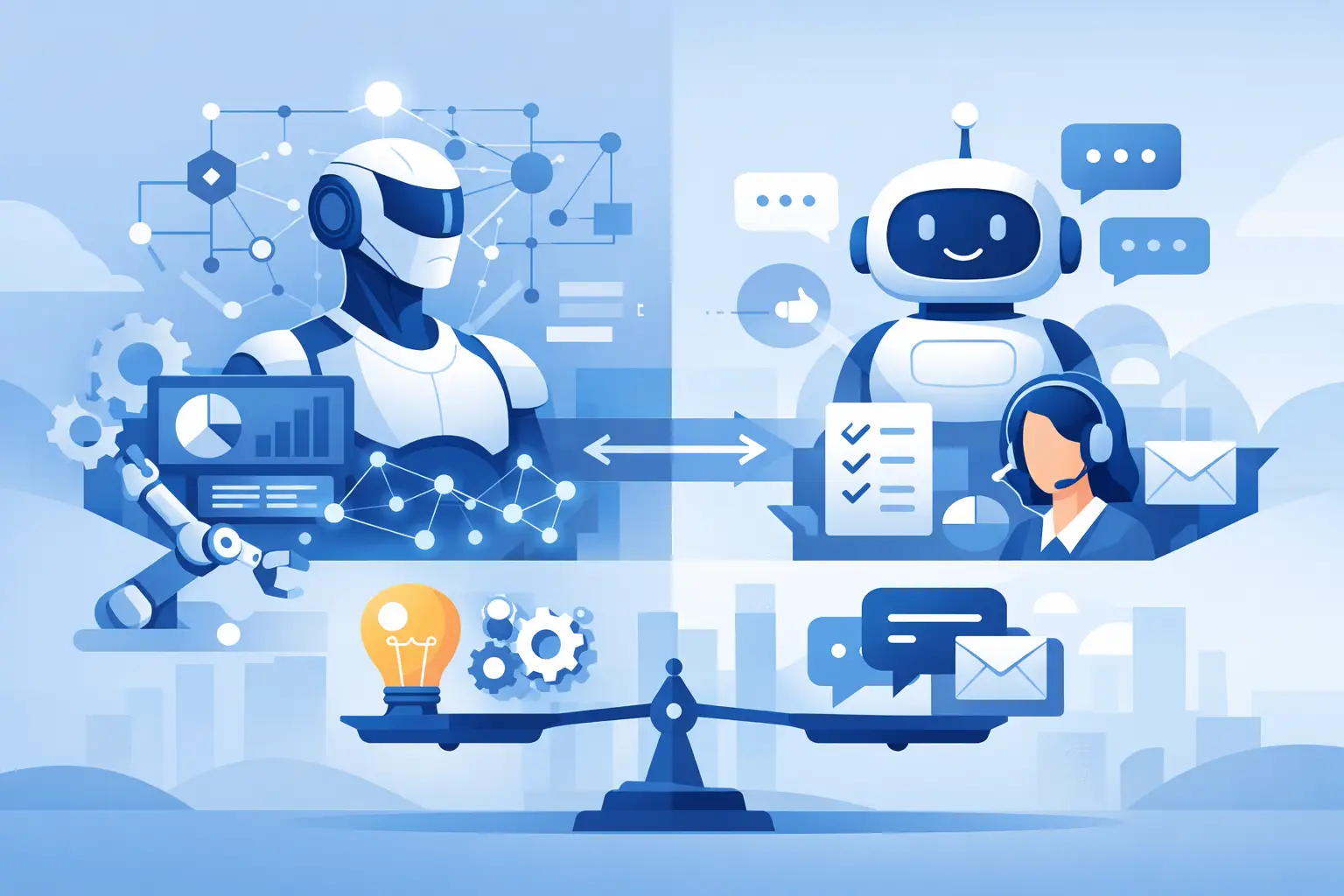
The distinction is not absolute. A chatbot can trigger a workflow, and an agent can communicate in chat. The operational question is simpler: does the system only answer, or can it execute controlled work across business systems?
For example, a support chatbot can tell a customer how to reset a password. An agentic support workflow can validate identity, inspect account status, initiate the reset through an approved identity provider, log the action in the CRM, and notify the customer that the request is complete.
Where Chatbots Deliver Real Value
Chatbots remain useful, especially when the problem is information access, intake, or communication at scale. They are usually faster to deploy because their scope is narrower and their access to operational systems can remain limited.
A well-built chatbot works well for employee policy questions, product documentation, customer self-service, lead qualification, appointment intake, and first-line support triage. It can reduce repetitive tickets and give users a faster path to the correct answer.
The limitation appears when a user needs an outcome rather than information. A chatbot that repeatedly says, “Please contact billing,” may be technically functional but operationally weak. It has shifted the conversation without removing the work.
Chatbots also need disciplined design. Retrieval quality, source permissions, answer boundaries, escalation paths, and conversation analytics determine whether the tool helps or creates another support channel to manage. A public-facing bot should not expose internal documents simply because they are available in a shared knowledge repository.
Where AI Agents Create Operational Leverage
AI agents are appropriate when a workflow spans multiple systems, involves judgment within clear boundaries, and requires follow-through. They are especially effective in document-heavy, queue-based, and exception-driven processes where teams spend time gathering context before taking routine action.
Consider an insurance intake process. A human reviewer may open an email attachment, extract policy details, compare them with CRM records, check missing fields, request additional documentation, and assign the case to the right queue. An AI agent can perform much of that sequence, while routing ambiguous cases or high-risk decisions to a qualified reviewer.
The value is not that the agent “thinks like a person.” The value is that it reduces the repetitive coordination around a business decision. It can assemble the relevant context, apply defined rules, execute approved system actions, and produce an audit trail for human oversight.
Common agent use cases include operations teams resolving order exceptions, finance teams reconciling records, sales teams preparing account research, HR teams processing employee requests, and customer service teams handling account updates. In each case, the agent should connect to the systems where work already happens rather than becoming another isolated interface.
An agent is not an unsupervised employee
The term agent can create unrealistic expectations. Production-grade agents should not receive unrestricted access to every database, inbox, or financial system. They need narrowly scoped permissions, approved tools, defined action limits, and escalation logic.
A reliable agent architecture separates what the model can interpret from what it is allowed to do. The model may classify an incoming request or extract terms from a document. Deterministic workflow controls should govern actions such as issuing refunds, changing payment details, modifying contracts, or accessing sensitive records.
This approach is particularly important in healthcare, finance, legal operations, and other regulated environments. The higher the consequence of an incorrect action, the more validation, approval, and logging the workflow requires.
The Technical Difference: Tools, State, and Control
A chatbot may need access to a knowledge base and a conversation history. An agent needs more: tool integrations, persistent task state, workflow orchestration, authorization controls, and observability.
Tool integrations let the agent interact with systems such as a CRM, ERP, ticketing platform, internal database, document repository, or communications tool. These connections should use secure authentication, least-privilege access, input validation, and clear error handling. An API call that succeeds technically but creates duplicate records is not automation success.
State matters because business work rarely finishes in one interaction. An agent may need to wait for a customer reply, track which documents were requested, resume a case after approval, or recognize that an action has already been completed. Without reliable state management, agents can repeat actions, lose context, or produce inconsistent outcomes.
Control matters because language models are probabilistic. They can interpret unstructured information well, but they should not be the sole authority for critical business rules. Production designs combine LLM capabilities with deterministic logic, human approval checkpoints, and clear fallback paths.
Choosing Between a Chatbot and an AI Agent
Start with the workflow, not the technology. Map the current process from trigger to outcome: where information enters, which systems are involved, who makes decisions, where exceptions occur, and what a completed task looks like.
Choose a chatbot when the primary requirement is answering questions, guiding users, collecting structured information, or routing requests. It is often the right first move when the business needs better service without changing core operational processes.
Choose an AI agent when the primary requirement is completing repeatable, multi-step work. The strongest candidates have high volume, clear inputs and outputs, existing digital systems, and measurable friction. Examples include document intake, case triage, onboarding coordination, exception management, and internal service requests.
Some organizations need both. A chatbot can serve as the front door while an agent handles the behind-the-scenes workflow. A customer may ask for an order update through chat; the agent retrieves the order, checks shipping exceptions, initiates a replacement when policy allows, and records the outcome.
The best starting point is usually not the most complex process. Select one workflow with a visible operational cost, manageable risk, and available data. A focused pilot exposes integration gaps, permission issues, and exception patterns before the organization expands the solution.
What Production-Ready Implementation Requires
A promising demo becomes working software only when it can operate reliably under real conditions. That requires more than connecting an LLM to a chat window or API.
First, define success in operational terms. Measure cycle time, manual touches, resolution rate, exception rate, rework, cost per case, and customer or employee experience. “The agent gave good answers” is not a sufficient business metric.
Next, establish the data and system boundaries. Identify authoritative sources, data ownership, retention requirements, and which actions the agent can perform independently. If critical data is scattered across spreadsheets, inboxes, and undocumented processes, process cleanup may be necessary before automation can scale.
Then build governance into the workflow. Log prompts, tool calls, decisions, approvals, errors, and final outcomes. Test for incorrect retrieval, incomplete records, duplicate actions, unauthorized requests, and model failure. QA must cover the full workflow, not just the quality of generated text.
Finally, plan for ongoing optimization. Processes change, policies evolve, APIs are updated, and users discover edge cases. Agents require monitoring and maintenance like any other business-critical software component. The organizations that gain lasting value treat AI as an integrated operating capability, not a one-time experiment.
For leaders evaluating AI agents vs chatbots, the productive question is not which technology is more advanced. Ask which specific work should disappear from your team’s queue, what systems must be connected to remove it, and what controls are needed to make the result trustworthy. That is where concrete automation begins.