

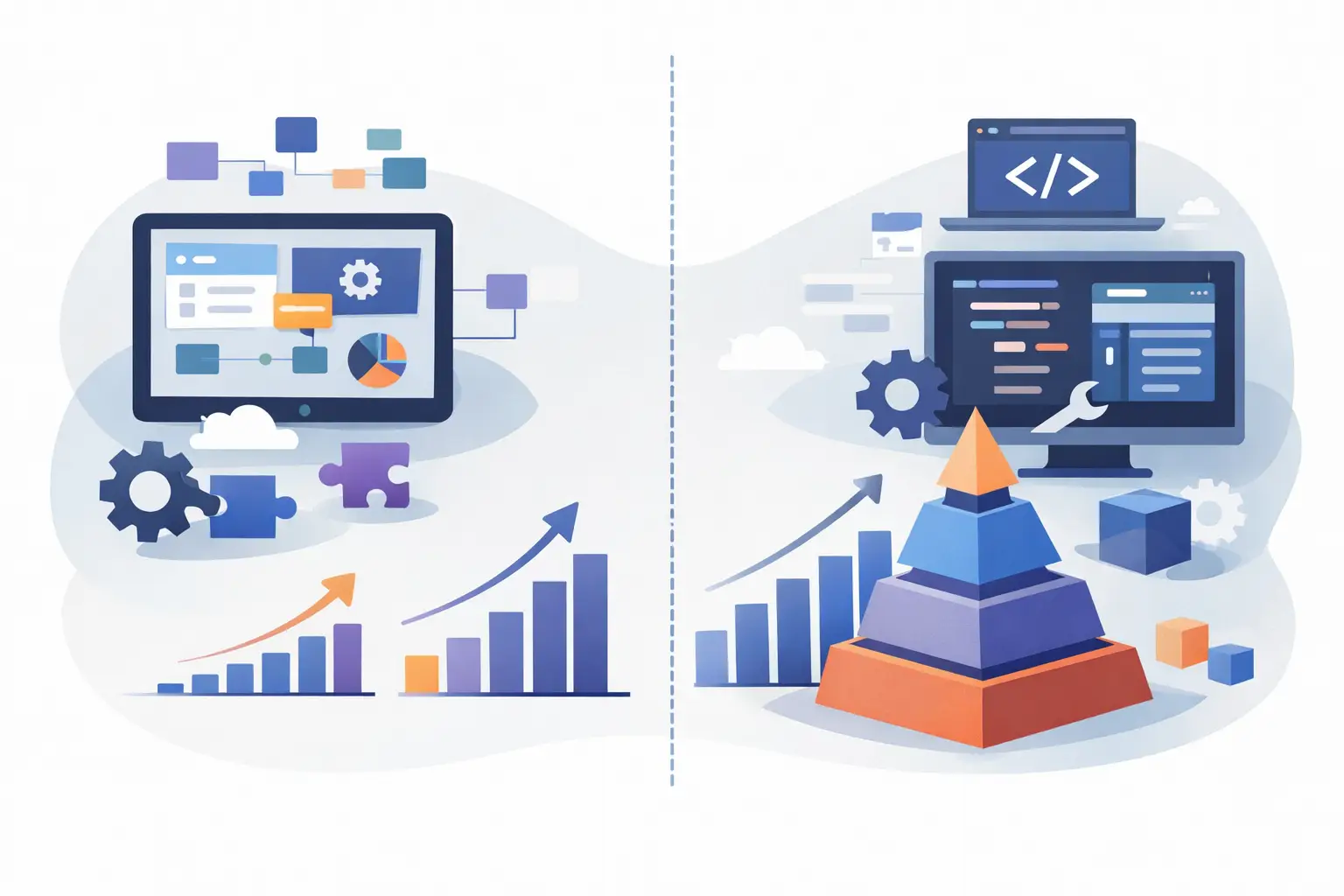
A workflow can look simple until it touches a CRM, an ERP, approval rules, customer documents, finance data, and an audit trail. That is where the low code vs custom software decision becomes more than a question of development speed. It becomes an architecture decision that affects operating cost, compliance, flexibility, and the ability to scale without creating a new layer of manual work.
Low-code platforms can deliver value quickly. Custom software can create control where generic tools stop short. The right choice depends on the process you are changing, the systems involved, and what failure would cost the business.
Low Code vs Custom Software: The Core Difference
Low-code development uses visual builders, prebuilt components, templates, and managed connectors to create applications or automate workflows with less hand-written code. Teams commonly use it for internal tools, forms, approval flows, reporting dashboards, and straightforward integrations.
Custom software is designed and developed around your specific business requirements. It can use any appropriate architecture, database model, interface, API, security pattern, and deployment approach. The application is built to fit the operating model rather than requiring the operating model to fit a platform.
Neither approach is automatically better. Low code is often the faster route for bounded, stable processes. Custom development is usually the stronger option when the workflow is a competitive differentiator, spans multiple systems, handles sensitive data, or needs to evolve without platform constraints.
The mistake is treating low code as “free speed” or custom software as “slow and expensive.” Both can become costly when the architecture does not match the real operational problem.
Where Low-Code Platforms Deliver Real Value
Low-code tools work well when the process is clearly defined and the platform already supports the required actions. A department may need an internal request portal, a structured approval workflow, or a dashboard that consolidates a few standard data sources. In these cases, a visual development environment can reduce delivery time and let business teams participate more directly in design.
They are particularly useful for validating a workflow before committing to a larger build. A growth-stage company might use a low-code prototype to test how account managers submit exceptions, route requests, and track decisions. If adoption is strong and the rules remain simple, the solution may be sufficient for the long term.
Low code can also be the right answer for temporary operational needs. During an acquisition, system migration, or process redesign, a lightweight application may bridge a gap while the organization defines its permanent architecture.
The advantage is not simply fewer lines of code. It is speed to a usable process when requirements are stable, integrations are standard, and the consequences of platform limitations are manageable.
The Limits Hidden Behind Fast Delivery
The first version of a low-code application can be delivered quickly. The harder question is what happens after the workflow becomes business-critical.
Many operational processes accumulate exceptions. Approval logic changes by region, customer tier, product line, or risk level. A form needs dynamic validation based on ERP data. A team wants a document classification model to extract information before creating a case. An audit team requires a complete decision history. What began as a straightforward workflow can turn into a collection of workarounds, custom scripts, disconnected automations, and platform-specific logic that few people can maintain confidently.
Integration is another common pressure point. Prebuilt connectors are useful, but they do not always support the API endpoints, error handling, data transformations, rate limits, permissions, or event-driven behavior a production workflow requires. Teams then move data through exports, scheduled jobs, or manual intervention. The automation exists, but it does not reliably reduce operational effort.
Security and governance can also narrow the low-code fit. Organizations working with financial information, health data, customer records, or regulated decisions need clear control over access, data residency, retention, encryption, auditability, and vendor risk. A platform may meet some requirements while making others harder to enforce or validate.
Finally, vendor dependency is a real business consideration. Licensing can rise with users, workflows, environments, or API volume. Platform changes can affect functionality. Moving away later may require rebuilding logic that is not portable. These are acceptable trade-offs when the platform delivers enough value. They should be evaluated intentionally rather than discovered after adoption.
When Custom Software Is the Better Investment
Custom software earns its cost when it removes a meaningful operational constraint. That often happens when a process crosses systems and teams, when data quality directly affects decisions, or when the workflow itself differentiates the business.
Consider underwriting, claims intake, complex order operations, B2B onboarding, support triage, or document-heavy back-office work. These processes may require custom rules, data normalization, role-based experiences, exception queues, integrations with internal systems, and detailed reporting. They may also benefit from AI features that classify documents, extract fields, summarize case histories, or route work to the right person.
Those capabilities should not sit beside the workflow as a disconnected experiment. They need to operate within clear permissions, defined data boundaries, human review points, and reliable system integrations. A custom application gives the organization control over that foundation.
Custom development is also appropriate when product strategy is involved. If customers, partners, or employees depend on a digital experience that needs to reflect your business model, generic components can create a generic experience. A tailored application can support differentiated pricing, account structures, service levels, workflows, and analytics without forcing those elements into a platform’s standard pattern.
This does not mean building every feature from scratch. Strong custom delivery uses proven frameworks, cloud services, APIs, and reusable components where they make sense. The goal is not maximum code. It is a maintainable system with the right degree of control.
Compare Total Cost, Not Initial Build Cost
A low-code project usually has a lower initial barrier. That matters, especially when a company needs to show progress quickly. But initial implementation cost is only one line in the business case.
The more useful comparison includes licensing, integration maintenance, internal administration, training, security reviews, performance limits, support effort, and the cost of manual exceptions that remain outside the workflow. It should also account for the revenue or efficiency impact of a process that cannot adapt fast enough.
Custom software generally requires more upfront planning and engineering. Discovery, architecture, UX, QA, deployment, and ongoing support all need to be funded. In return, the organization can avoid recurring constraints that become expensive at scale, such as per-user licensing, rigid data models, or duplicated data across tools.
A practical question for leadership is this: will this workflow still matter in three years? If the answer is no, optimize for speed and minimal commitment. If the answer is yes, estimate the cost of operating it on a platform that may not fully fit.
A Practical Decision Framework
Start with the process rather than the preferred technology. Map the current workflow from trigger to outcome. Identify every system involved, each manual decision, the exceptions, the data that must be retained, and the metrics that define success.
Low code is likely a good fit when the workflow is internal, standardized, low risk, and supported by native platform capabilities. It can also work when the organization needs a pilot to validate demand or adoption before investing further.
Custom software is likely the better fit when several conditions apply at once: the process is central to revenue or service delivery; it requires nonstandard business logic; it integrates deeply with core systems; it handles sensitive data; or it needs AI-assisted decisions with governance and human oversight.
There is also a third path: a hybrid architecture. A company may use a low-code platform for departmental interfaces or simple approvals while a custom backend manages core rules, data synchronization, AI services, and integrations. This approach can preserve delivery speed without placing critical logic inside a tool that was never designed to own it.
The key is to define ownership clearly. Decide where the source of truth lives, how errors are handled, who can change workflow logic, and how changes move through testing and production. Without those decisions, hybrid systems can become more fragmented than either option alone.
Build for Operations, Not Just the Demo
A successful implementation should be measured by what happens after launch. Can users complete work with fewer handoffs? Are exceptions visible instead of hidden in email? Does data move accurately between systems? Can leaders audit decisions and measure cycle time? Can the process accommodate the next policy change without a rebuild?
For AI-enabled workflows, the standard should be even higher. A useful AI feature needs secure access to the right business context, defined inputs and outputs, monitoring, fallback behavior, and review paths for uncertain results. Adding a chatbot to a low-code app may demonstrate capability. Connecting an AI agent to approved systems and a controlled workflow can create concrete automation.
At Invatechs, the implementation discussion begins with the operational constraint, then moves to architecture, integration, security, and measurable outcomes. The technology choice follows the work that needs to be done.
Choose low code when it shortens the path to a reliable result without compromising the future process. Choose custom software when the process deserves a system built around how your business actually operates. The most useful next step is not selecting a platform. It is identifying the workflow where better software would remove the most friction, risk, or repetitive work.