A customer application arrives through a web form, supporting documents land in email, a team member rekeys data into a CRM, and someone asks finance for a status update. None of those tasks is difficult on its own. Together, they create delays, errors, and an operating model that gets more expensive as volume grows. What is business workflow automation? It is the design of connected processes that move work, data, decisions, and notifications through the right systems with minimal manual intervention.
For operationally complex companies, automation is not simply about eliminating clicks. It is about making business processes predictable, observable, and scalable. A useful workflow knows where information originated, what rules apply, which team owns the next action, and when a human must make the final decision.
What Is Business Workflow Automation?
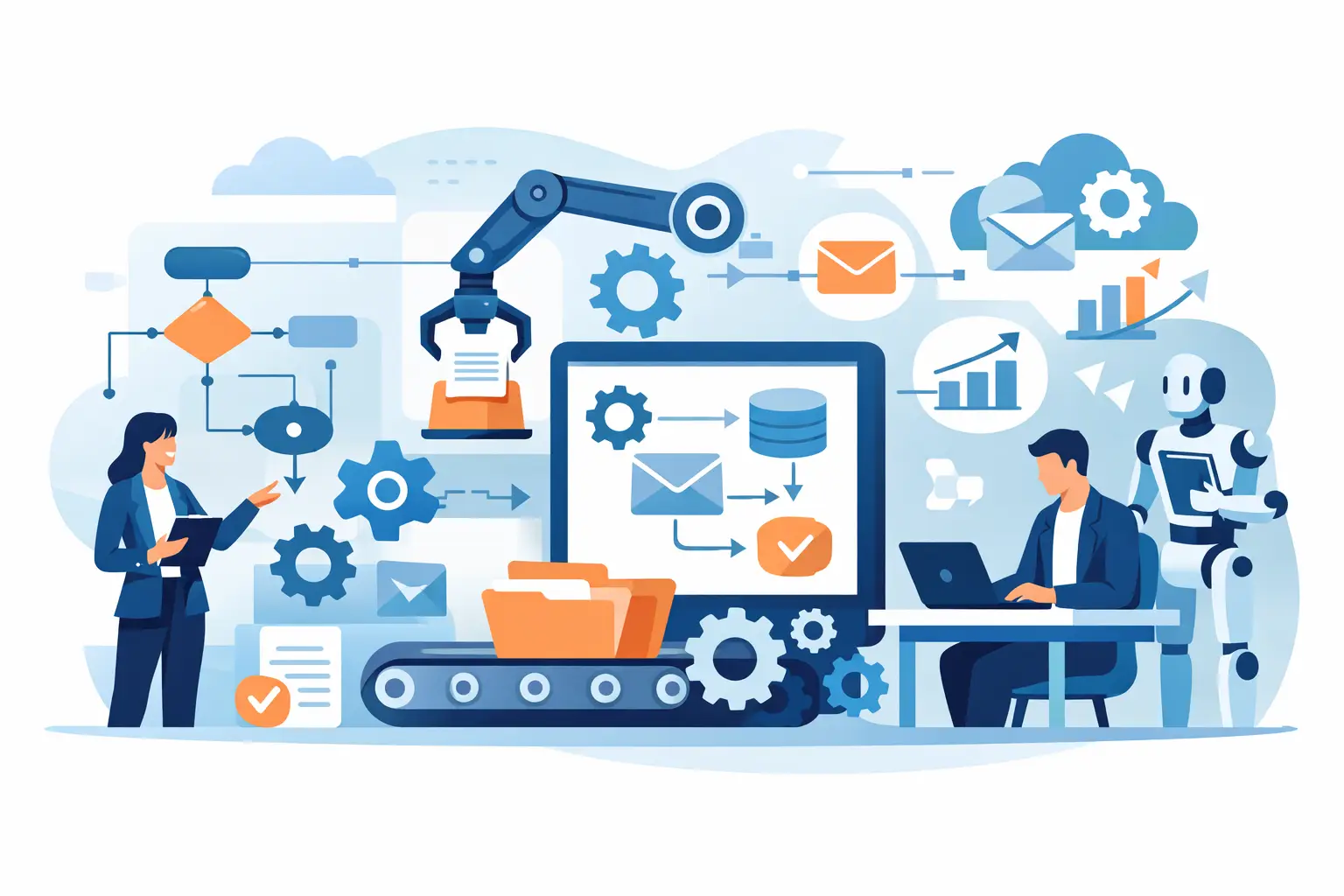
Business workflow automation uses software, integrations, rules, and sometimes AI to execute repeatable business processes. A workflow begins with a trigger, such as a new lead, an uploaded document, an invoice, a support request, or an account change. It then follows a defined path: validate the data, retrieve context from connected systems, assign a task, create or update records, request approval, notify stakeholders, and log the outcome.
The key distinction is that workflow automation coordinates work across systems. A single automated task might send a confirmation email. A business workflow can capture the form submission, enrich the company record, check eligibility, route the opportunity to the right sales team, create follow-up tasks, and flag exceptions for review.
This matters because most operating friction lives between applications, departments, and handoffs. Your CRM may hold customer information, your ERP may hold billing data, your support platform may show service history, and your document repository may contain contracts. If employees must repeatedly collect and reconcile that information, the process is not truly integrated.
The Building Blocks of an Automated Workflow
A production workflow is more than a visual flowchart. It requires clear operating rules and dependable system connections.
Triggers and inputs start the process. These can include API events, scheduled jobs, email attachments, completed forms, database updates, or messages from an internal platform. The trigger should be specific enough to prevent duplicate or irrelevant work.
Business logic determines what happens next. Rules may assess a customer tier, invoice amount, location, risk score, service-level agreement, or document type. This is where organizations translate internal policies into executable behavior.
Integrations connect the workflow to systems of record. APIs, secure connectors, webhooks, and data pipelines allow the workflow to read, write, and synchronize information without requiring users to copy it manually.
Human approvals and exception paths protect processes that should not be fully automated. A claims review, pricing exception, contract amendment, or high-value payment may require an authorized employee to approve the next step. Good automation routes those cases with the relevant context already assembled.
Monitoring and auditability make the process manageable after launch. Teams need visibility into completed runs, failures, bottlenecks, manual overrides, and turnaround times. In compliance-sensitive environments, they may also need an audit trail showing who approved a decision and what information was used.
Where AI Fits, and Where It Does Not
Traditional automation works best when the inputs are structured and the rules are stable. For example, if an invoice exceeds a defined threshold, route it for approval. If a prospect is assigned to a territory, create a CRM task for the correct representative.
AI expands what can be automated when the work involves unstructured content or judgment-based classification. An AI component can extract fields from documents, categorize incoming requests, summarize account history, draft responses, detect missing information, or retrieve policy guidance from an internal knowledge base. An LLM agent can also carry out bounded actions across approved systems, such as preparing a renewal brief or opening a support case with the correct details.
That does not mean AI should make every decision. AI outputs can be incomplete, inconsistent, or unsuitable for high-risk actions without controls. The right architecture applies confidence thresholds, validation rules, role-based permissions, and human review for material exceptions. A workflow should never treat a plausible AI response as verified business data by default.
The practical model is straightforward: use deterministic rules where rules are reliable, use AI where language or documents create friction, and keep accountable people in the approval loop where risk requires it.
Common Business Workflow Automation Use Cases
The best opportunities are usually high-volume processes with repetitive handoffs, fragmented data, and measurable delays. Sales operations can automate lead intake, enrichment, routing, qualification checks, follow-up tasks, and CRM updates. This reduces response time while giving sales teams cleaner records.
In finance, automation can collect invoices from multiple channels, extract data, validate it against purchase orders, route exceptions for approval, and update accounting systems. The goal is not to remove financial controls. It is to apply them consistently without forcing staff to chase routine information.
Support organizations can classify incoming requests, identify urgency, retrieve customer context, draft replies for agent approval, and escalate issues based on service commitments. The value comes from faster triage and fewer context switches, not from replacing every customer conversation with a bot.
Document-heavy operations can use workflows to intake files, identify document types, extract required fields, check completeness, and send missing-item requests automatically. Underwriting, onboarding, claims, compliance, and vendor management often benefit from this approach because their teams spend substantial time moving information before they can evaluate it.
Why Automation Projects Fail to Deliver
Many automation initiatives underperform because they begin with a tool instead of a process. Automating a poorly defined process simply moves confusion faster. If teams disagree about ownership, approval criteria, or the correct source of data, a new platform will not resolve the underlying issue.
Another problem is over-automation. Organizations sometimes remove human checkpoints from processes where exceptions are common or the cost of an error is high. The result can be incorrect payments, flawed customer communications, or decisions that cannot be adequately explained later.
Weak integration design creates a different kind of failure. A workflow may appear to work in a demo but break when API limits are reached, source data changes, credentials expire, or two systems update the same record at different times. Production automation needs error handling, retries, idempotency controls, alerting, and clear ownership for maintenance.
Security also deserves early attention. Workflows frequently move customer records, financial information, internal documents, and employee data. Access must be limited by role, credentials must be managed securely, and data retention requirements must be understood before systems are connected.
A Practical Path From Process to Production
Start with one process that is frequent, painful, and measurable. A useful candidate has a clear trigger, predictable inputs, known owners, and a baseline metric such as handling time, error rate, cost per transaction, or backlog volume. Avoid choosing a process solely because it sounds impressive to automate.
Next, map the current state in detail. Identify every system involved, every manual handoff, every decision point, and every exception. This work often exposes opportunities that are simpler than a full redesign, such as removing duplicate entry or automatically validating missing fields.
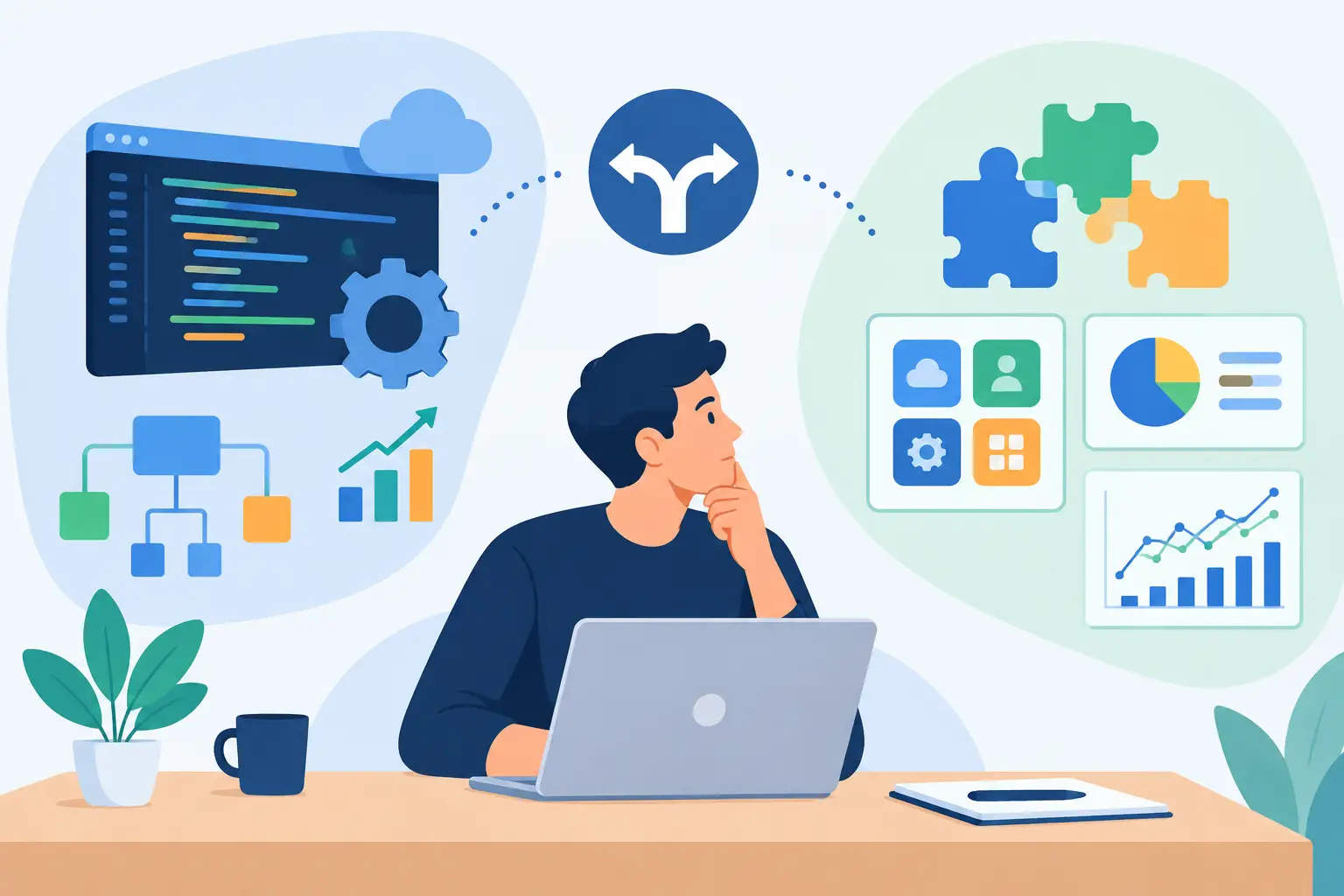
Then define the future-state workflow and its controls. Decide which steps are rule-based, where AI provides assistance, what confidence level is required for automated action, and when the workflow must pause for a person. Establish data ownership and define what should happen when a connected system is unavailable.
A focused pilot is usually the right next step. It tests the integration architecture, the quality of source data, and real user behavior before the organization expands scope. The pilot should have success criteria that executives and operational teams can both evaluate: fewer touches, faster cycle times, improved accuracy, or more capacity without adding headcount.
After deployment, automation becomes an operating asset, not a finished project. Review exceptions, monitor throughput, tune rules, evaluate AI performance, and maintain integrations as underlying systems evolve. Invatechs approaches this work as production software delivery: discovery and architecture first, then a controlled build, QA, deployment, and ongoing optimization.
Measuring the Business Value
The most credible automation business cases connect process changes to operating metrics. Time saved matters, but it is only one measure. Track cycle time from intake to resolution, first-response time, rework rates, exception volume, completion rates, and the percentage of work handled without manual data entry.
Also look at quality. A faster workflow that produces incorrect records or frustrates customers is not an improvement. For AI-assisted processes, measure extraction accuracy, classification quality, escalation rates, and the frequency of human corrections. These metrics reveal whether automation is reducing operational load or simply shifting it to review teams.
The right workflow is rarely the one with the most automation. It is the one that gets routine work out of capable people’s way, gives decision-makers better context, and leaves a traceable path for every important outcome. Start with the process your team repeats every day and cannot afford to get wrong.