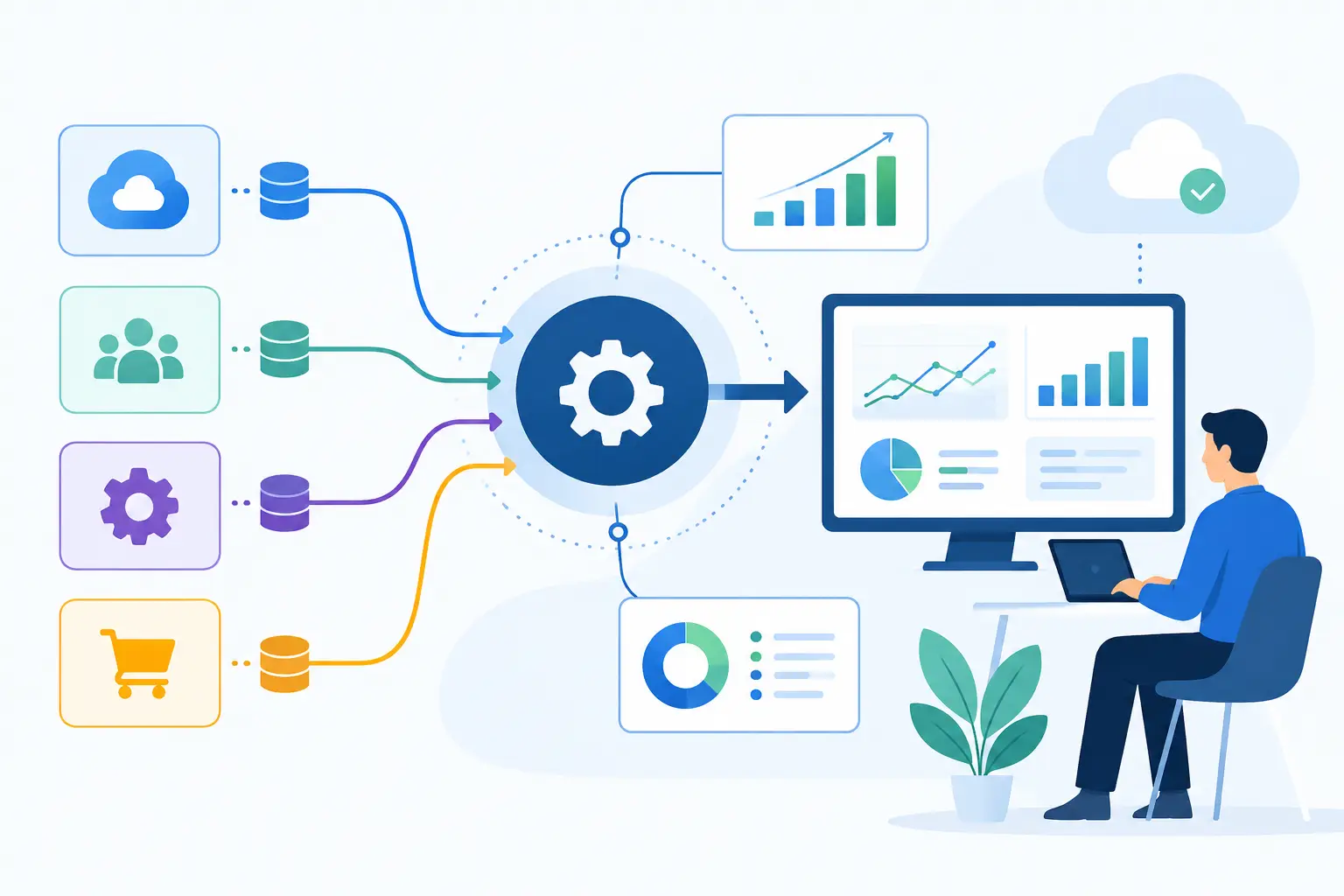
A customer application arrives by email, an operations specialist copies details into a CRM, then re-enters the same information in an ERP and a spreadsheet. By the time a manager reviews the record, the data may already be incomplete or outdated. Learning how to reduce data entry starts with treating this as an operating-model problem, not asking employees to type faster.
Manual entry consumes time, introduces avoidable errors, and makes growth expensive. It also creates risk in regulated or compliance-sensitive workflows, where a misplaced number, missed document field, or stale status can affect decisions downstream. The goal is not to remove human judgment from every process. The goal is to remove repetitive transcription so people can focus on exceptions, approvals, and customer outcomes.
Why manual data entry keeps returning
Most companies do not have one data-entry problem. They have a chain of them. A lead is collected through a web form, qualified in a CRM, quoted in a sales tool, converted into an order in an ERP, and referenced again in support or finance systems. Each handoff becomes a potential rekeying task when systems are disconnected or workflows were designed around email and spreadsheets.
The problem is often hidden because each individual task looks small. Two minutes to update a contact record. Five minutes to extract values from a PDF. Ten minutes to reconcile a spreadsheet. Multiplied across teams, volumes, and months, those tasks become a material operating cost.
Manual entry also persists because off-the-shelf automation tools frequently cover only the happy path. They may fail when documents vary in format, customers submit incomplete information, or a workflow needs approval logic and audit history. Reducing entry work requires a design that accounts for real operational variation.
How to reduce data entry at the source
The most effective approach is to map where information first enters the business, where it is duplicated, and which system should own each field. Automation added after a broken process can move bad data faster. Start by simplifying the flow.
Establish a system of record
For every critical data object - customer, order, claim, invoice, asset, employee, or case - define a primary system of record. That system should be the authoritative place for key fields, status changes, and history.
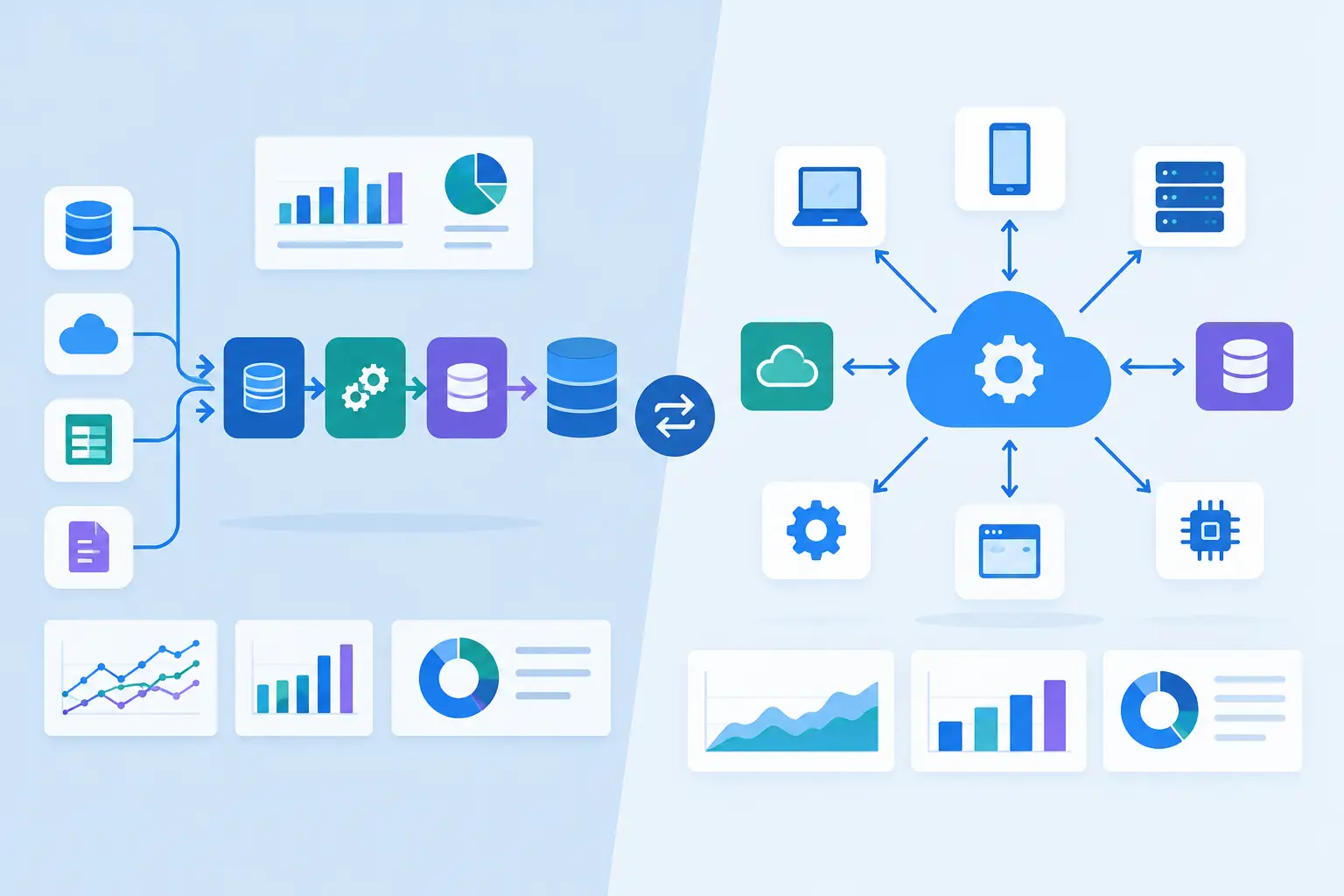
This does not mean every team must work in one application. It means integrations should synchronize data from a clear source rather than allowing multiple teams to maintain competing versions. When a sales rep changes a customer address in the CRM, the finance platform and support tools should receive that update automatically according to defined business rules.
Ownership matters as much as technology. Assign responsibility for field definitions, validation standards, and change approvals. Without governance, automation can reproduce inconsistent practices across more systems.
Replace free-form collection with structured intake
Email attachments and unstructured requests are common sources of manual work. Where possible, replace them with customer portals, guided forms, mobile workflows, or internal request applications that capture required data in a usable format.
A well-designed intake experience uses conditional questions, defaults, validation, and controlled selections. If a field is required for underwriting, fulfillment, or billing, collect it once and validate it before the request enters the workflow. This prevents an operations team from chasing missing details later.
Structured intake should not create friction just to improve internal data. Ask only for information needed at that stage. For complex processes, save progress and allow follow-up requests rather than forcing every customer through a long form upfront.
Connect systems instead of exporting and importing
CSV exports are often a sign that a business process has outgrown its tooling. Scheduled files may be acceptable for low-risk, low-volume reporting, but they are a weak foundation for time-sensitive operational workflows.
API integrations can create or update records across CRM, ERP, finance, support, inventory, and proprietary systems based on defined triggers. A completed form can open a case, create a customer record, route an approval, and notify the responsible team without anyone copying fields between screens.
Integration design needs more than field mapping. Production workflows must address duplicate detection, retries, error queues, rate limits, permissions, and monitoring. If an API call fails, the system should flag the exception, preserve context, and route it to the right person rather than silently losing a transaction.
Use document AI where documents are unavoidable
Not every workflow can begin with a structured form. Businesses receive purchase orders, invoices, insurance documents, bank statements, contracts, medical records, and other files created outside their control. In these cases, document AI can extract relevant fields and classify documents before a person reviews them.
The right design uses confidence thresholds. High-confidence extractions can move forward automatically when risk is low. Lower-confidence results should be presented to a reviewer with the source document and extracted values side by side. That model reduces typing while preserving accountability.
Document automation works best when it is connected directly to the destination workflow. Extracting invoice totals into a dashboard is useful, but creating a validated payable record, matching it against a purchase order, and sending exceptions for review produces a larger operational gain.
For compliance-sensitive environments, retain the original document, extraction results, reviewer edits, timestamps, and decision history. An AI feature without an audit trail may create more risk than value.
Apply AI to classification and routing, not just extraction
Many data-entry tasks begin with someone reading an email, determining what it means, and deciding where it belongs. AI can classify inbound requests, identify key entities, summarize relevant context, and route work to the appropriate queue.
For example, an operations team handling account changes can use AI to distinguish a routine update from a cancellation request, a billing issue, or a request requiring identity verification. The workflow can then create the appropriate case type, populate known details from connected systems, and ask a human to review only the decision points that require judgment.
This is where generic chat tools fall short. Effective automation requires secure access to approved business data, controlled actions, role-based permissions, and clear guardrails. An AI agent should not have broad authority to modify financial, customer, or compliance records without policy checks and human approval where needed.
Build controls before expanding automation
Speed is valuable only when the resulting data can be trusted. Before rolling out a wider automation program, define the controls that protect data quality and operational continuity.
A practical control model includes validation rules for critical fields, duplicate checks, approval thresholds, exception queues, and logs that show what changed and why. It should also specify which automation actions can run independently and which require human confirmation.
Security must be designed into connectors and workflows. Apply least-privilege access, protect sensitive data in transit and at rest, and separate development, testing, and production environments. For regulated businesses, review retention rules, consent requirements, and audit obligations before deploying AI features into live processes.
QA is equally essential. Test realistic scenarios, including incomplete forms, duplicate customers, malformed documents, rejected API calls, and unusual request types. The objective is not a polished demo. It is dependable behavior when operations are under pressure.
Prioritize the workflows with measurable return
Do not begin with the process that sounds most innovative. Start where manual volume, error cost, cycle time, and business impact intersect. Invoice processing, customer onboarding, claims intake, order management, support case creation, and compliance documentation are frequent candidates because they combine repetitive work with clear service-level expectations.
Baseline the current process before making changes. Measure volume, average handling time, rework rate, error rate, backlog, and the time required to move work between systems. After deployment, track the same measures along with automation completion rates and exception reasons.
A pilot should prove more than that an integration can run. It should show whether the workflow reduces effort without increasing review burden or creating hidden reconciliation work. If exceptions are common, their pattern often reveals the next improvement: a better intake form, a missing system connection, or a business rule that needs clarification.
Custom software becomes the right answer when the workflow spans several systems, requires unique approval logic, handles sensitive data, or is central to how the company serves customers. In those cases, a purpose-built application or AI-enabled workflow can provide more control than forcing operations into disconnected tools.
The best next step is usually a focused workflow assessment: trace one high-volume process from intake to completion, identify every manual touchpoint, and calculate what each one costs. That gives your team a concrete place to automate first - and a standard for deciding what should remain human.