A sales order is approved in the CRM, but finance re-enters it into the ERP. Support cannot see the latest account status. Operations exports a spreadsheet to reconcile two versions of the same record. These are not isolated productivity problems. They are signs that system integration is missing where the business actually runs.
For operationally complex companies, disconnected software creates more than frustration. It extends cycle times, introduces errors, weakens reporting, and forces skilled people to spend their day moving information instead of making decisions. The right integration approach turns separate platforms into an operating system for the business, with defined data flows, accountable controls, and automation that can scale.
What System Integration Actually Changes
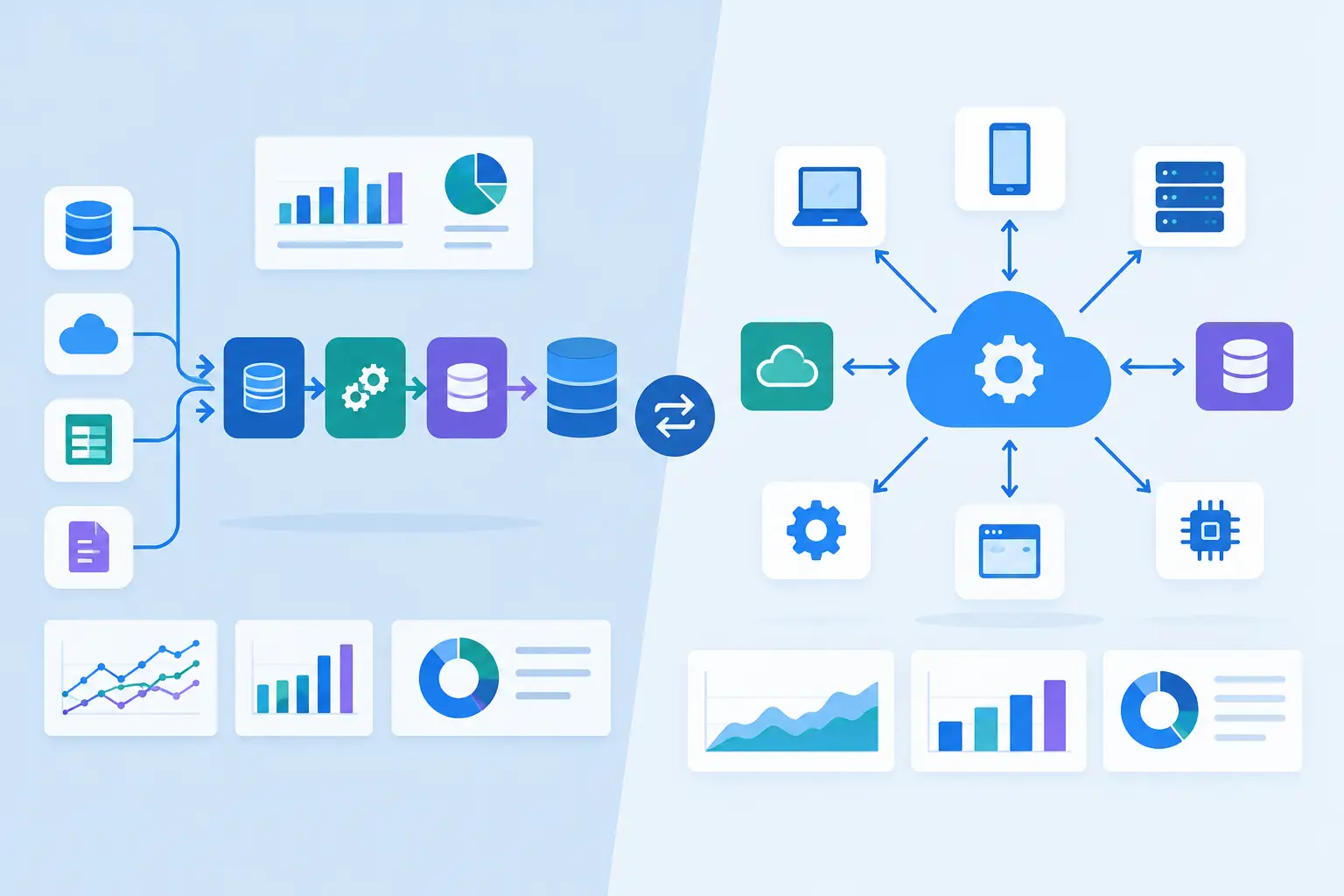
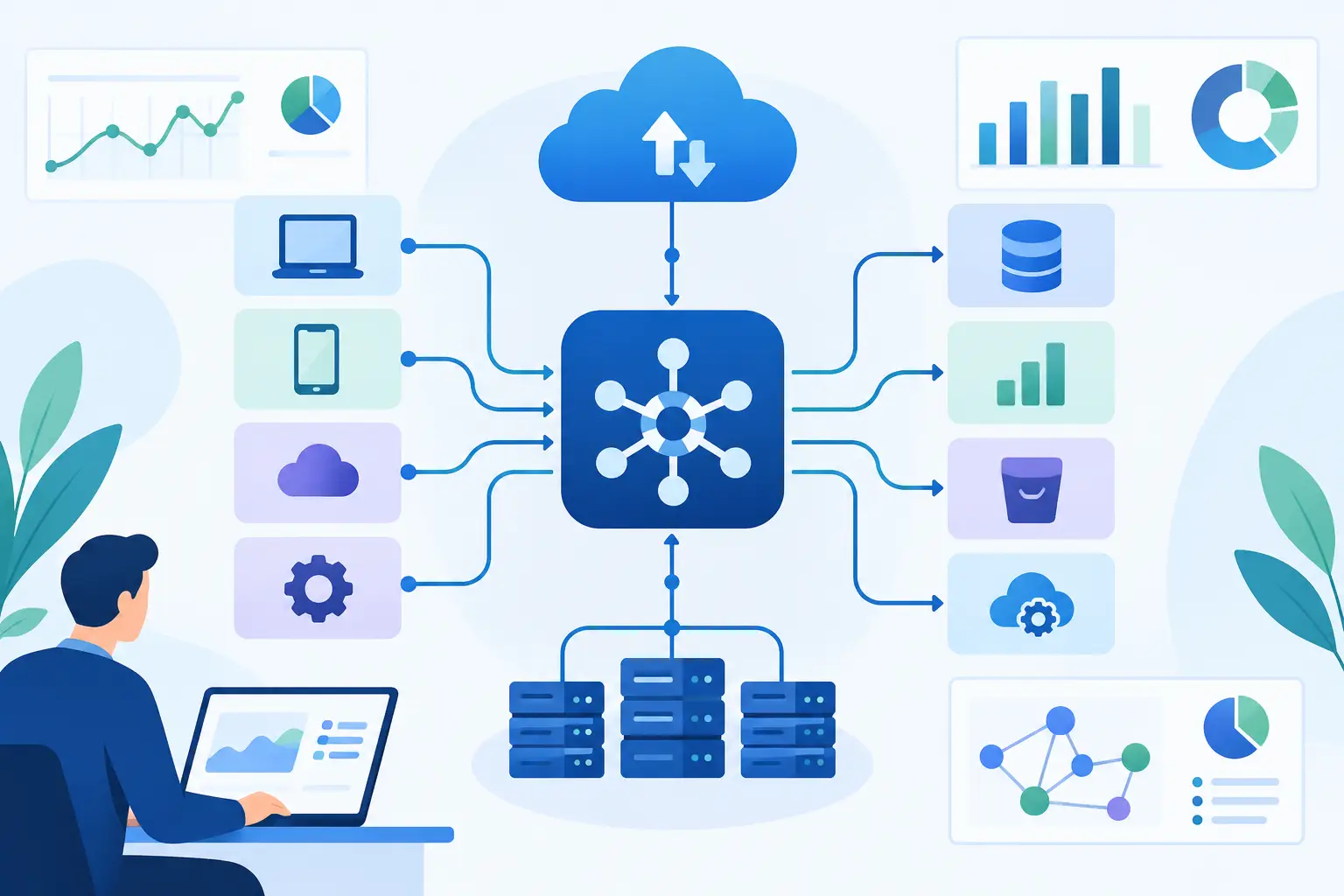
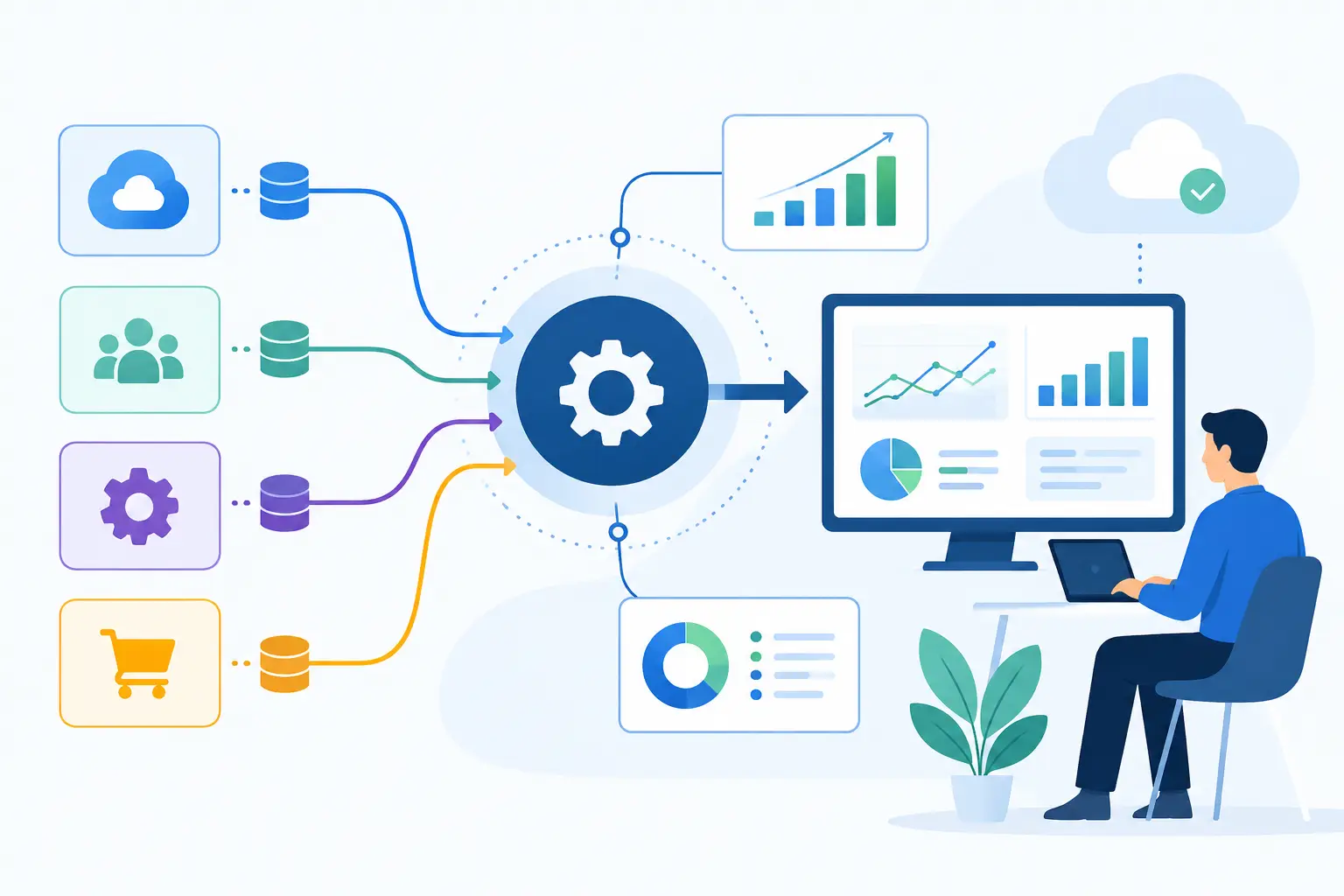
System integration is the engineering work of connecting applications, databases, services, and workflows so they exchange the right information at the right time. It can involve a CRM and ERP, a customer portal and payment processor, a support platform and internal knowledge base, or AI agents that need controlled access to business systems.
That definition sounds straightforward. The hard part is not simply making two APIs communicate. Production integration requires decisions about what data is authoritative, when records should synchronize, how conflicts are resolved, who can trigger actions, and what happens when a downstream service fails.
A useful integration should reduce the number of manual handoffs in a process without reducing visibility or control. For example, an approved quote may create an ERP order automatically, but only after validating customer data, inventory rules, tax requirements, and approval status. If validation fails, the workflow should route the exception to a person with enough context to fix it. Automation without exception handling only moves the bottleneck.
Start With Operational Friction, Not a List of Tools
Most integration projects should begin with a business process, not a software inventory. A company may use ten platforms, but only a few workflows create material cost, delay, or risk. Start by tracing one process from trigger to outcome: lead-to-cash, claims intake, onboarding, fulfillment, underwriting, contract review, or support escalation.
Look for repeated data entry, spreadsheet reconciliation, approval queues, delayed updates, and teams that cannot trust a dashboard without checking the source systems. These are practical signals that an integration opportunity exists.
The strongest initial candidates tend to have three characteristics. They occur frequently, follow enough rules to automate safely, and produce a measurable business result. A workflow that saves five minutes once a quarter is rarely the right place to begin. A workflow that consumes five minutes across hundreds of transactions each week may justify careful engineering.
This approach also keeps scope under control. Rather than commissioning a broad "digital transformation" initiative, a business can target a defined workflow, establish a baseline, and prove value before expanding.
Integration Architecture Determines Future Cost
There is no single best architecture for every company. The right model depends on transaction volume, security needs, available APIs, data complexity, and how quickly the workflow is likely to change.
Point-to-point integrations can be effective when a business needs one stable connection between two systems. They are fast to deliver and easy to understand at small scale. The trade-off appears when each new application requires more direct connections. Over time, the organization can end up with a brittle web of dependencies that is difficult to test or modify.
An integration platform can centralize common connectors, transformations, and monitoring. This can speed up delivery for standard SaaS workflows, particularly when technical teams need business users to manage selected automations. However, platform limits, licensing costs, and complex edge cases can become constraints when workflows carry sensitive data or require specialized logic.
Custom API integrations provide more control. They are often the better fit for proprietary applications, high-volume transaction processing, compliance-sensitive workflows, or product features that depend on real-time data. They require disciplined engineering: versioned APIs, secure credential management, retry policies, audit logs, observability, and automated testing.
Event-driven patterns are valuable when multiple systems must react to a business change. Instead of one application repeatedly asking whether something changed, an event such as “payment received” or “case approved” can trigger downstream work. This improves responsiveness, but it also requires clear event contracts and idempotent processing so duplicate events do not create duplicate transactions.
The key question is not which architecture sounds most advanced. It is whether the design can support the workflow's current requirements while remaining understandable, supportable, and secure as the business changes.
System Integration Is the Foundation for Useful AI
AI features cannot compensate for fragmented operational data. An LLM agent that can draft a response but cannot retrieve current account information, follow approval rules, or write an approved update back to the correct system has limited business value.
Effective AI implementation depends on system integration because the model needs governed access to the context and actions that matter. A support agent may need to read a customer's contract, open ticket history, product usage, and billing status before proposing a response. An operations agent may need to classify an incoming document, extract fields, validate them against an ERP, and route exceptions for review.
That does not mean giving a model unrestricted access to production systems. AI workflows should be designed with permission boundaries, scoped connectors, action approvals, and complete logs. High-impact actions such as issuing refunds, changing payment terms, or approving a regulated decision should include deterministic rules and, where appropriate, human authorization.
The practical goal is concrete automation, not generic AI hype. AI can interpret unstructured documents, summarize cases, classify requests, and generate drafts. Integration connects those capabilities to the systems of record and the operating controls that make the results usable.
A Delivery Process That Limits Risk
Integration work succeeds when it is treated as a product and operations initiative, not a one-time wiring exercise. The first phase should establish process ownership, define success metrics, identify systems of record, and document the data and compliance requirements.
Discovery and Architecture
Teams map the current workflow, identify failure points, review available APIs and data quality, and select an architecture that fits the use case. This phase should surface hard constraints early, including rate limits, vendor restrictions, retention requirements, and legacy system dependencies. A clear architecture decision prevents expensive redesign later.
Pilot the Critical Path
A pilot should cover a meaningful segment of the workflow, including at least one realistic exception. Happy-path demonstrations are useful for stakeholder alignment but do not prove operational readiness. The pilot should validate data mapping, business rules, user experience, security controls, and recovery procedures.
Production Deployment and Support
Before release, integrations need QA across normal cases, edge cases, failed calls, duplicate events, and partial updates. Production deployment should include monitoring, alerting, access controls, documentation, and a defined ownership model. Invatechs applies this delivery discipline to custom software and AI integrations because an automation that cannot be observed or maintained becomes another operational liability.
Ongoing support matters because systems change. APIs are updated, internal processes evolve, new fields are introduced, and business rules shift. The integration should be treated as a maintained capability with change management, not an invisible dependency left to fail quietly.
Measure the Result, Not the Connection Count
A completed integration is not the outcome. The outcome is a measurable improvement in how the business operates. The right metric depends on the workflow: order processing time, first-response time, document turnaround, error rate, cost per case, revenue leakage, or time spent on reconciliation.
It is also useful to measure exception rates and manual intervention. A lower manual workload is valuable only if the remaining exceptions can be resolved efficiently. If automation shifts problems into an unmanageable queue, the design needs adjustment.
Data quality should be tracked as well. When teams can rely on shared customer, financial, or operational data, reporting improves and decisions move faster. That benefit is often less visible than a direct labor saving, but it can be just as significant for growing companies.
The Mistakes That Create Fragile Integrations
The most common failure is automating a broken process without clarifying ownership or rules. If two departments use different definitions of an “active customer,” connecting their systems will spread inconsistency faster.
Another mistake is treating data mapping as a technical detail. Field names may look similar while meaning different things. A “close date” may represent an estimated milestone in one platform and a contractual commitment in another. These distinctions need business validation, not assumptions.
Security shortcuts are equally costly. Credentials embedded in scripts, overly broad service accounts, and missing audit trails may accelerate a prototype, but they introduce risk that becomes harder to correct after adoption. Compliance-sensitive workflows need access controls and traceability from the start.
Finally, avoid building integrations that only one developer can understand. Clear documentation, standard interfaces, automated tests, and operational dashboards are not extras. They are what allow the business to change without rebuilding its foundations.
A well-designed integration does more than connect software. It gives teams a dependable path from information to action, with less manual effort and more control. Start with the workflow where friction is most expensive, define what better looks like, and build the connection as a capability the business can trust.