A CRM that does not know the current ERP status. A support team copying data between systems. An AI agent allowed to act on stale or incomplete records. These are not isolated tool problems. They are architecture problems. This software integration architecture guide explains how to design connections that support reliable operations now and growth later.
For operationally complex companies, integration is not simply about moving a record from one platform to another. It defines where business truth lives, how systems communicate, who can access sensitive data, and what happens when an external API fails. The right architecture turns fragmented software into an operating model. The wrong one creates hidden manual work, data discrepancies, and expensive rework.
Start With Business Flows, Not APIs
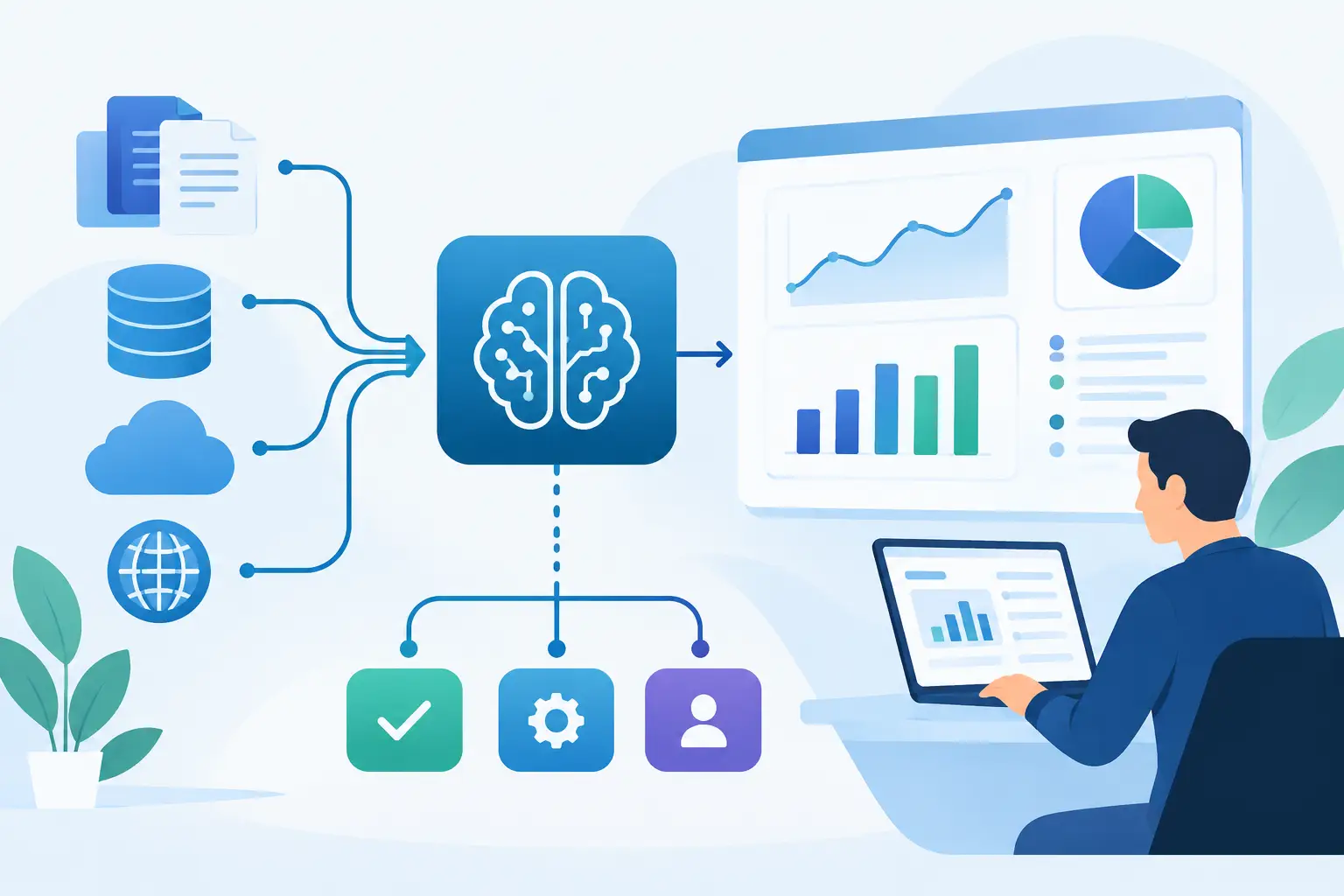
An API inventory is necessary, but it is not the starting point. Begin with the operational flow that needs to improve. For example, a lead may enter through a web form, be enriched by a third-party service, create a CRM opportunity, trigger an underwriting review, generate documents, and notify a sales representative. Each stage has a system owner, a data owner, a timing requirement, and a failure mode.
Map that flow before selecting middleware or writing connectors. Identify the event that starts the process, the systems involved, the data exchanged, the decision points, and the person or process responsible for exceptions. This reveals whether an integration needs to be real-time, near-real-time, or scheduled. It also prevents a common mistake: synchronizing every available field simply because it is technically possible.
A useful architecture focuses on business-critical data. Customer identity, account status, order state, approvals, and financial records usually require clear ownership and carefully controlled updates. Low-value reporting fields may be better handled in a warehouse or scheduled export. The appropriate approach depends on the cost of delay and the consequences of incorrect information.
Define a Source of Truth for Every Core Record
Most integration failures are data ownership failures in disguise. When both a CRM and an ERP can update customer addresses, account status, or billing terms without rules, conflicts are inevitable. Teams then spend time asking which record is correct rather than serving customers or processing work.
Assign a system of record for each core entity. The ERP may own invoices and payment status. The CRM may own sales activity and pipeline data. A product platform may own user permissions and usage events. Other systems can consume or display that information, but updates should follow defined authority rules.
This does not mean every integration is one-way. Some processes require controlled bidirectional synchronization. In that case, establish field-level ownership, conflict resolution rules, and timestamps or version identifiers. If two systems submit changes at the same time, the architecture must specify whether one system wins, whether a manual review is created, or whether the update is rejected.
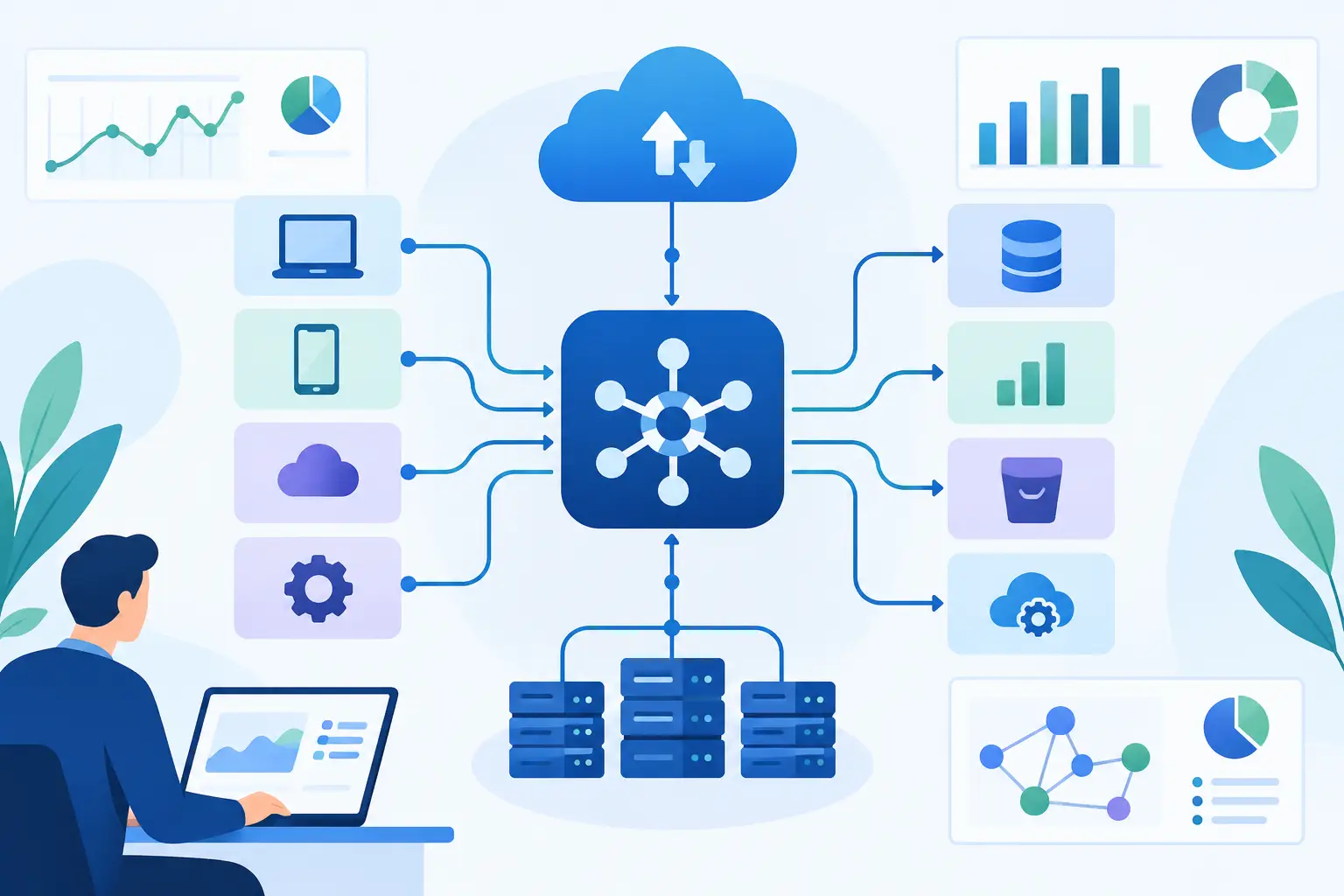
A canonical data model can help when many systems exchange the same entities. Instead of making each application understand every other application's format, integrations translate data to a shared internal representation. This reduces point-to-point complexity, although it adds design and governance work. It is most valuable when the business has several core platforms, frequent integrations, or plans to replace tools over time.
Choose the Right Integration Pattern
There is no universal best architecture. The correct pattern depends on process criticality, volume, latency needs, API limits, security requirements, and the maturity of the systems being connected.
Direct API integrations
A direct API connection works well for a focused, stable workflow between two applications. For example, a custom customer portal may retrieve order status from an ERP through a secured API. Direct integrations are fast to implement and easy to understand at small scale.
The trade-off is coupling. If the ERP changes its API, the portal integration may require immediate changes. As more systems connect directly, maintenance increases and business logic becomes scattered across applications.
Event-driven architecture
Event-driven integration publishes meaningful business events such as `order.created`, `claim.approved`, or `invoice.paid`. Other services subscribe and respond independently. This pattern supports scalability because systems do not need to wait for each downstream activity to finish.
It is particularly effective for high-volume operations and workflows with multiple consumers. An approved application, for instance, might update the CRM, initiate document generation, create a finance record, and notify a customer. The architecture must account for duplicate events, out-of-order delivery, and retry behavior. Events should be designed as durable business facts, not vague technical messages.
Orchestration and workflow services
An orchestration layer is appropriate when a process spans several systems and includes decisions, approvals, retries, or human review. It can coordinate steps, preserve a process audit trail, and prevent every individual application from carrying workflow logic it does not own.
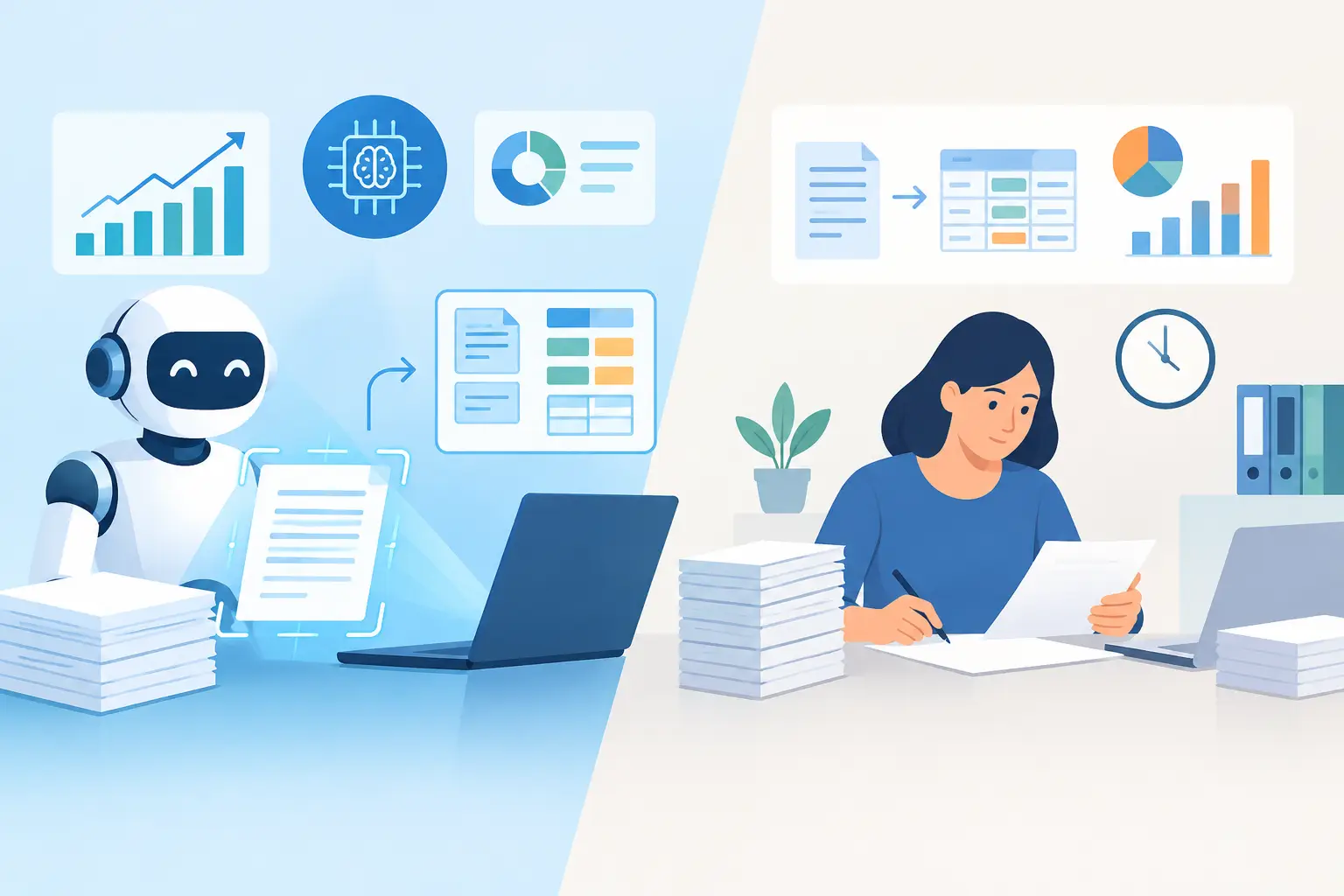
This is often the right place to embed AI-assisted workflows. An LLM can classify inbound documents, extract information, draft a response, or recommend a next action. But the orchestration layer should validate outputs, enforce approval gates, and write final actions to the designated business system. AI should operate within controlled workflows, not bypass them.
Scheduled batch processing
Batch integration is still a practical choice for reporting, reconciliation, large historical migrations, and processes where a delay of several hours has little business impact. It is usually less expensive to operate than real-time synchronization.
The limitation is visibility. A nightly job cannot support a customer who expects an immediate status change. Batch jobs need run logs, reconciliation checks, and clear processes for partial failures so teams can identify missed or duplicated records.
Build Security Into the Integration Layer
Integrations expand the attack surface because they move data across systems, vendors, environments, and user roles. Security cannot be treated as a final QA task.
Use least-privilege service accounts. Each connector should have only the permissions required for its defined function, not broad administrative access. Store credentials in a secure secrets manager, rotate them on a schedule, and avoid embedding keys in code, spreadsheets, or workflow configuration files.
Protect data in transit and at rest, then decide what data should not move at all. Personally identifiable information, financial data, health-related information, and confidential documents may require masking, tokenization, regional storage controls, or reduced retention. If an AI feature processes sensitive records, define what data the model receives, what it can retrieve, what it can write back, and how its activity is logged.
Compliance-sensitive businesses also need traceability. An effective architecture records who or what initiated an action, which source data was used, what transformation occurred, and whether a human approved the result. That record supports investigations, audits, and operational troubleshooting.
Design for Failure Before Production
External APIs time out. Rate limits are reached. Webhooks arrive twice. A downstream system is unavailable during a critical transaction. Production-grade integration architecture assumes these conditions will occur.
Every important workflow needs explicit error handling. Use timeouts so calls do not hang indefinitely. Retry temporary failures with backoff rather than repeatedly sending the same request. Send unrecoverable items to a review queue with enough context for an operator to resolve them. Idempotency is essential: repeating a request should not create duplicate invoices, tickets, or payments.
Monitoring should be tied to business outcomes, not only technical uptime. A connector can be online while silently failing to create orders. Track success rates, processing latency, queue depth, failed records, and reconciliation differences between systems. Alert the team when thresholds indicate a real operational risk.
Testing must include unhappy paths. Validate malformed payloads, expired credentials, duplicate events, missing required fields, interrupted workflows, and permission failures. For critical integrations, test recovery procedures as seriously as the initial deployment.
Use AI as a Controlled Participant
AI creates value when it is connected to actual work: document intake, support triage, case routing, knowledge retrieval, record enrichment, and next-best-action recommendations. Its usefulness depends on the surrounding architecture.
A production AI workflow needs governed access to source systems, structured inputs, clear tool permissions, and validation before consequential actions occur. An agent that can search a knowledge base may need different controls than an agent permitted to update a CRM or initiate a payment workflow. High-impact actions should use confidence thresholds, policy checks, and human approval where appropriate.
MCP servers and purpose-built connectors can give AI systems controlled access to business tools. The design objective is not to provide unrestricted access. It is to expose the smallest reliable set of actions needed to complete a defined process. That approach limits risk and makes performance easier to measure.
Deliver in Increments That Prove Value
A large integration program should not begin with a company-wide rebuild. Start with a high-friction workflow that has clear baseline metrics, such as manual handling time, error rate, processing backlog, or response time. Build a pilot that reaches production standards for security, observability, and QA, even if its scope is narrow.
Once the workflow performs reliably, extend the architecture through reusable connectors, shared authentication patterns, common data contracts, and monitoring standards. This creates a platform rather than a series of isolated automations. Invatechs applies this delivery discipline to connect custom software, AI capabilities, and core business systems without treating production deployment as an afterthought.
The most valuable integration architecture is rarely the most complicated one. It is the one that gives teams trustworthy data, removes a measurable operational constraint, and can absorb the next system change without forcing the business back into spreadsheets.