A promising AI demo can be built in days. A production system that reads from the right data, acts within defined permissions, survives edge cases, and improves a real operational metric takes deliberate engineering. An AI implementation roadmap provides the path between those two very different outcomes.
For mid-market companies, the objective is not to add AI to a slide deck or deploy a generic chatbot. It is to remove friction from costly workflows: document review, support triage, internal knowledge retrieval, sales operations, underwriting, claims, finance reconciliation, and other work that depends on fragmented systems and human handoffs.
The roadmap must therefore connect business priorities to architecture, integration, governance, testing, and adoption. Skipping one of those layers may accelerate a pilot, but it usually creates rework before scale.
Start the AI implementation roadmap with workflow economics
The strongest use cases are not necessarily the most visible ones. They are the processes where work is frequent, rules are understood, inputs are available, and the cost of delay or inconsistency is measurable.
Start with a workflow inventory rather than a model selection exercise. Interview the people who perform the work, the managers accountable for outcomes, and the system owners who control the underlying data. Map where requests enter, what decisions are made, which systems are touched, where exceptions occur, and when a human must approve an action.
Then quantify the baseline. Useful measures include cycle time, cost per transaction, manual touches, backlog volume, error rate, first-response time, escalation rate, and revenue leakage. Without a baseline, an AI project can appear active while delivering no provable operational improvement.
A good initial use case has a clear owner and a narrow business outcome. For example, an operations team may want to reduce the time needed to classify and route incoming documents. That is more actionable than a broad request to "use AI for operations." The former identifies a workflow, a source of data, a decision point, and a measurable target.
Prioritize use cases through three lenses: value, feasibility, and risk. High-value work with accessible data and manageable consequences is usually the right place to begin. A compliance-sensitive workflow can still be a strong candidate, but it may require retrieval controls, mandatory review, audit logs, and more conservative release gates.
Build the foundations before building the assistant
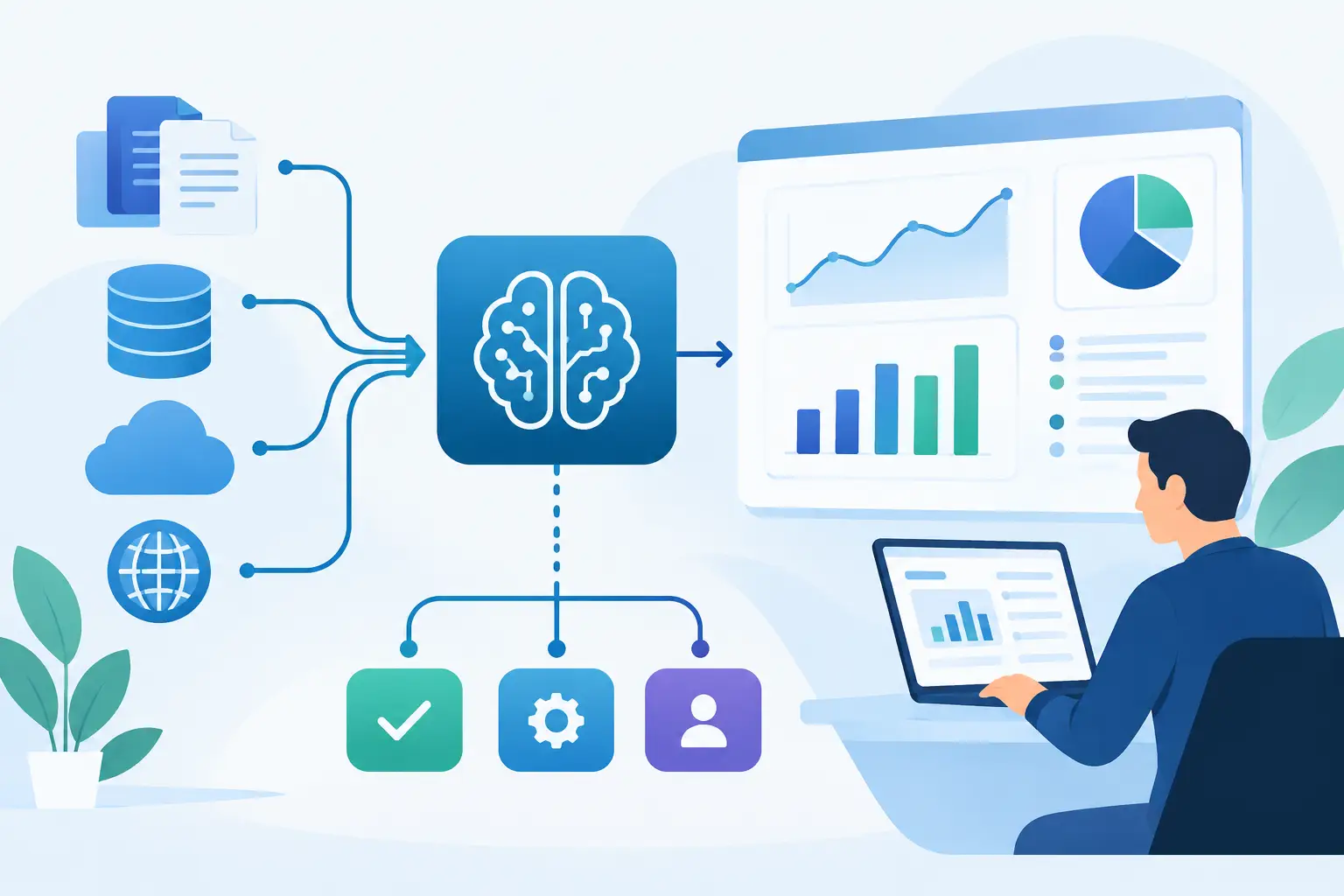
AI applications are often described as models. In production, they are systems. The model is only one component among connectors, data pipelines, identity controls, application logic, observability, evaluation, and user experience.
Establish the system and data boundary
Define exactly what the solution can read, write, recommend, and execute. An internal support agent may retrieve approved policy documents and create a draft ticket response, but it should not change customer account data without the right authorization and approval path.
This distinction matters because AI output is probabilistic while business systems require explicit controls. Use least-privilege access, role-based permissions, encrypted credentials, and approved connectors to CRMs, ERPs, ticketing platforms, finance tools, and knowledge bases. Keep sensitive data out of prompts when it is not required for the task.
Data quality deserves the same attention as model capability. If a knowledge base contains duplicate policies, stale documents, or conflicting account records, the application will surface those weaknesses at speed. Identify authoritative sources, ownership rules, retention requirements, and update processes before relying on that data for customer-facing or operational decisions.
Choose the right implementation pattern
Not every problem needs an autonomous agent. In many cases, a retrieval-based assistant, classification service, extraction pipeline, or human-in-the-loop copilot is safer and less expensive.
Use a deterministic workflow when rules are stable and the required output is structured. Add AI where interpretation is needed, such as reading an unstructured document, identifying intent, summarizing a case history, or drafting a response. Reserve agentic behavior for work that genuinely requires planning across multiple tools, and constrain it with tool permissions, action limits, and approval checkpoints.
The trade-off is straightforward. More autonomy can reduce manual effort, but it also expands the testing surface and the consequences of failure. For processes involving payments, legal commitments, pricing, or regulated decisions, recommendations and draft actions may be the appropriate first production release.
Define governance as a delivery requirement
Governance should not arrive after the pilot. Define who owns the business outcome, who approves changes, who can access system logs, and what happens when the application is uncertain or wrong.
Create an evaluation set from real, representative cases. Include normal inputs, incomplete records, ambiguous requests, adversarial prompts, and known edge cases. Set acceptance thresholds that reflect the workflow. A document extraction tool may need field-level accuracy targets. A support copilot may need grounded answers, correct citations to internal sources, and an escalation rate below a defined limit.
Logging is essential. Teams need visibility into source retrieval, model responses, tool calls, errors, latency, and human overrides. This supports compliance review, incident analysis, and continuous improvement without relying on anecdotes.
Deliver in stages, with production criteria at each gate
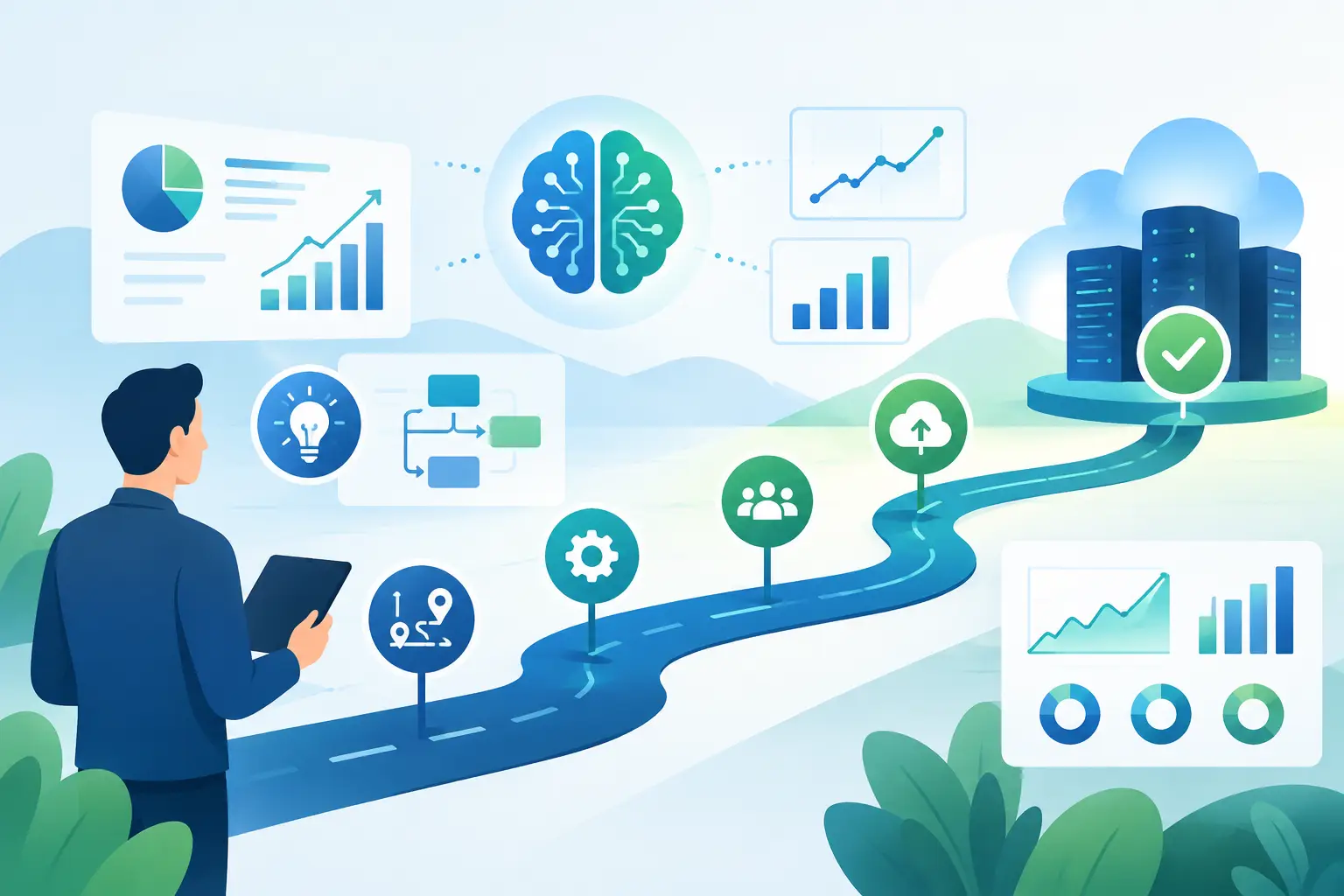
A practical AI implementation roadmap uses progressive commitment. It moves quickly, but it does not treat a prototype as proof that an enterprise workflow is ready for deployment.
Discovery and architecture
The first stage aligns the use case, baseline metrics, systems involved, data classifications, user roles, and constraints. The output should be an implementation design, not a vague innovation brief. It should specify integrations, workflow states, security controls, evaluation methods, success measures, and a clear owner on the business side.
This is also the moment to identify dependencies. If an application needs reliable customer data from three systems that do not agree, the integration and data-resolution work may be more important than prompt design.
Pilot with real workflow data
A pilot should test the hardest meaningful part of the process with controlled users and representative data. It should connect to the systems that matter, even if access is limited to a sandbox or read-only environment.
Avoid measuring a pilot solely by user enthusiasm. Measure accuracy, handling time, completion rate, failure modes, cost per task, and user correction behavior. If users repeatedly rewrite generated outputs, the issue may be missing context, poor retrieval, unclear instructions, or a workflow that requires more structured logic.
A pilot can fail productively. Discovering that a use case depends on unavailable data or requires human judgment in 40 percent of cases is valuable. It prevents a larger investment in the wrong automation target.
Production deployment
Production readiness requires more than an acceptable demo. The system needs authentication, access controls, error handling, retry logic, monitoring, rate-limit management, versioning, and a support process. It also needs defined behavior for model outages, connector failures, unavailable source data, and low-confidence results.
Deploy in controlled increments. Start with a user group, business unit, document type, or workflow segment where performance can be observed closely. Maintain a rollback plan. Where the system takes actions, use approval queues or limited permissions until operational evidence supports broader automation.
Optimization and scale
After deployment, review business metrics alongside technical metrics. Lower latency is useful, but a faster system is not automatically a better one. The primary question is whether the workflow is producing better outcomes: shorter cycle times, fewer errors, improved service levels, or increased capacity without proportional headcount growth.
Use production feedback to improve retrieval sources, refine prompts, adjust routing logic, expand evaluation data, and identify adjacent workflows. Scale should follow demonstrated value, not executive pressure to deploy AI everywhere.
Plan for the work teams underestimate
Most implementation risk sits outside the model. Integration complexity, inconsistent data, weak change management, and unclear accountability regularly delay AI initiatives.
Users need to understand what the system does, when they should trust it, and when they must intervene. Managers need new operating procedures for exceptions and review queues. Technical teams need ownership for connectors, security updates, and model changes. If those responsibilities are not explicit, an otherwise capable tool becomes another isolated application.
Cost management also matters. Model usage, retrieval volume, document processing, infrastructure, and monitoring should be visible by workflow. The right architecture depends on volume and risk. A low-volume internal assistant may justify a flexible implementation, while a high-volume customer process may require caching, smaller models for routine tasks, and stricter orchestration.
The most useful next step is to select one workflow where the pain is visible, the owner is accountable, and the result can be measured within a defined period. Build the controls around that workflow, prove the operational gain, and let the evidence determine what earns the right to scale.