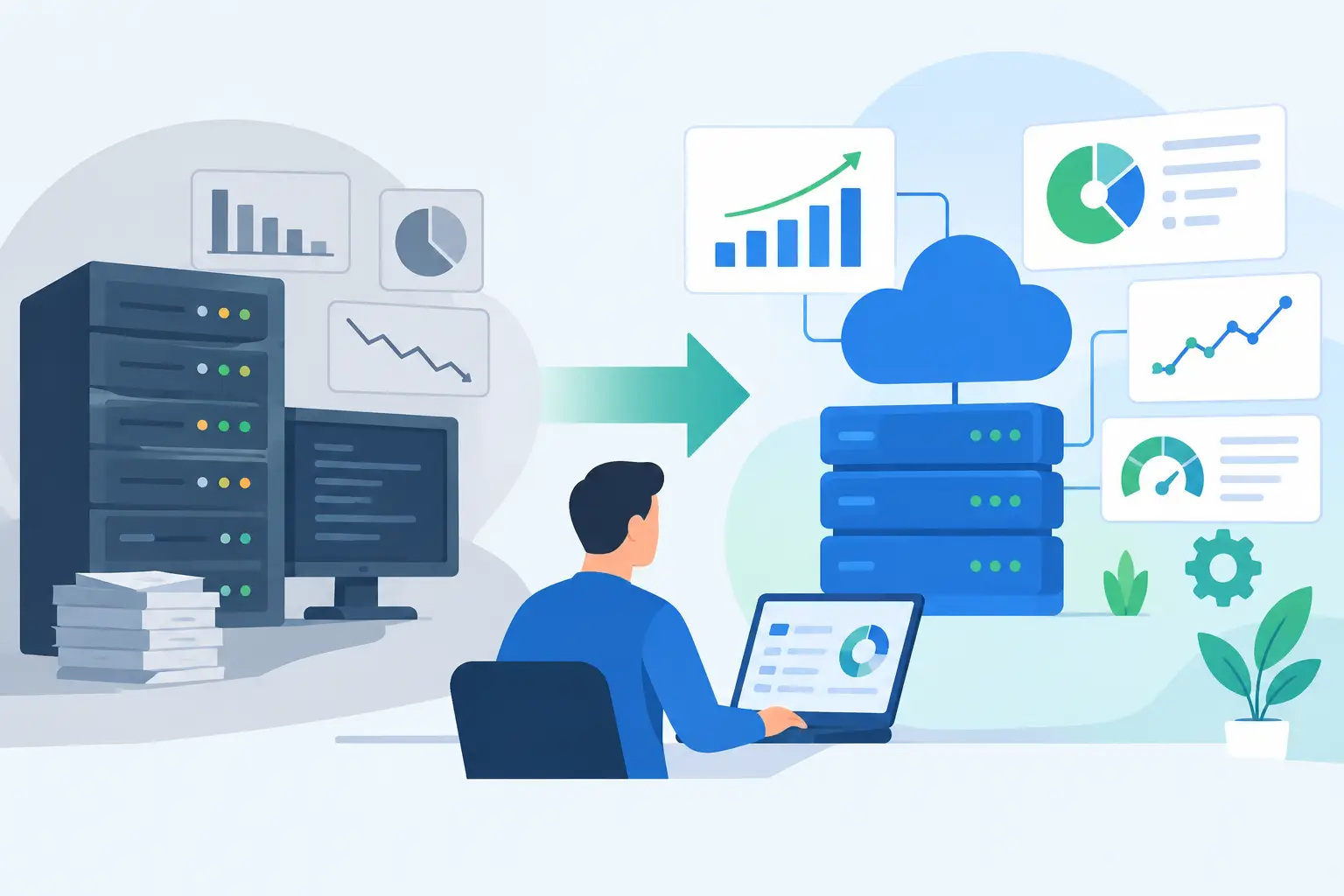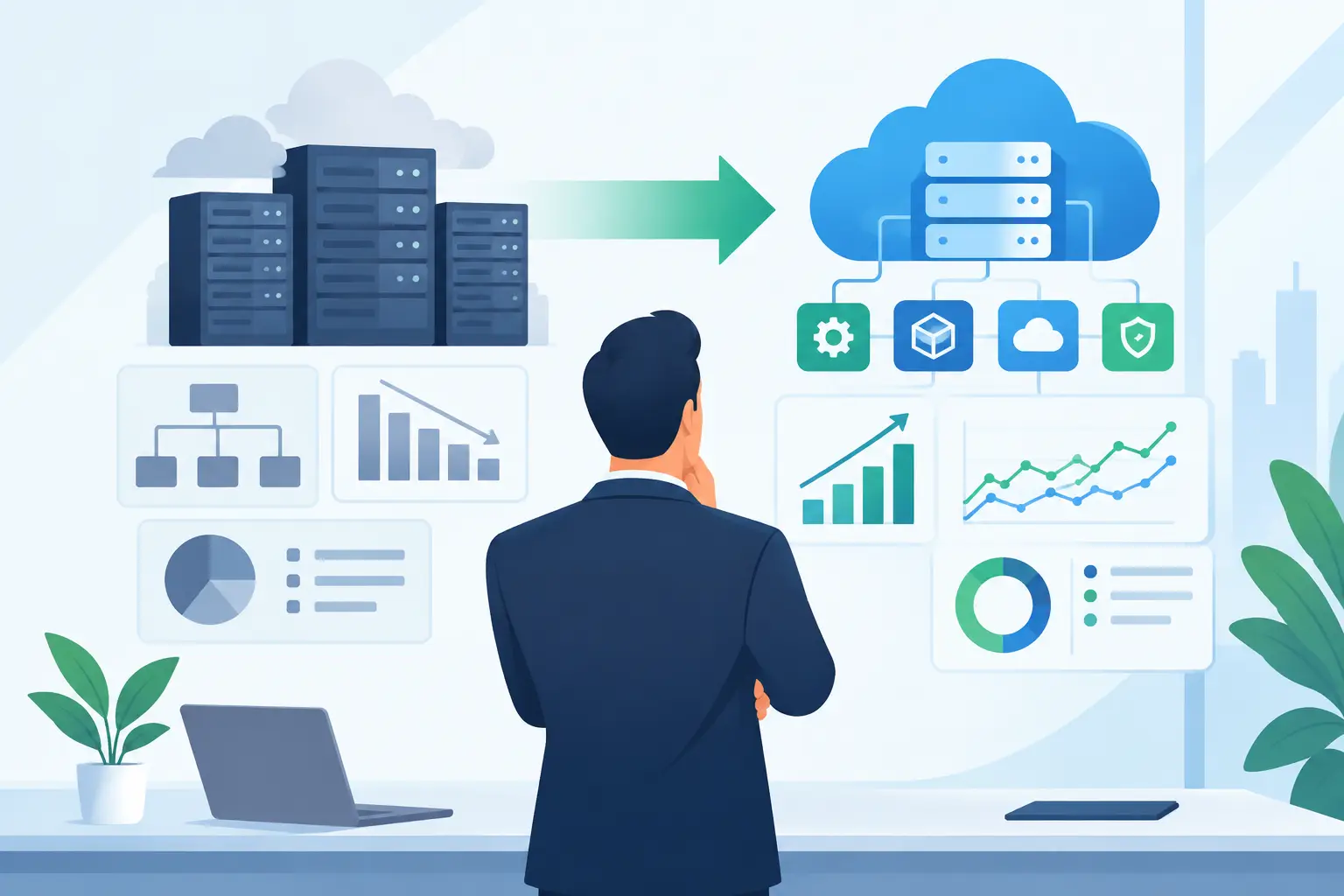
A legacy platform rarely fails all at once. It slows order processing, forces teams into spreadsheets, creates duplicate records, and turns minor changes into expensive projects. A sound software modernization strategy guide starts there: with the operational cost of the current system, not a vague mandate to “go digital.”
For mid-market companies, modernization is not a wholesale replacement exercise by default. It is a business decision about where to reduce friction, improve data quality, protect critical workflows, and create a technical foundation for automation and AI. The strongest programs make targeted changes first, prove value, and expand from a stable architecture.
Start with Business Constraints, Not the Technology Stack
A technology inventory is necessary, but it is not a strategy. Leadership needs to understand which systems carry revenue, customer service, compliance obligations, operational decisions, and institutional knowledge. A 15-year-old application may be difficult to maintain yet still perform a mission-critical function reliably. Replacing it before understanding its dependencies can introduce more risk than it removes.
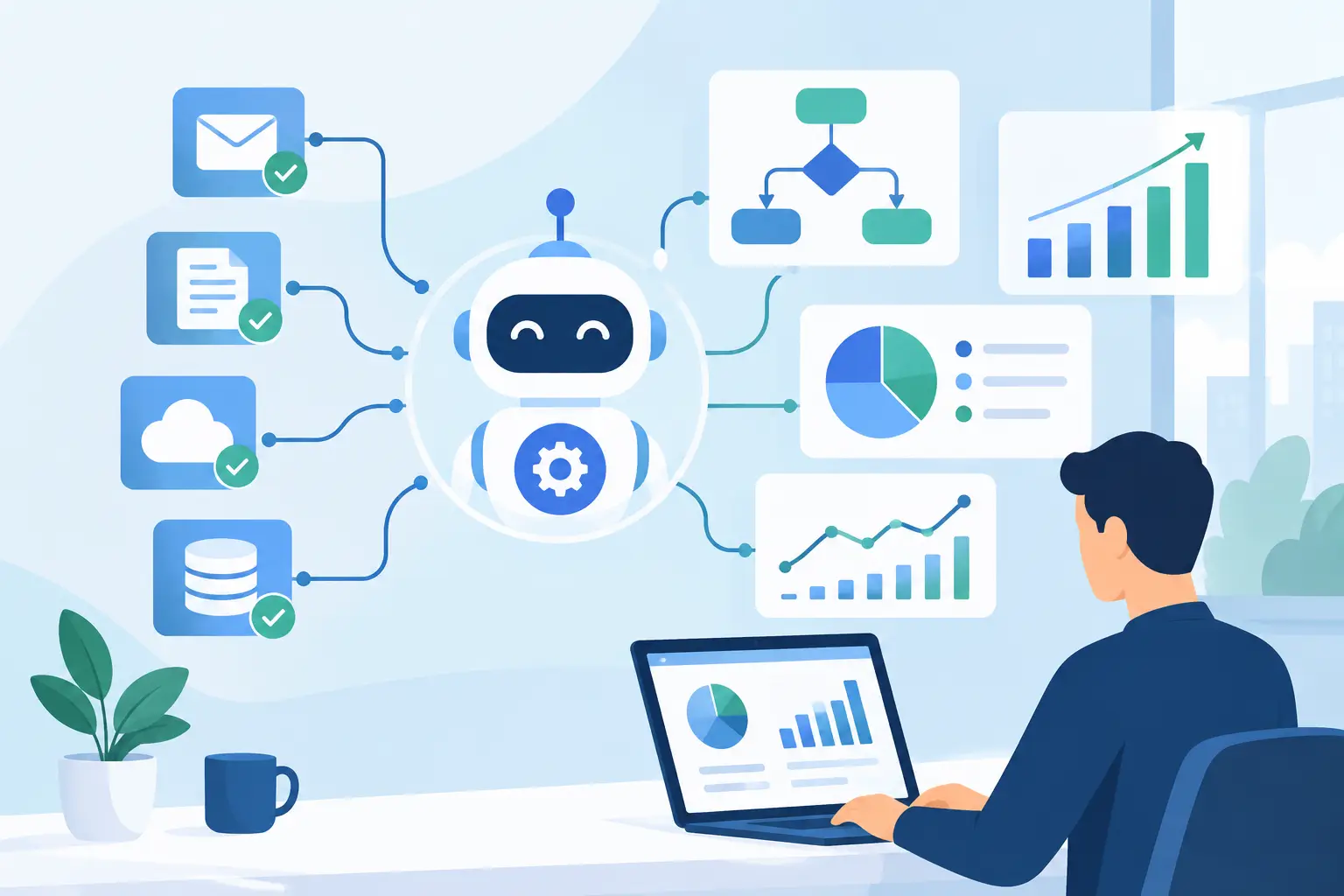
Begin by mapping the workflows that cross systems. For example, a customer onboarding process may involve a CRM, document repository, internal underwriting tool, accounting platform, and support queue. The visible application is only one part of the process. The real modernization opportunity may be an integration layer, a workflow engine, or an AI-assisted document review capability that removes manual handoffs.
This analysis should identify four practical factors: business criticality, user pain, technical risk, and change frequency. Systems with high business impact, recurring operational friction, growing maintenance costs, and frequent change requests usually deserve attention first. A low-use internal tool with outdated code may be technically unattractive but commercially insignificant.
Define What Modernization Means in Your Environment
Modernization can mean refactoring a monolith, replacing a vendor product, exposing APIs around a stable legacy application, migrating infrastructure, rebuilding the user experience, or automating work that currently happens outside the system. Treating these paths as interchangeable leads to oversized programs and unclear returns.
Choose the smallest change that solves the real problem
If a finance platform is stable but data extraction is manual, build a secure integration and automate the reporting workflow. If a customer portal is limiting retention and conversion, a focused rebuild may be justified. If core business rules are locked in unsupported technology and cannot be tested safely, deeper reengineering may be the responsible option.
The decision depends on the source of pain. Architecture matters, but operating reality matters more. A full rewrite can deliver a cleaner codebase, yet it also requires rediscovering edge cases that existing teams handle instinctively. Strangling selected functions from a legacy system, then replacing them incrementally, often lowers business disruption. That approach is slower in some cases, but it is usually easier to validate and govern.
Establish measurable outcomes before selecting solutions
Modernization goals need operational measures. “Improve efficiency” is not enough to prioritize investment or assess delivery. Define the baseline and the desired result in terms leadership can use.
Useful measures include cycle time per case, percentage of workflows completed without manual rekeying, support ticket volume, release frequency, error rates, integration failure rates, cost per transaction, and time required to produce compliance evidence. For AI-enabled workflows, also track review rates, exception rates, response accuracy, and the percentage of decisions that require human escalation.
These metrics prevent a common failure mode: shipping a modern interface that leaves the underlying process unchanged.
Build a Modernization Roadmap Around Dependencies
A roadmap should sequence work by value and dependency, not by organizational preference. Teams often begin with the application that has the loudest internal sponsor. That can work, but it frequently creates a polished front end connected to unreliable data, undocumented business logic, or brittle integrations.
Start by identifying foundational capabilities. Identity and access controls, API standards, data ownership, observability, automated testing, deployment processes, and integration patterns are not glamorous projects. They determine whether modernization can scale beyond one pilot.
Then organize the roadmap into increments that produce usable outcomes. A typical program may begin with discovery and architecture planning, followed by a pilot workflow, production hardening, and expansion to adjacent processes. Each phase should have a clear scope, acceptance criteria, security review, and business owner.
Avoid treating discovery as a delay before “real work.” Discovery is where teams uncover undocumented rules, shadow processes, source-of-truth conflicts, and constraints imposed by vendors or regulators. Skipping this work often means paying for it later during rework, incidents, or failed user adoption.
Treat Data and Integration as Core Product Work
Many modernization initiatives fail because they focus on the application layer while underfunding data and integration. Yet fragmented data is often the reason employees cannot act quickly or trust automation.
Define which system owns each business entity, such as customer, contract, product, invoice, claim, or case. Determine how changes are synchronized, what data can be stored or transmitted, and how errors are detected and resolved. Point-to-point integrations may be sufficient for a limited use case, but they become expensive when every new platform requires custom connections to every existing system.
An API-first approach does not require rebuilding every legacy system immediately. It means creating controlled, documented ways for approved services to exchange information. In practice, that may involve APIs around existing applications, event-based updates for high-volume processes, or managed connectors for established CRM, ERP, finance, and support tools.
Integration design must also account for failure. What happens when a downstream system is unavailable? Can transactions be retried safely? Is there an audit trail? Who receives alerts when a workflow stops? These details separate a demo from software that can support daily operations.
Add AI Where Decisions and Documents Create Bottlenecks
AI is most useful when it works inside an established workflow with clear inputs, permissions, and escalation paths. It is not a substitute for a modernization plan. It is one capability within it.
High-value use cases often appear in document-heavy and communication-heavy processes: extracting data from forms, classifying inbound requests, drafting responses from approved knowledge, summarizing case history, routing work, and identifying missing information before a human review. These use cases can reduce handling time without handing uncontrolled authority to a model.
Production AI requires practical controls. Connect models only to the data they need. Apply role-based access, retain relevant audit logs, define approved actions, and require human approval for high-impact decisions. Test for inaccurate outputs, prompt injection, data leakage, and failure conditions before deployment.
For organizations operating in compliance-sensitive environments, the key question is not whether an AI agent can complete a task. It is whether the organization can explain, monitor, and safely intervene in that task. That standard should shape the architecture from the first prototype.
Make Security, QA, and Change Management Part of Delivery
Modernization creates new attack surfaces, new user behaviors, and new dependencies. Security cannot be deferred until launch. Threat modeling, access design, encryption requirements, logging, vulnerability management, and vendor reviews should be built into planning and release gates.
QA also needs to cover the complete workflow, not merely the new application. Test integrations, permissions, performance under realistic load, data migration rules, rollback procedures, and user journeys involving exceptions. A successful migration is not one that moves records. It is one that allows teams to continue operating accurately on the first business day after release.
User adoption deserves the same discipline. Operations teams need clear ownership, training that reflects real work, and a route to report friction after launch. If a new tool adds steps or removes context employees relied on, they will rebuild the old process in email and spreadsheets. Monitor adoption early and adjust quickly.
Govern the Program as a Portfolio of Business Outcomes
A modernization program should have an executive sponsor, accountable process owners, technical leadership, and a decision cadence that clears blockers. This is particularly important when work spans product, operations, finance, compliance, and IT.
Review progress against outcomes, not just delivery milestones. A release completed on time is not necessarily successful if cycle times remain unchanged or users avoid the new workflow. Conversely, a narrowly scoped automation that eliminates hours of daily manual work may deserve faster expansion than originally planned.
At Invatechs, this is the operating principle behind production-ready modernization: connect AI and custom software directly to the systems and workflows where the business work actually happens. The goal is concrete automation, not generic AI hype.
The best next move is rarely to replace everything. Select one high-friction workflow with measurable impact, map its dependencies, establish the controls it requires, and deliver a production-ready improvement. That result creates the evidence, architecture, and organizational confidence needed for the next decision.