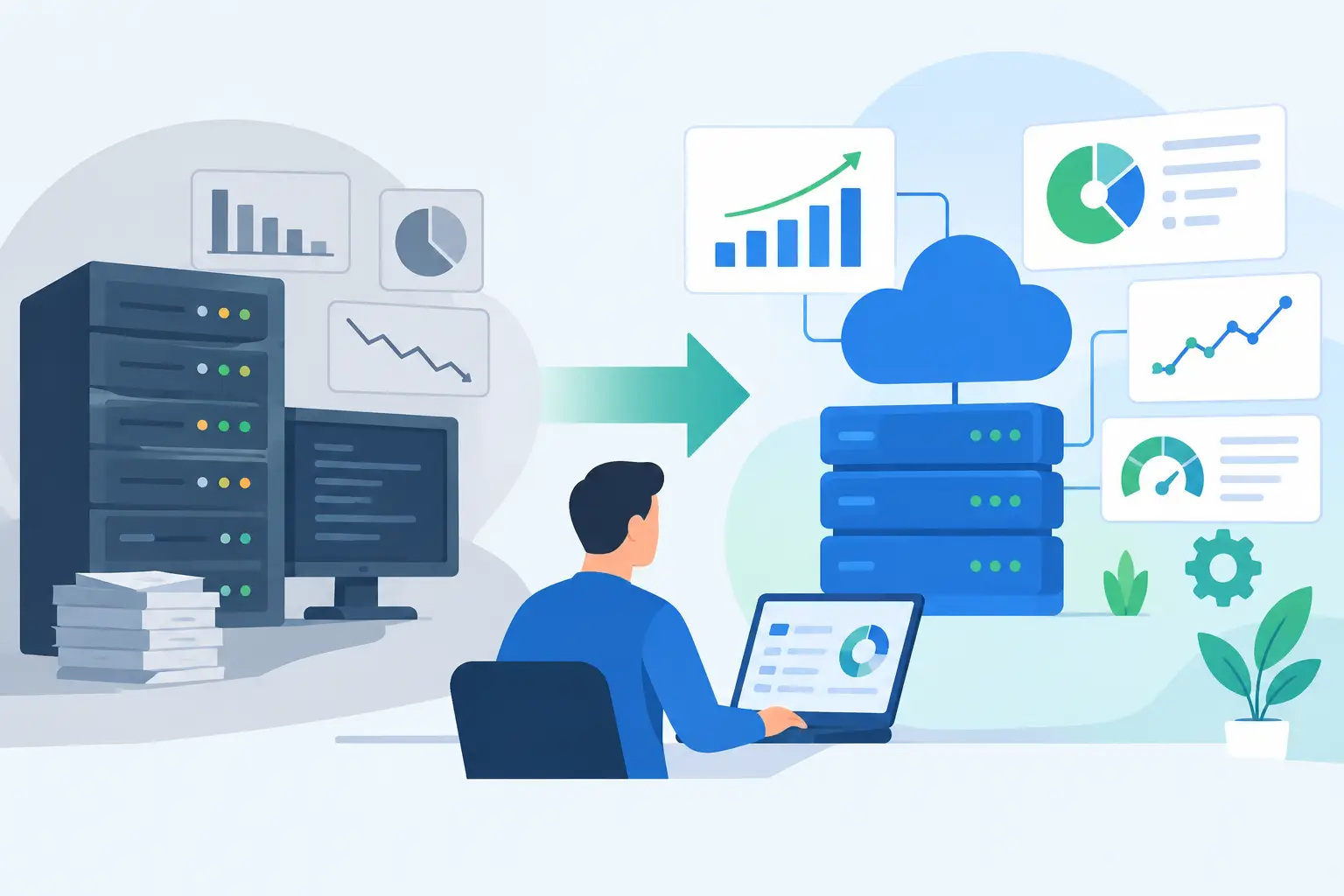
A support team should not need to copy customer details between a help desk, CRM, billing platform, and internal spreadsheet just to resolve a routine request. Nor should underwriters spend hours extracting the same fields from submitted documents before they can apply judgment. These are not isolated productivity issues. They are signs that process automation has become an operational requirement.
For growth-stage and mid-market companies, the objective is not to automate every task. It is to remove repetitive work, connect fragmented systems, and give people reliable information when a decision is required. The difference matters. A workflow that saves five minutes but creates untraceable exceptions can increase risk. A well-designed automation reduces cycle time while preserving accountability, data quality, and control.
What Process Automation Actually Means
Process automation is the design and execution of workflows in which software performs repeatable actions across systems according to defined business rules. Those actions may include collecting data, validating records, routing requests, creating documents, updating systems of record, notifying stakeholders, or triggering approvals.
The most valuable automations are rarely confined to one application. They cross the systems where work actually happens: a CRM, ERP, accounting platform, support desk, document repository, internal database, or custom application. That is why a collection of isolated no-code automations often reaches its limit. It may handle a simple handoff, but it struggles when a workflow needs conditional logic, exception management, secure access, audit trails, and dependable performance at higher volume.
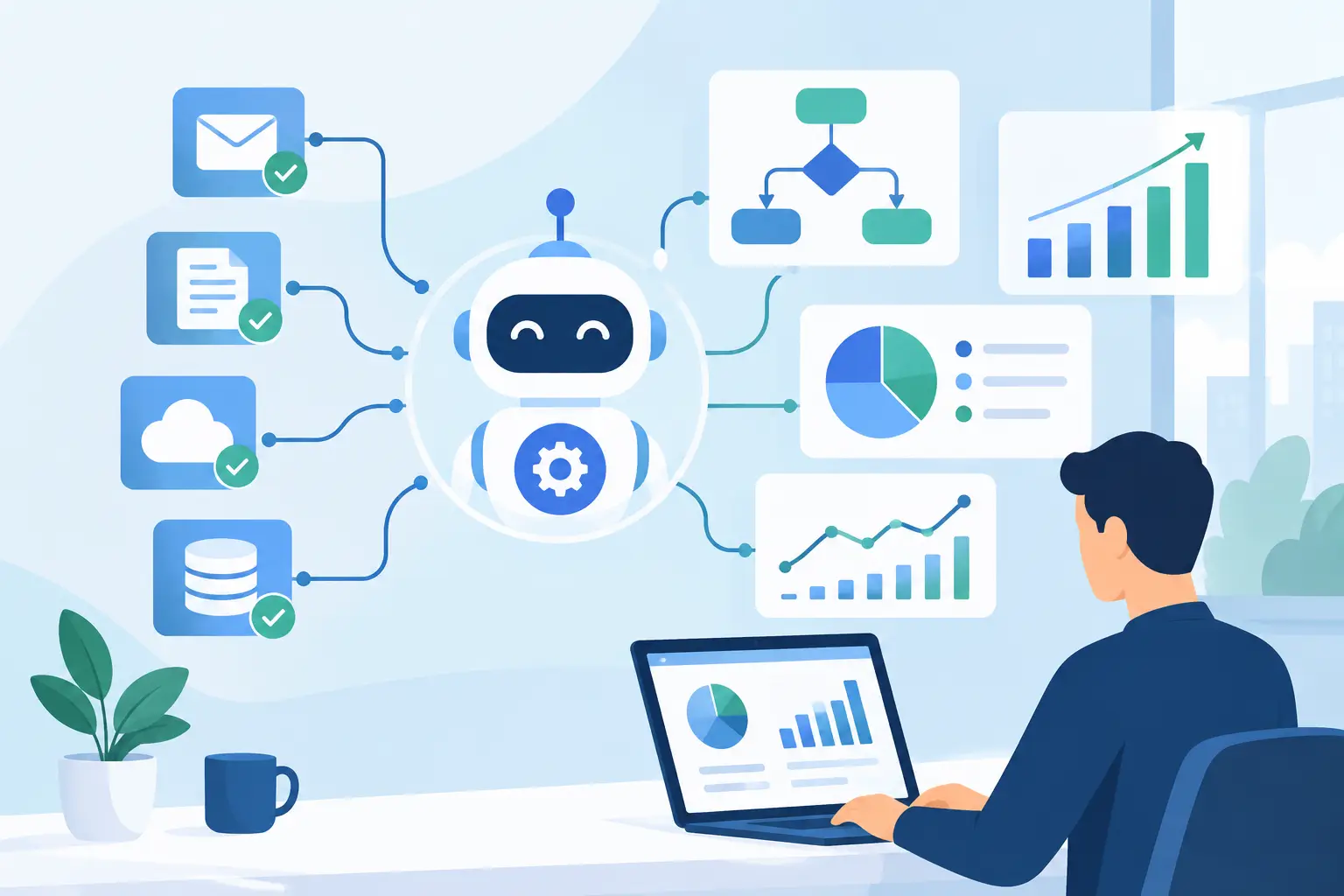
AI can extend this model. An AI component can classify inbound requests, extract data from unstructured documents, summarize a case history, recommend a next action, or draft a response using approved internal knowledge. But AI is one component in the workflow, not the workflow itself. It needs clear inputs, confidence thresholds, validation rules, human escalation paths, and integration with the systems where teams take action.
Where Automation Produces Measurable Value
The best starting point is a process with enough volume, repetition, and operational cost to justify engineering effort. It should also have a measurable baseline. If a team cannot describe how long a workflow takes, how often it fails, or how much manual handling it requires, it will be difficult to prove that the implementation worked.
Common candidates include customer intake, claims and underwriting review, invoice processing, order operations, employee onboarding, compliance checks, and support triage. Each involves a predictable sequence of data movement and decisions, even if the inputs arrive in inconsistent formats.
Consider a document-heavy onboarding workflow. A customer submits forms and attachments, an operations team verifies required information, creates records in several systems, asks for missing details, and routes the case for approval. Process automation can capture the submission, extract key fields, validate them against policy rules, create or update the right records, and route only low-confidence or nonstandard cases to a specialist. The specialist spends time on judgment rather than transcription.
The same principle applies to support operations. Rather than sending every incoming request to a general queue, an automated workflow can identify the customer, classify the issue, retrieve relevant account context, assess urgency, and direct the ticket to the correct team. In some cases, it can prepare a response for review or resolve a narrow class of requests automatically. The goal is faster handling without treating customers as inputs to a black box.
Process Automation Needs Architecture, Not Just Triggers
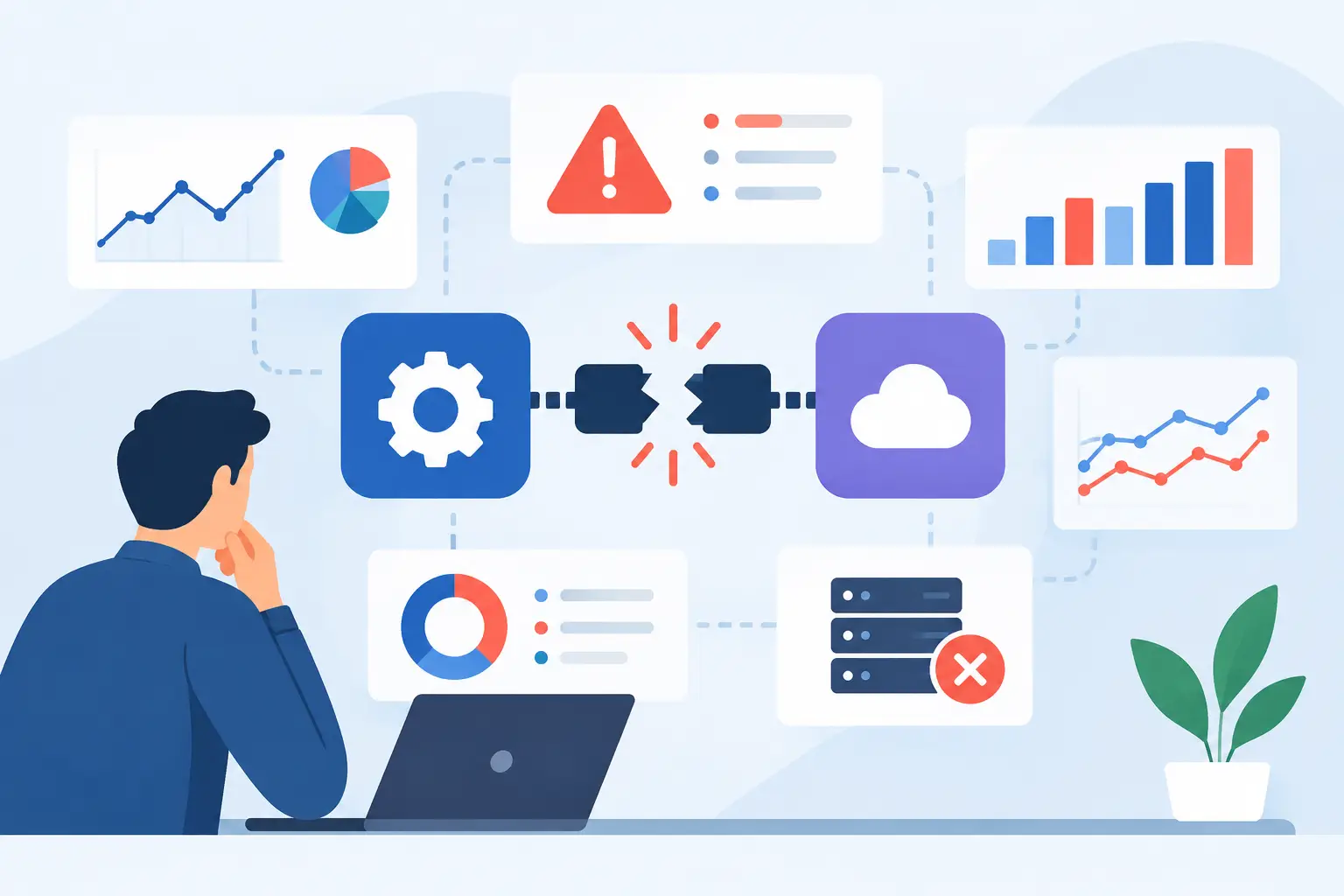
A trigger-based workflow can look impressive in a demonstration. Production use introduces harder questions: What happens when a source system is unavailable? Which platform owns the customer record? How are retries handled? Who can access sensitive documents? What happens when an AI model is uncertain?
These questions are architecture questions. They determine whether an automation becomes dependable infrastructure or another fragile process someone monitors manually.
Start with the operating workflow
Before selecting tools, map the current state in practical terms. Identify the event that starts the process, the data required at each stage, the systems involved, decision points, approvals, exceptions, and final outcome. This exercise often exposes unnecessary steps that should be removed before they are automated.
The future-state workflow should define ownership as clearly as logic. Software can prepare a decision, but a designated role may need to approve it. A system can create a record, but the business must establish which record is authoritative when two platforms disagree. Automation improves speed only when those operating rules are explicit.
Build integrations around reliable data contracts
API integrations, webhooks, secure connectors, and event queues allow systems to exchange information without manual intervention. Yet connectivity alone is not enough. Each integration needs defined field mappings, validation rules, error handling, and monitoring.
A reliable implementation also accounts for duplicate events, partial failures, rate limits, and changes to third-party APIs. For compliance-sensitive workflows, it should enforce role-based access, retain appropriate audit data, and limit the information shared with external AI services. These requirements are not administrative overhead. They are what make automation safe to operate at scale.
Use AI where ambiguity exists
Traditional automation works well when rules are stable: if a payment is overdue, send a reminder; if a required field is missing, request it. AI is most useful where inputs vary or judgment would otherwise require a person to read, interpret, and categorize information.
Document extraction, email classification, knowledge retrieval, and case summarization are practical examples. Even then, the design should recognize uncertainty. High-confidence outcomes can proceed automatically. Lower-confidence cases should be routed to a person with the context needed to decide quickly. That approach protects quality while still reducing the manual workload.
Common Failure Patterns to Avoid
Automating a broken process is the fastest way to make a broken process run faster. Teams sometimes begin with tools because the tool is available, then force a workflow into its limitations. The result is a patchwork of hidden rules, copied data, and undocumented dependencies.
Another failure pattern is treating the automation as a one-time project. Business rules change, teams adopt new systems, and edge cases appear after launch. Production workflows need observability: logs, alerts, operational dashboards, and a clear way to investigate failed runs. They also need maintenance ownership, especially when they depend on external platforms or AI services.
A third issue is trying to automate decisions that have not been standardized. If five managers apply different approval criteria, software cannot create consistency without a policy decision. In those cases, automation work should include process design, not merely implementation.
Finally, avoid measuring success by the number of workflows shipped. A dozen automations that no one trusts are less valuable than one workflow that shortens a critical cycle from three days to four hours while improving accuracy and traceability.
A Practical Delivery Path for Process Automation
A disciplined delivery process reduces risk and produces evidence early. Discovery should begin with a narrow but meaningful operational problem, not a broad mandate to "use AI." The team should document the baseline, map systems and data, identify constraints, and define a business outcome such as lower handling time, fewer manual touches, or faster response to customers.
Next, build a pilot around the highest-value portion of the workflow. The pilot should connect to real systems where possible, use representative data, and include the exception paths that determine whether the solution is usable. A polished prototype that avoids messy production conditions is not sufficient.
Once the workflow proves its value, production deployment requires stronger engineering. That includes authentication and authorization, integration hardening, QA across normal and failure scenarios, logging, monitoring, and operational documentation. If AI is involved, the team should test output quality against real examples and set clear thresholds for automatic action versus human review.
After launch, optimize based on actual behavior. Review exception rates, response times, manual overrides, and user feedback. This is where process automation becomes a compounding capability rather than a fixed implementation. A workflow can expand to more channels, handle additional document types, or use better decision logic as the business gains confidence.
Measure the Outcome, Not the Activity
The right metrics depend on the process, but they should connect directly to operations. Cycle time, cost per case, first-response time, error rate, backlog volume, rework, and exception rate are often more meaningful than raw automation counts. For AI-supported workflows, teams should also measure accuracy, escalation rate, and the consequences of incorrect outputs.
There is a trade-off between speed and control in every workflow. A low-risk request may be fully automated. A high-value financial, legal, or customer-impacting decision may require a person in the loop. Mature automation designs this distinction intentionally rather than applying the same level of automation everywhere.
The strongest automation programs do not chase novelty. They identify work that is expensive, repetitive, and constrained by disconnected systems, then turn it into a controlled operating process. Start with one workflow where better execution would be felt immediately, build it for real conditions, and let the results define what to automate next.