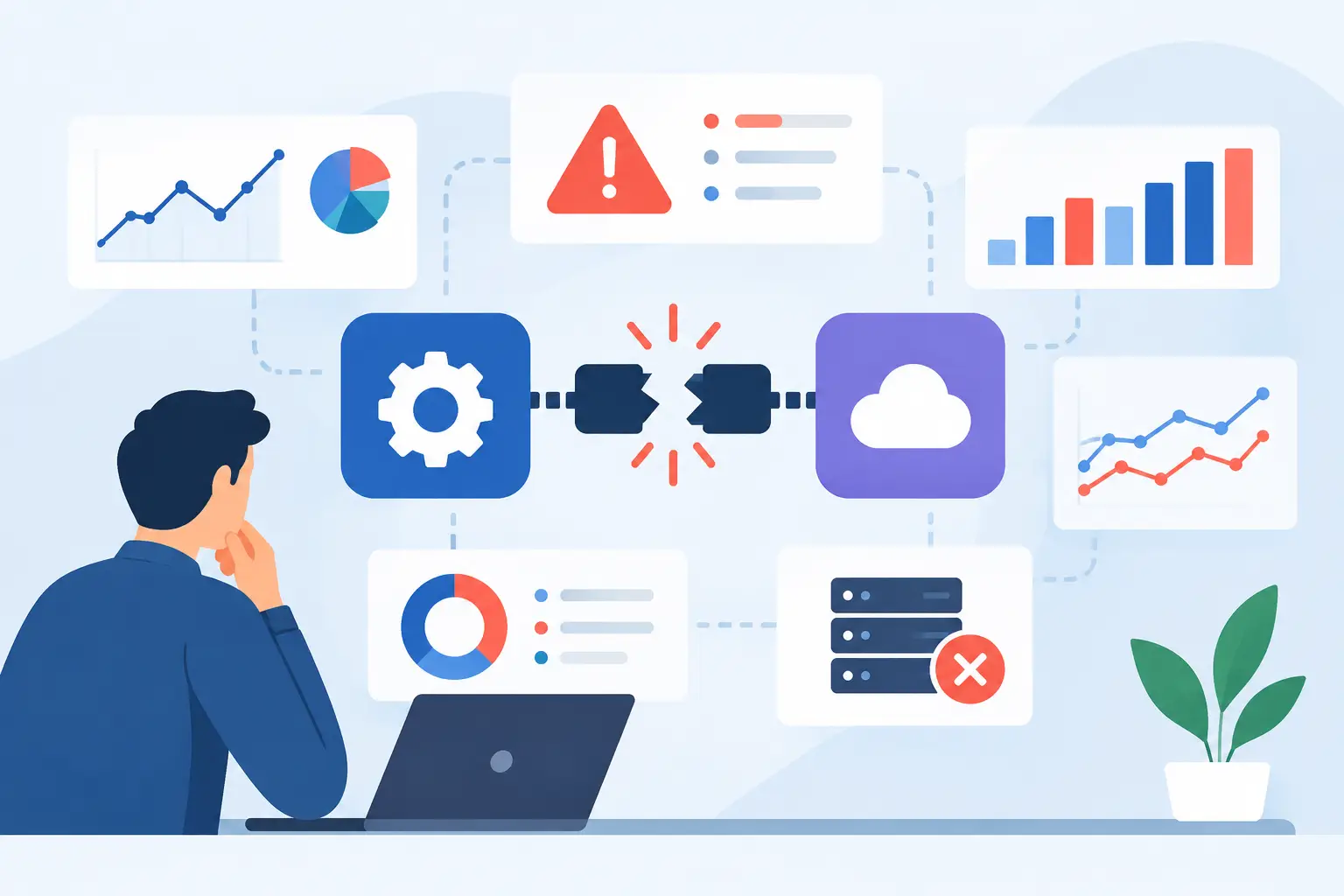
A manual exception queue in finance, a support team copying data between systems, and an operations manager relying on spreadsheets are not separate problems. They are signs that core software no longer supports the way the business operates. Software modernization addresses that gap by improving the systems, integrations, data flows, and user experiences that determine whether work moves forward or stalls.
For mid-market organizations, modernization is rarely about replacing every legacy application with a new platform. That approach is expensive, disruptive, and often unnecessary. The real objective is to remove operational friction while protecting the processes, data, and domain knowledge the business depends on.
What Software Modernization Should Deliver
A modernization program should produce measurable changes in how work gets done. That may mean reducing the time required to process a claim, eliminating duplicate data entry, giving field teams a usable mobile workflow, or connecting a CRM to an ERP so teams stop working from conflicting records.
The technical outcomes matter, but they are not the finish line. A cleaner codebase, cloud infrastructure, modern APIs, and stronger test coverage create the foundation for speed and reliability. Their value appears when the business can launch changes faster, automate decisions safely, and operate with fewer manual handoffs.
This is why modernization should begin with operating constraints, not a preferred technology stack. A company does not need microservices because they are modern. It may need better boundaries between systems, stable APIs around a critical application, or a replacement for a brittle workflow that requires daily intervention from IT.
Modernization is more than a UI refresh
A new interface can improve adoption, but it does not solve a broken process behind the screen. If staff still rekey information, chase documents by email, or wait for overnight batch jobs, the underlying operating model remains unchanged.
Effective work reaches across several layers: the user experience, business logic, data model, integrations, infrastructure, security controls, and quality process. The scope depends on the business problem. In some cases, a targeted integration and workflow redesign will create more value than a full application rebuild.
Where to Start Software Modernization
The best first target is not always the oldest system. It is usually the process where outdated software creates the largest combination of cost, risk, delay, or lost revenue.
Look for workflows with visible friction: high volumes of manual work, recurring reconciliation issues, slow customer response times, compliance exposure, frequent production incidents, or a backlog that cannot move because one application is difficult to change. These are useful signals because they connect technical debt to operational impact.
A practical assessment should answer a small set of hard questions. Which systems are business-critical? Who owns the data in each system? What integrations fail or require manual intervention? Which decisions could be automated, and which must remain under human review? What would disruption cost during a migration?
The answers create a modernization roadmap based on value and dependency, rather than a generic list of technologies to adopt. A low-risk workflow with strong ROI can become a pilot. A deeply embedded core platform may need a phased plan that stabilizes interfaces before any major replacement begins.
Prioritize by business value and change risk
A useful roadmap places initiatives into three broad categories. First, stabilize systems that create operational risk through outages, unsupported components, weak access controls, or unreliable data movement. Second, improve high-volume workflows where automation can reduce cost and cycle time. Third, build strategic capabilities that support new products, channels, or AI-assisted services.
These categories will overlap. A customer portal modernization, for example, may reduce support demand while creating a better foundation for product expansion. The key is to make the trade-off explicit. The project with the strongest technical case is not automatically the project with the strongest business case.
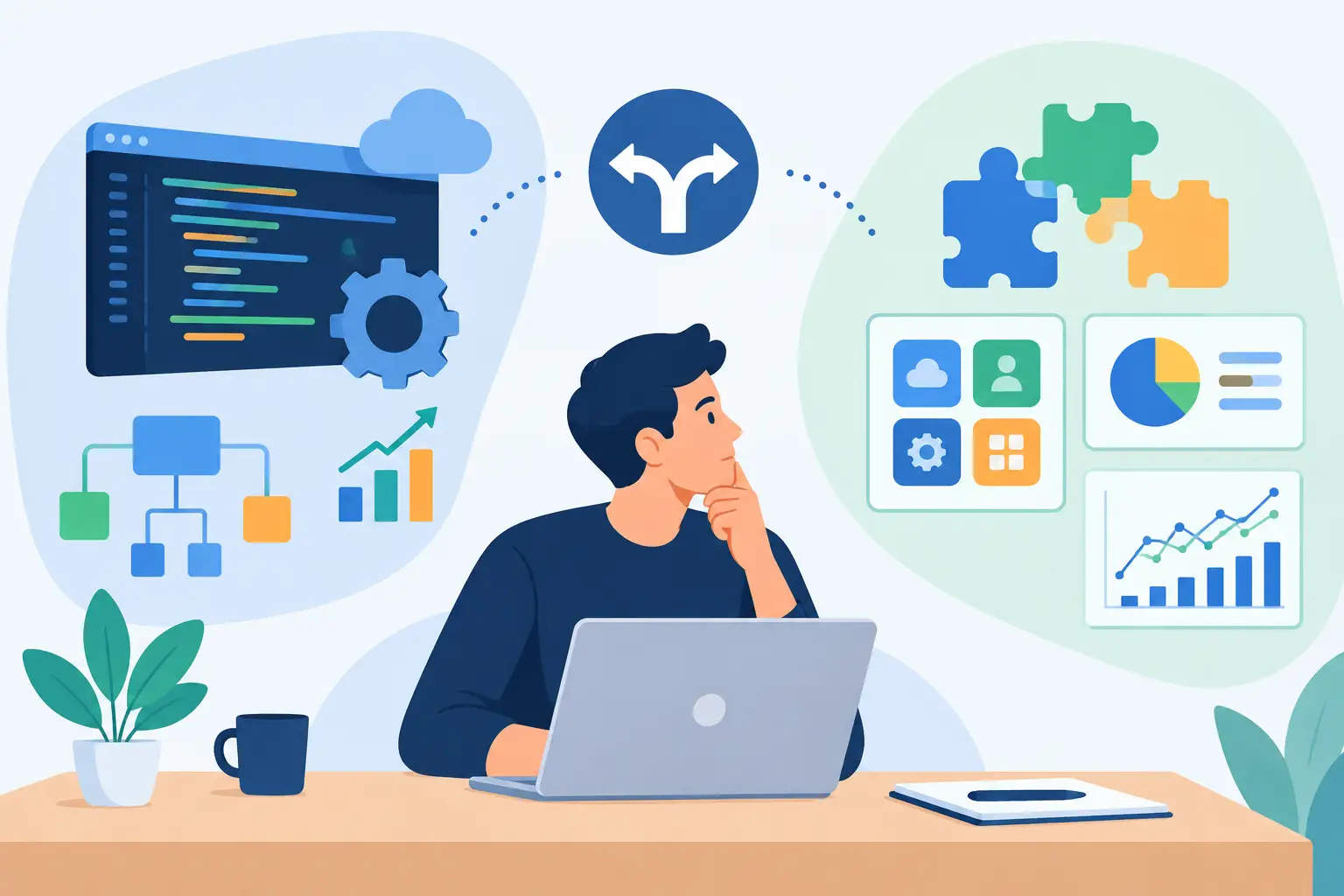
Choose the Right Modernization Path
There is no single modernization method. The appropriate path depends on the application’s condition, its business importance, the quality of its data, and the level of change the organization can absorb.
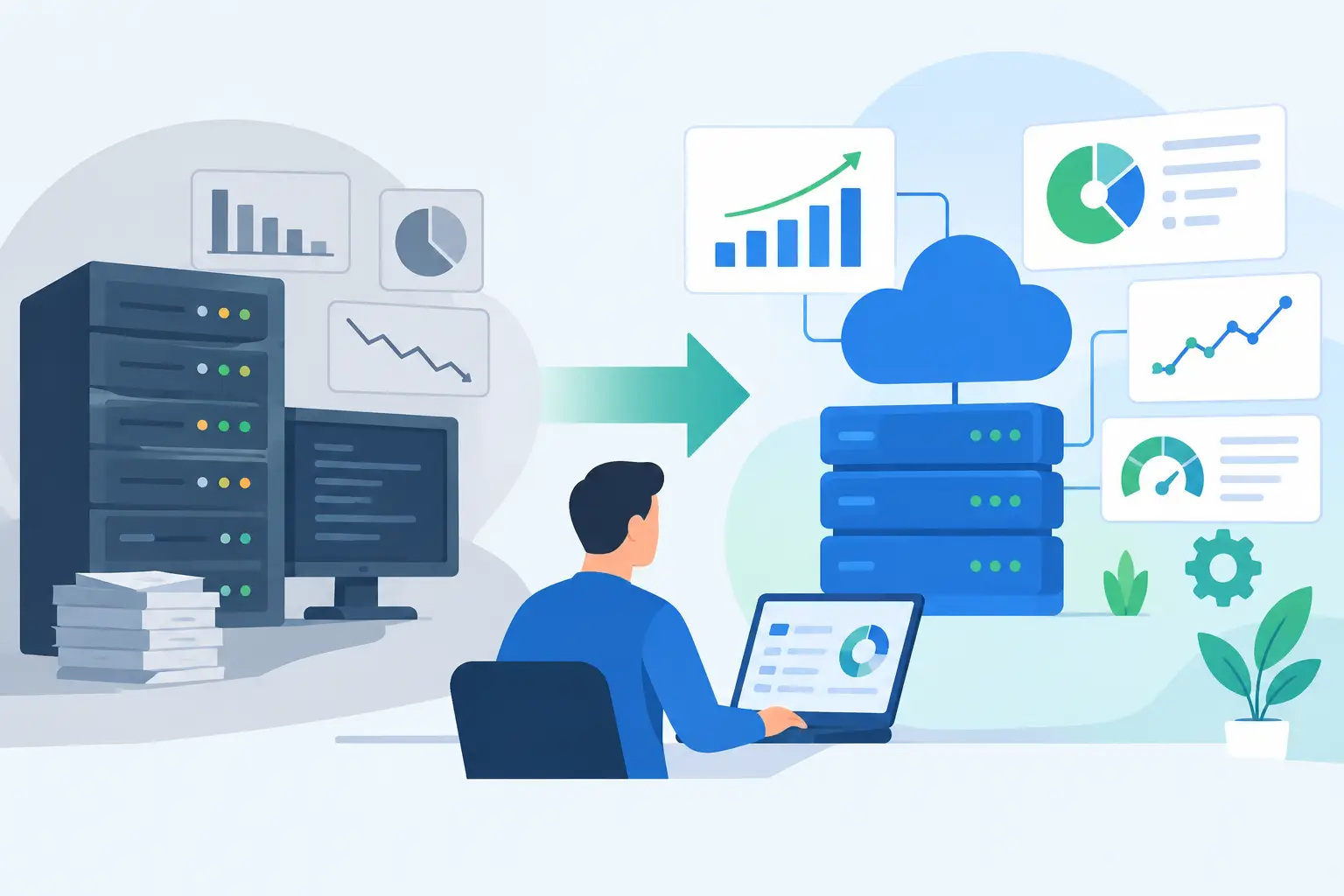
Rehosting moves an application to newer infrastructure with limited code changes. It can reduce data center dependency or improve resilience quickly, but it does not remove process inefficiency or architectural constraints. Replatforming makes selective changes to use managed cloud services, modern databases, or containerized deployment. It can improve maintainability without forcing a complete rewrite.
Refactoring changes parts of the codebase to improve performance, security, testability, or maintainability. This is valuable when the application still supports a differentiated business process but has become hard to evolve. Rebuilding is appropriate when the existing system cannot meet current requirements or when its architecture prevents meaningful improvement. Replacing with a commercial platform can work when the process is standard and differentiation is limited.
Each option carries risk. A full rewrite may appear cleaner on paper, yet it can miss years of edge cases embedded in the old system. A lift-and-shift migration may be faster, yet it can preserve high operating costs and fragile dependencies. Good architecture planning does not chase purity. It selects the smallest change that reliably achieves the required outcome.
Integrations Are Often the Real Project
Many modernization efforts fail because teams treat applications as isolated products. In reality, a business process may span a CRM, ERP, payment system, document repository, data warehouse, support platform, and several internal tools.
Replacing one screen without redesigning the data flow simply shifts the burden to employees. They become the integration layer, exporting files, reconciling records, and interpreting incomplete information. That is slow, difficult to audit, and vulnerable to error.
A stronger approach establishes clear ownership for core data, defines API contracts, and creates observable integrations. Systems should communicate through secure, documented interfaces instead of unmanaged database access, email attachments, or one-off scripts that nobody owns. Error handling matters as much as the happy path. When an integration fails, the right team needs to know what happened, what data was affected, and how to recover without creating duplicates.
For compliance-sensitive operations, integration design must also account for access control, data retention, audit logging, encryption, and approval workflows. These are not implementation details to postpone until launch. They shape the architecture from the start.
Add AI Where It Improves a Real Workflow
AI can be a meaningful part of software modernization, but only when it is connected to a defined process and governed by the right controls. A generic chatbot that cannot access approved business data or trigger a verified action may demonstrate capability, but it rarely improves operations.
The higher-value use cases are specific. An AI agent can classify incoming requests, extract structured fields from documents, prepare case summaries, route work based on policy, draft responses for human review, or retrieve answers from controlled internal knowledge sources. In each case, the model needs secure access to the right systems, clear permission boundaries, logging, evaluation criteria, and escalation paths.
Not every decision should be automated. High-impact approvals, unusual exceptions, and compliance-sensitive judgments may require a person in the loop. The goal is to reduce repetitive effort and improve decision quality, not to remove accountability.
Production-grade AI also requires ongoing measurement. Teams should track accuracy, exception rates, processing time, user adoption, and the cost of model usage. If the automation cannot meet the required standard, it should route the work to a human rather than produce a confident but unreliable outcome.
Deliver in Phases Without Losing Architectural Discipline
A phased delivery model reduces risk and gets useful capability into production sooner. The first phase should validate the highest-value assumption: whether a new integration can eliminate manual work, whether a revised workflow improves turnaround time, or whether an AI-assisted process reaches acceptable accuracy under real conditions.
That does not mean building a disposable prototype. Even an initial pilot needs defined security requirements, test cases, monitoring, deployment controls, and ownership after launch. Shortcuts in these areas tend to become permanent liabilities once users depend on the system.
A capable delivery team combines product discovery, architecture, engineering, QA, and operational support. At Invatechs, that means treating AI features, custom applications, and system integrations as parts of one production environment, not separate experiments. The same discipline that supports a stable API or a well-tested workflow should govern an AI agent connected to business data.
Measure Results After Release
Modernization is not complete at deployment. The business case should be measured against baseline performance: hours of manual effort, cycle time, error rates, support volume, uptime, deployment frequency, and cost per transaction. These measures reveal whether the change improved the operation or only changed the technology.
Some benefits are immediate, such as fewer handoffs or faster document processing. Others compound over time. A system with reliable APIs, automated testing, and clear ownership becomes easier to adapt as requirements change. That flexibility is often the most valuable result because it lowers the cost of the next improvement.
The strongest modernization programs turn a legacy constraint into a repeatable capability. Start with the workflow that is costing the business the most, build the integration and controls it needs, and use each release to create a more reliable platform for the work that comes next.