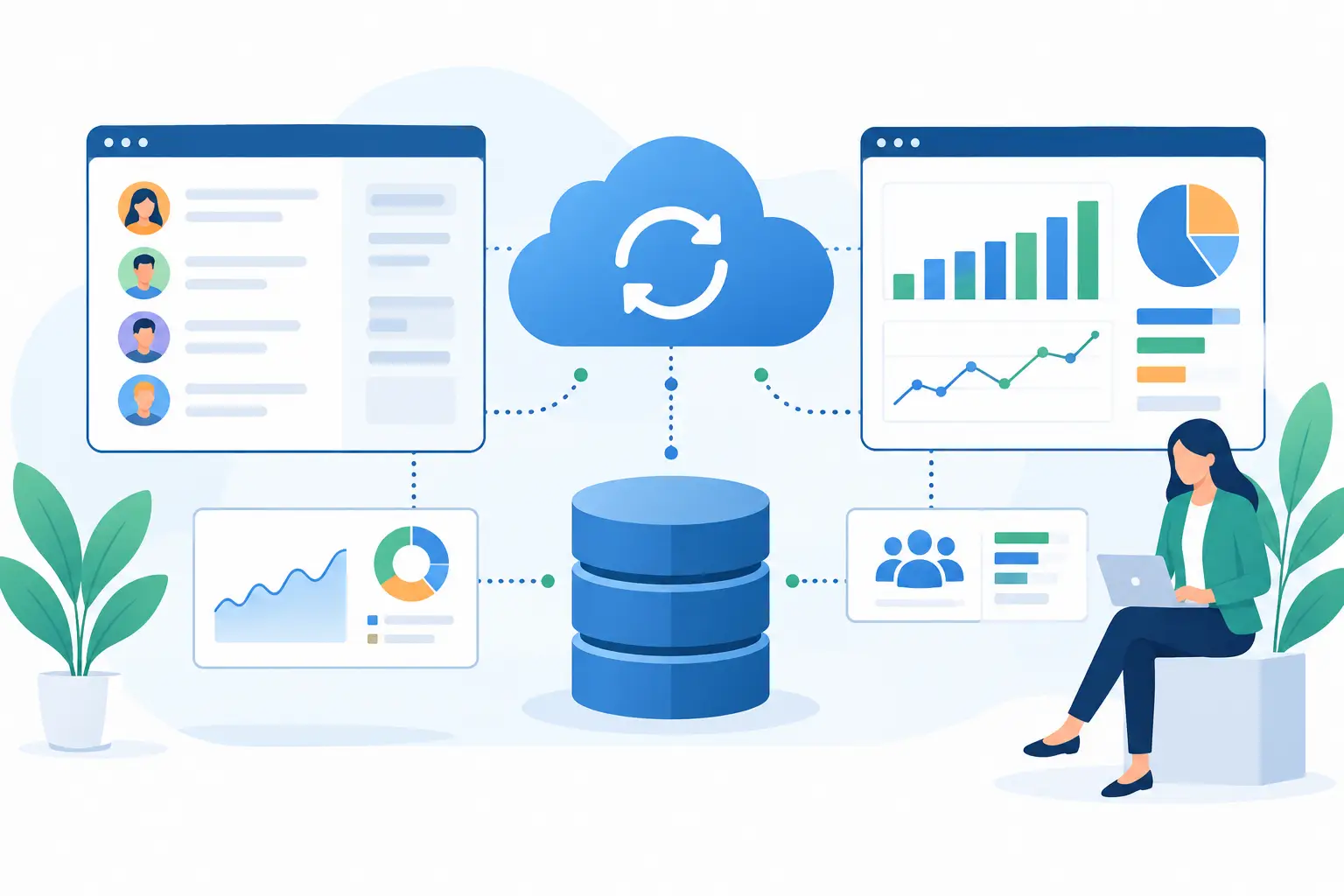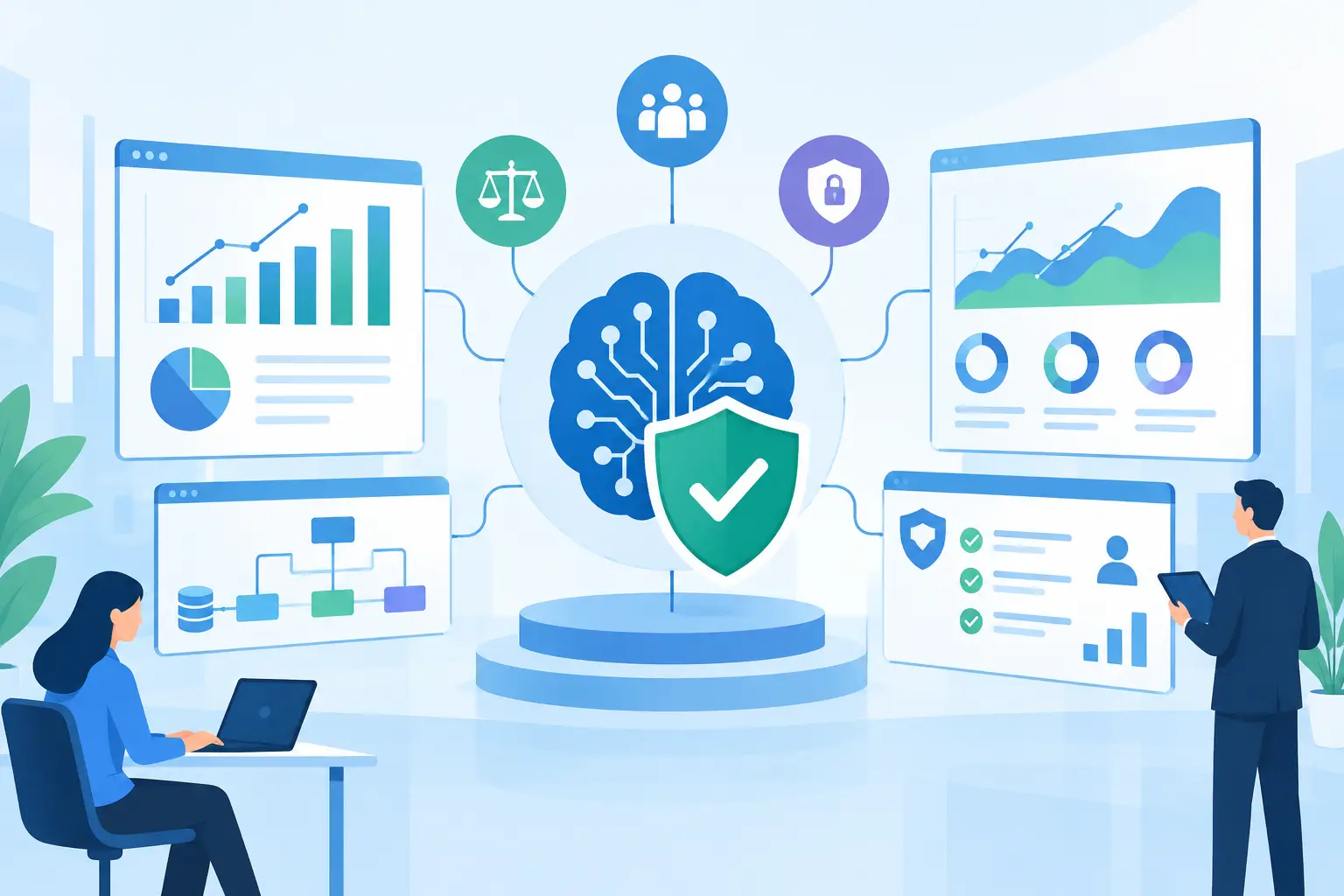
A CRM becomes a liability when sales reps, support teams, finance, and operations each work from a different version of the customer record. The best CRM integration strategies solve that operational problem first. They do not start with a connector or a dashboard. They start with the decisions, handoffs, and customer moments that currently depend on manual work.
For growth-stage and mid-market companies, CRM integration is rarely a single project. It is an architecture decision that affects data quality, automation reliability, security, and the ability to add AI capabilities without creating more risk. The objective is concrete: make customer data useful where work actually happens.
Best CRM Integration Strategies Start With Business Events
A common failure pattern is integrating systems because they are available, rather than because a business process requires it. Connecting every tool to the CRM can create duplicate records, unclear ownership, and brittle workflows that are expensive to maintain.
Start by identifying the business events that should trigger action. A qualified lead may need to create an opportunity, initiate an onboarding checklist, and notify a solutions engineer. A signed agreement may need to create a billing account, open an implementation project, and update forecasting. A support escalation may need to alert the account owner before renewal risk increases.
These are not just data transfers. They are operational handoffs. Define each event in plain business language before choosing APIs, middleware, or custom services. For every handoff, document the source system, destination system, required fields, accountable team, expected timing, and failure path.
This approach also prevents automation for its own sake. If a workflow does not reduce cycle time, error rates, or administrative effort, it may not justify the implementation and maintenance cost.
1. Establish a Clear System of Record
Customer data usually has more than one valid home. The CRM may own account status, pipeline stage, relationship history, and commercial activity. An ERP may own invoices, payment status, and financial reporting. A support platform may own ticket details and service-level metrics. An application database may own product usage.
The integration design must make those boundaries explicit. Decide which system is authoritative for each entity and field. “Customer” is often too broad. Legal entity name, sales account, product user, billing contact, and technical administrator can all be different records with different owners.
Without field-level ownership, systems overwrite one another. A finance sync can replace a carefully maintained sales contact. A marketing import can create duplicate companies. Teams then stop trusting the CRM, and the project loses its value.
Use a data ownership matrix during architecture planning. It should define the source of truth, permitted writers, synchronization direction, update frequency, and conflict rules for critical data. This is unglamorous work, but it is the foundation of reliable automation.
2. Integrate Around a Canonical Customer Model
Point-to-point integrations work at first. Then the business adds a new support tool, product analytics platform, partner portal, or AI agent. Each new connection needs custom field mapping, and changes in one system ripple through the entire environment.
A canonical customer model reduces that sprawl. It is a shared definition of essential entities such as account, contact, opportunity, subscription, case, order, and interaction. Individual platforms can retain their native schemas, but integrations translate data into an agreed model before it moves downstream.
The model does not need to capture every available CRM field. In fact, excessive scope is a risk. Start with the data required by priority workflows and version the model as requirements expand. Include stable identifiers, consent status, timestamps, lifecycle state, and relationship rules. These details matter when data must be reconciled after a failed sync.
For complex organizations, an integration layer or API service can enforce this model. It provides a controlled place to validate inputs, transform records, log activity, and apply business rules without embedding critical logic in multiple SaaS automation tools.
3. Use Event-Driven Automation for Time-Sensitive Work
Nightly batch synchronization is appropriate for some reporting and back-office data. It is not sufficient for every customer-facing process. If an inbound lead waits until tomorrow to reach the right owner, or a cancellation request is not visible until after a renewal call, the organization pays for the delay.
Use event-driven integrations where timing affects revenue, service quality, risk, or compliance. Webhooks, message queues, and API-triggered workflows can respond when a record is created, a stage changes, a document is approved, or a customer reaches a usage threshold.
Real-time does not mean every field must synchronize instantly. That approach can create unnecessary API traffic and race conditions. Match the integration pattern to the workflow. Lead assignment may require seconds. Financial reconciliation may work on an hourly or daily schedule. Executive reporting may only need a scheduled refresh.
Build idempotency into event-based workflows. In practical terms, the same event should be safe to process more than once without creating duplicate tickets, orders, or notifications. Retries will happen. External APIs will time out. A production-grade integration assumes failure and handles it predictably.
4. Treat Data Quality as an Operational Control
Integrations move bad data faster as easily as they move good data. Before automating downstream actions, validate the inputs that drive them.
This includes standardizing company names, validating email domains, normalizing phone numbers, enforcing required lifecycle fields, and applying duplicate-detection rules. It also means defining what should happen when data is incomplete. Should the workflow stop? Should it create a task for review? Should it route the record to an exception queue?
Human review remains necessary for ambiguous cases. An automated process can flag a potential duplicate based on domain and address, but it should not merge high-value accounts without defined confidence thresholds and auditability.
A practical control layer includes four capabilities:
- Validation rules before data enters critical workflows
- Matching and deduplication logic for people, accounts, and organizations
- Exception queues with owners and resolution deadlines
- Audit logs that show what changed, when, and which system initiated it
These controls are particularly important in regulated, document-heavy, or high-volume environments. A clean CRM is not just easier to report from. It is safer to automate.
5. Design Security and Compliance Into the Connector
CRM integrations often expose sensitive customer, employee, commercial, or financial data. Treating security as a final checklist invites avoidable rework and creates unacceptable production risk.
Use least-privilege access for service accounts. An integration that only needs to create support cases should not have broad rights to export the entire CRM database. Store credentials in managed secret storage, rotate them, and avoid embedding tokens in scripts or low-code workflows.
Data minimization matters just as much. An AI assistant that summarizes account history may not need payment details, government identifiers, or internal legal notes. Limit its access to the approved records and fields required for the task. Keep logs useful for troubleshooting without allowing logs to become an uncontrolled copy of sensitive data.
For compliance-sensitive workflows, maintain traceability. Teams should be able to answer who accessed the data, what was transmitted, which automation made a decision, and how an exception was handled. The right design depends on the industry and obligations involved, but the principle is consistent: integrations must be auditable by design.
6. Add AI Where It Improves the Workflow, Not the Demo
AI can make CRM data more actionable, but only when it is connected to a defined business process. Useful examples include extracting structured information from intake documents, drafting account summaries from approved sources, classifying support requests, identifying missing deal information, and routing work based on case content.
The model should not become an uncontrolled writer to core CRM fields. Use confidence thresholds, structured outputs, business rules, and approval steps for consequential updates. For example, an AI workflow can recommend an opportunity category and explain its reasoning, while a sales operations user confirms the final value.
Ground AI workflows in approved business systems and permissions. An account brief generated from CRM activity, support history, product usage, and internal knowledge can reduce research time. But it must respect access controls and distinguish verified data from model-generated interpretation.
This is where custom engineering often becomes more valuable than a generic AI add-on. The goal is concrete automation, not generic AI hype.
7. Build for Monitoring, Change, and Recovery
An integration is not complete at launch. CRM fields change, APIs are deprecated, teams adjust processes, and business rules evolve. Without monitoring, failures can remain invisible until pipeline reports, invoices, or customer communications are already wrong.
Track operational metrics such as successful sync rate, processing latency, failed-event volume, duplicate creation rate, API errors, and exception resolution time. Alert the right team based on severity. A failed enrichment call may be noncritical. A broken order-to-billing workflow requires immediate attention.
Maintain runbooks for common incidents, including token expiration, schema changes, rate limits, and replaying failed events. Version integration logic and test changes in a nonproduction environment before release. QA should validate not only that records arrive, but that permission boundaries, conflict rules, retries, and downstream automations behave as intended.
For organizations with several connected platforms, a phased rollout is usually safer than a big-bang launch. Prove one high-value workflow, measure its effect, and then expand the architecture with evidence rather than assumptions.
The strongest CRM integration program makes the next operational improvement easier than the last. Start with one customer handoff that is costly, repetitive, and measurable. When that workflow runs reliably, the CRM stops being a system people update after work is done and becomes part of how the work gets done.