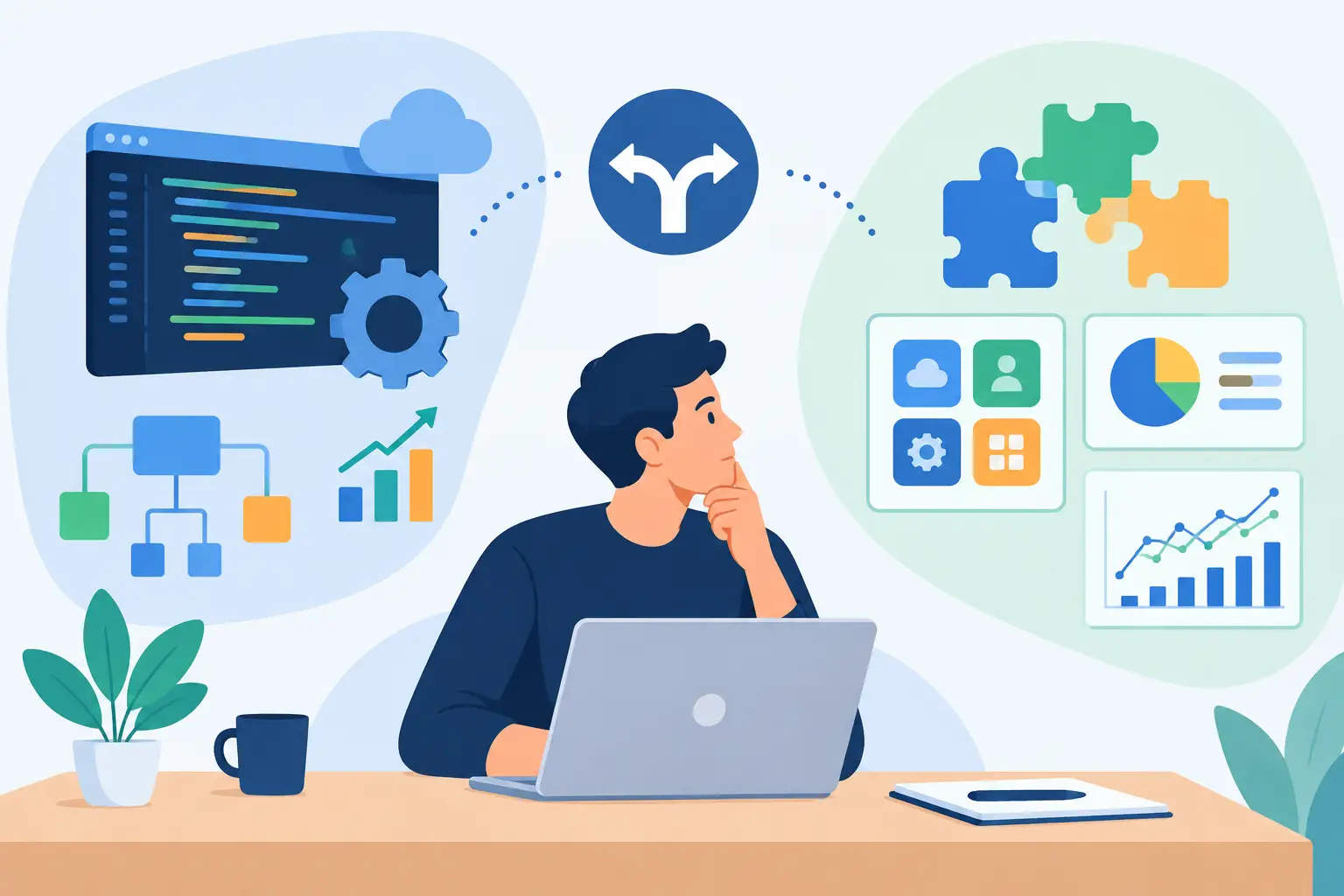
A startup can lose months trying to force a generic tool into a workflow that gives it a competitive edge. It can also lose months building technology that a $99-per-month SaaS product already handles well. The real question is not simply, “should startups build custom software?” It is whether custom software will create meaningful operational leverage at the stage your company is in.
For growth-stage businesses, the answer often sits in the gap between standard software and the way the business actually operates. That gap may include manual approvals, fragmented customer data, document-heavy processes, specialized pricing logic, compliance controls, or teams moving information between systems all day. When that gap becomes expensive, risky, or difficult to scale, custom software becomes a business decision rather than a technical preference.
When should startups build custom software?
Startups should build custom software when the workflow is central to revenue, customer experience, risk management, or operating margin, and existing tools cannot support it without costly workarounds.
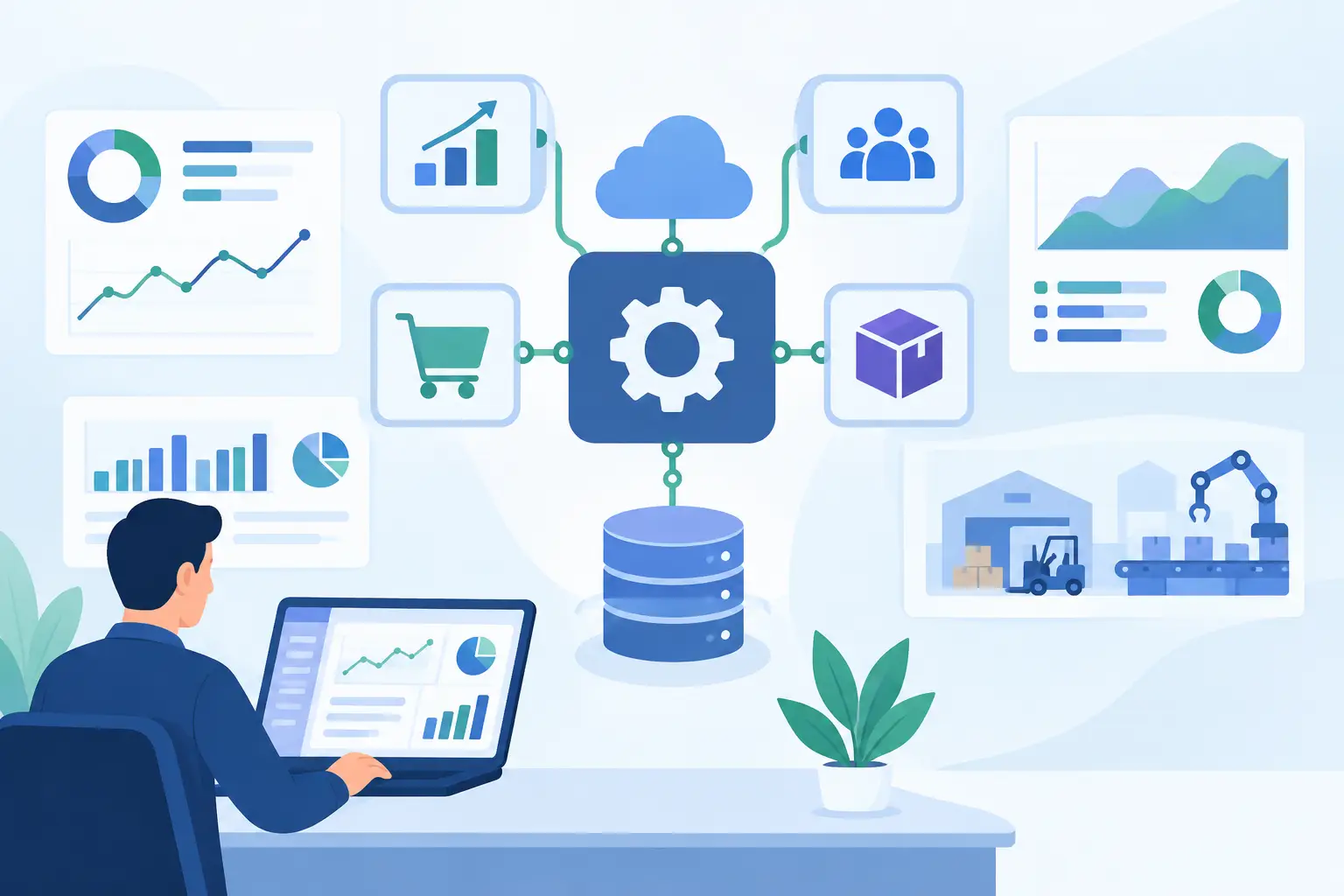
A useful test is to look at the process rather than the product idea. If a team is copying data between a CRM, inbox, spreadsheet, ERP, and support platform, the issue may not be that the team needs another dashboard. It may need an integrated workflow that captures data once, applies business rules, routes exceptions, and records the outcome in the right systems.
Custom development is also justified when the workflow itself is differentiating. A lending platform may have unique underwriting rules. A field service business may need scheduling logic that reflects regional capacity, certifications, equipment availability, and contractual response times. A B2B marketplace may need approval paths and pricing models that standard commerce platforms cannot represent cleanly.
In these cases, buying several tools and connecting them with manual processes can create a temporary solution. Over time, however, the workarounds become part of the operating model. They slow decisions, create inconsistent data, and make every new hire more dependent on tribal knowledge.
The strongest reasons to build
The case for custom software is strongest when it addresses a measurable constraint. That constraint could be processing time, error rate, labor cost, sales conversion, fulfillment capacity, or compliance exposure. “We want a better platform” is not enough. “We need to reduce a 45-minute intake process to 10 minutes while preserving an audit trail” is a buildable business case.
Custom software can create value in four common situations:
- Your core workflow does not fit standard tools without repeated manual intervention.
- Data must move reliably across multiple business systems, with clear ownership and auditability.
- Your company needs product behavior, decision logic, or user experiences that competitors cannot easily copy with off-the-shelf software.
- AI can automate a meaningful portion of a high-volume process, but only if it is connected securely to the systems where work actually happens.
That last point deserves scrutiny. An AI chatbot disconnected from your CRM, knowledge base, ticketing system, and approval rules may make for an interesting demo. It will not reliably reduce operational work. Production AI requires secure connectors, defined permissions, monitoring, human review for exceptions, and a clear path for handling incorrect or uncertain outputs.
When off-the-shelf software is the smarter choice
Custom development is not a signal of maturity by itself. Sometimes it is a costly way to avoid changing a process that should be standardized.
Use established software for common business capabilities such as payroll, accounting, commodity CRM functions, basic project management, standard email marketing, and routine HR workflows. These categories benefit from mature vendor ecosystems, ongoing compliance updates, and proven operating models. Rebuilding them rarely produces enough advantage to justify the long-term ownership cost.
The same applies when requirements are still unstable. If leadership has not agreed on the workflow, building a large system turns unresolved decisions into expensive code. A startup may be better served by configuring existing tools, running a manual pilot, and observing where the process breaks under real volume.
The right approach is often hybrid. Keep the systems that already work, then build the integration layer, customer-facing experience, orchestration logic, or automation capability that makes them work together. This protects prior investments while removing the manual gaps between systems.
Start with the cost of the current process
Before approving a build, quantify the operational cost of staying where you are. Do not limit the calculation to software subscriptions. Include staff time, rework, missed handoffs, delayed customer responses, errors, lost revenue, and the cost of training new employees on workaround-heavy processes.
For example, imagine an operations team that processes 3,000 customer documents each month. Each document requires classification, data extraction, validation against internal records, and an approval decision. If employees spend eight minutes per document, the direct labor burden is only part of the problem. The process may also delay onboarding, create inconsistent decisions, and leave little evidence of why an exception was approved.
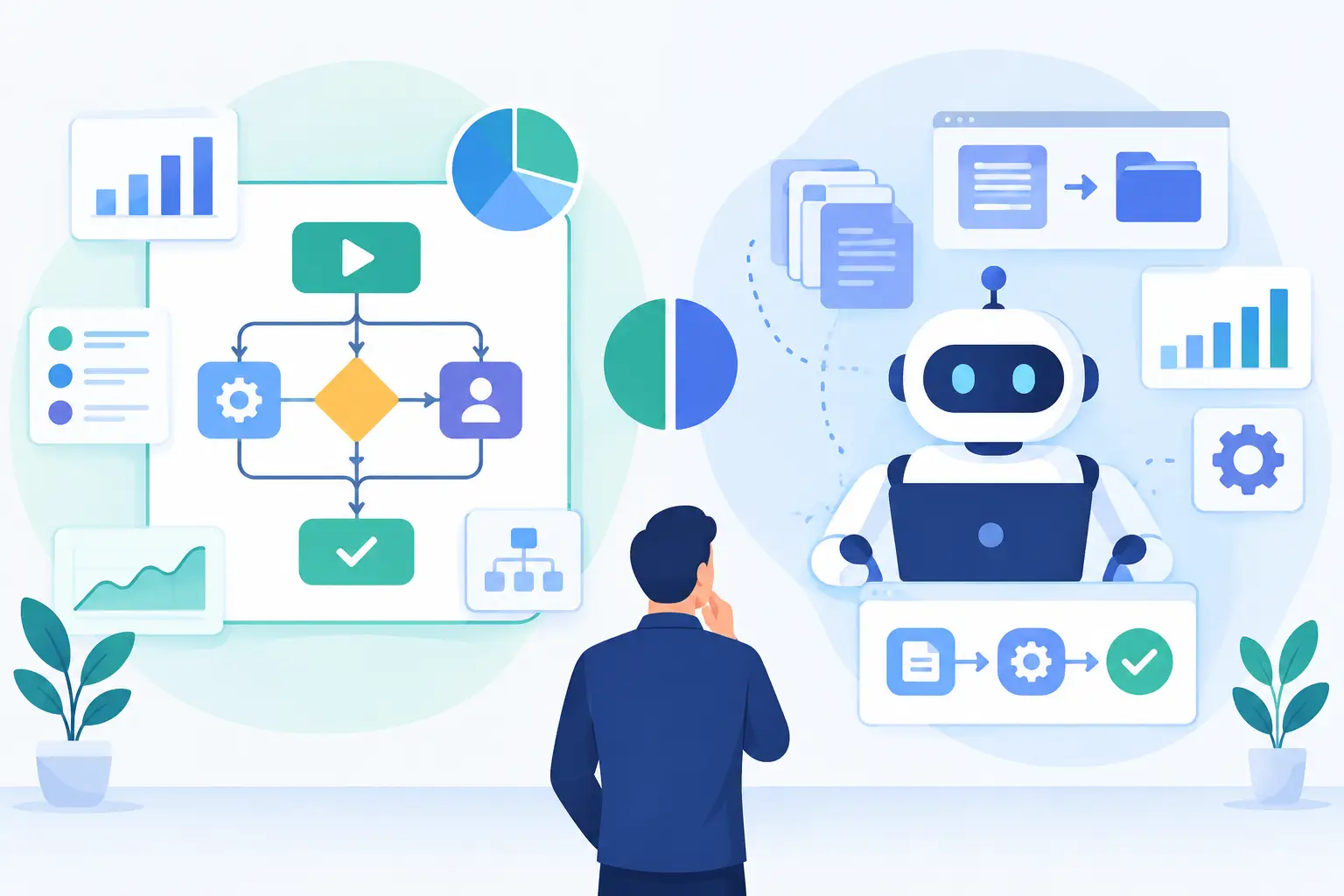
A custom workflow could combine document intake, OCR, structured extraction, AI-assisted review, business rules, human approvals, and system updates. The value is not “using AI.” The value is shorter cycle times, lower exception handling costs, a traceable decision record, and capacity to grow without adding headcount at the same rate.
That is the standard a custom project should meet: a defined business problem, a measurable baseline, and a credible mechanism for improvement.
Build a narrow first release, not a full replacement
Many custom software projects fail because the first release tries to replace every system and satisfy every stakeholder. The result is a long timeline, expanding requirements, and limited feedback until too much money has been committed.
A better plan begins with the highest-value workflow. Map the users, systems, inputs, decisions, exceptions, and outputs. Identify which steps can be automated safely, which require human approval, and what information must be logged for operations or compliance.
Then build a pilot that proves the architecture and the business case. For an AI-enabled process, this usually means testing on representative data, setting quality thresholds, defining escalation paths, and measuring performance against the manual baseline. It does not mean connecting a model to production systems with broad permissions and hoping for the best.
The pilot should answer practical questions: Does the system reduce handling time? Are outputs accurate enough for the intended use? Can users resolve exceptions quickly? Does it integrate cleanly with the CRM, ERP, support platform, or internal database? Can the team support it after launch?
If those answers are positive, the next release can expand coverage with less uncertainty.
Architecture and integration determine the real cost
The visible interface is rarely the hard part. The complexity is usually behind it: identity and access controls, data models, API reliability, audit logs, error handling, testing, system ownership, and ongoing maintenance.
This is why startups should assess custom software as a long-term operating asset. The initial build cost matters, but so do monitoring, security patches, dependency upgrades, support, infrastructure, and the engineering capacity needed to evolve the product. A quick prototype built without these considerations can become a liability once customers and internal teams depend on it.
Good architecture does not mean overengineering. It means making deliberate decisions about what must be reliable now and what can remain flexible. A workflow that handles sensitive customer information may require stronger access controls and auditability from day one. A low-risk internal reporting feature may not.
For AI systems, governance is especially important. Define what data the model can access, where prompts and outputs are stored, how sensitive information is protected, which actions require approval, and how behavior is monitored over time. These controls are not obstacles to speed. They are what allow a useful automation to enter production safely.
A decision framework for founders and operators
The best decision is usually made by a small cross-functional group, not engineering alone. Product, operations, finance, security, and the business owner of the workflow should agree on the problem before anyone estimates a solution.
Ask five questions. Is this workflow strategically important? Is the current process measurably limiting growth or creating risk? Can existing tools solve it with acceptable configuration and integration? Do we have stable enough requirements to build? Can we fund and support the system after launch?
If the workflow is non-differentiating, requirements are unsettled, and a proven tool covers most of the need, buy or configure. If the workflow drives your advantage or operating economics, and the cost of workarounds is growing, build selectively.
The goal is not to own more software. It is to create a dependable operating system for the parts of the business that matter most. A disciplined discovery process, a focused pilot, and production-grade integration can turn a persistent bottleneck into capacity the company can actually scale.