

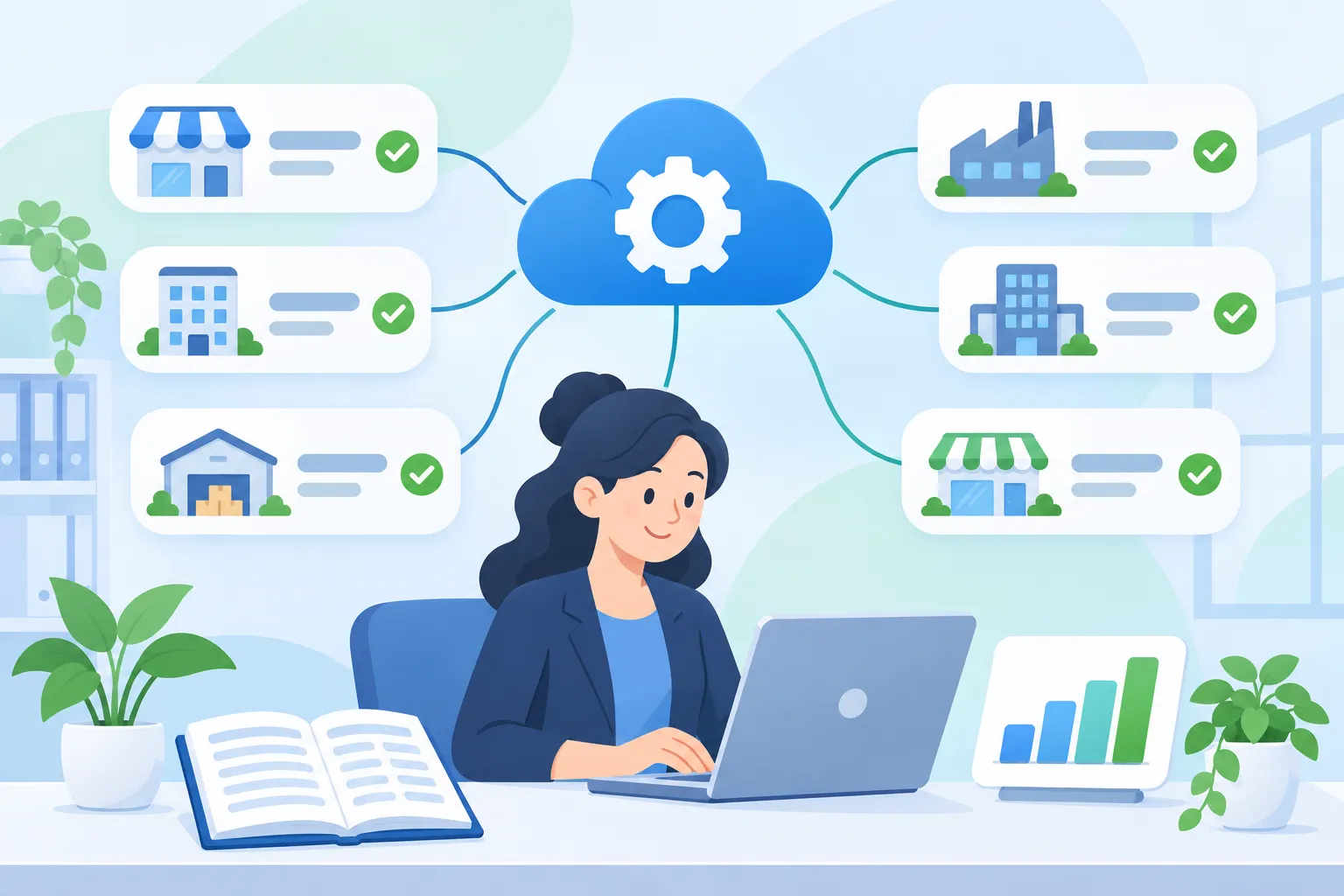
The client is a CPA firm that runs day-to-day bookkeeping for a portfolio of small and medium-sized businesses. Like most accounting practices, its growth was capped by headcount: every new client meant more receipts to key in, more bank lines to code, and more month-end reconciliations for a team that was already at capacity.
Business Challenge
Bookkeeping at the firm was labor-intensive by design. Almost every step between a client paying for something and that payment appearing correctly in the books depended on a person:
- Scattered document intake. Clients sent receipts, invoices, and checks by email and messaging apps. Staff downloaded, renamed, and filed each one before any accounting work could start.
- Manual data entry. Supplier, date, amount, and tax fields were typed in by hand from PDFs and phone photos.
- Manual transaction coding. Every bank transaction needed a debit and a credit account chosen by a bookkeeper, even when the same counterparty had been coded the same way dozens of times before.
- Slow reconciliation. Checking that bank balances matched recorded activity meant comparing statements and ledgers side by side.
- Constant client requests. Business owners called or emailed to ask for a profit and loss figure, a tax position, or a balance, and someone had to stop and pull the report.
The result was a business where capacity scaled linearly with people. The firm did not want to replace its bookkeepers. It wanted each of them to be able to carry more clients without working longer hours or lowering quality.
Solution
Invatechs designed and built a multi-tenant bookkeeping automation platform that sits between the firm's clients, their banks, and the firm's existing accounting software. It takes over the repetitive work and leaves bookkeepers with review and judgment. This is the same principle we apply in our AI and machine learning and API integration work: automate the routine path, keep a person in control of the exceptions.
Automated document intake
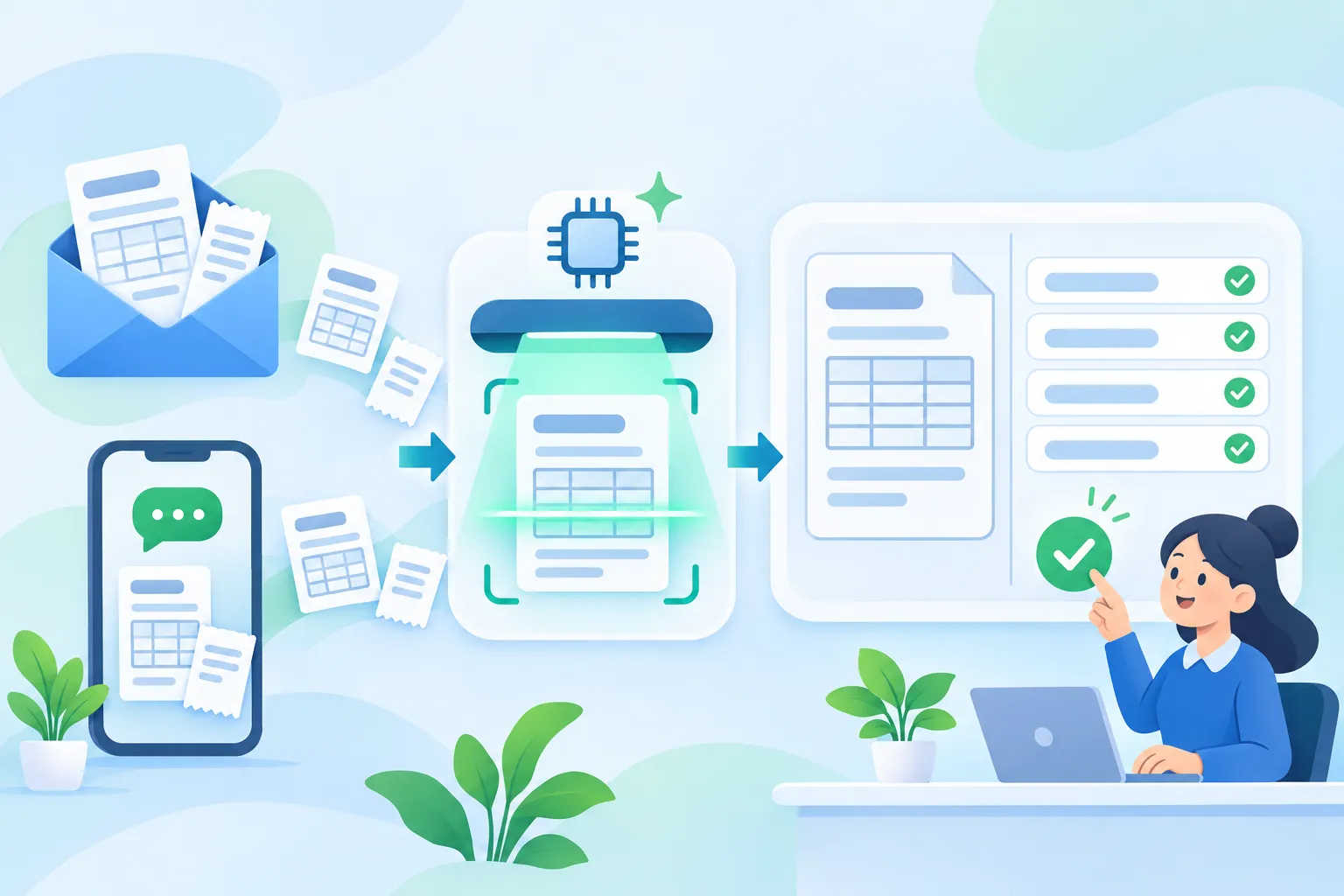
Clients keep sending documents the way they always have, by email or chat. The platform picks up the attachments, converts images to PDF, and files them into the right client's folder for the current period. Nobody downloads or renames anything.
AI data extraction with human review
A background service reads each incoming receipt, invoice, or check with a large language model and returns a fixed, structured set of fields. The output becomes a draft expense, not a final one. Bookkeepers confirm it on a split-screen review page with the original document on one side and editable fields on the other, so checking a document takes seconds instead of the minutes it takes to type it. We cover the trade-offs of this approach in AI OCR vs manual processing.
Bank feeds and self-learning transaction classification
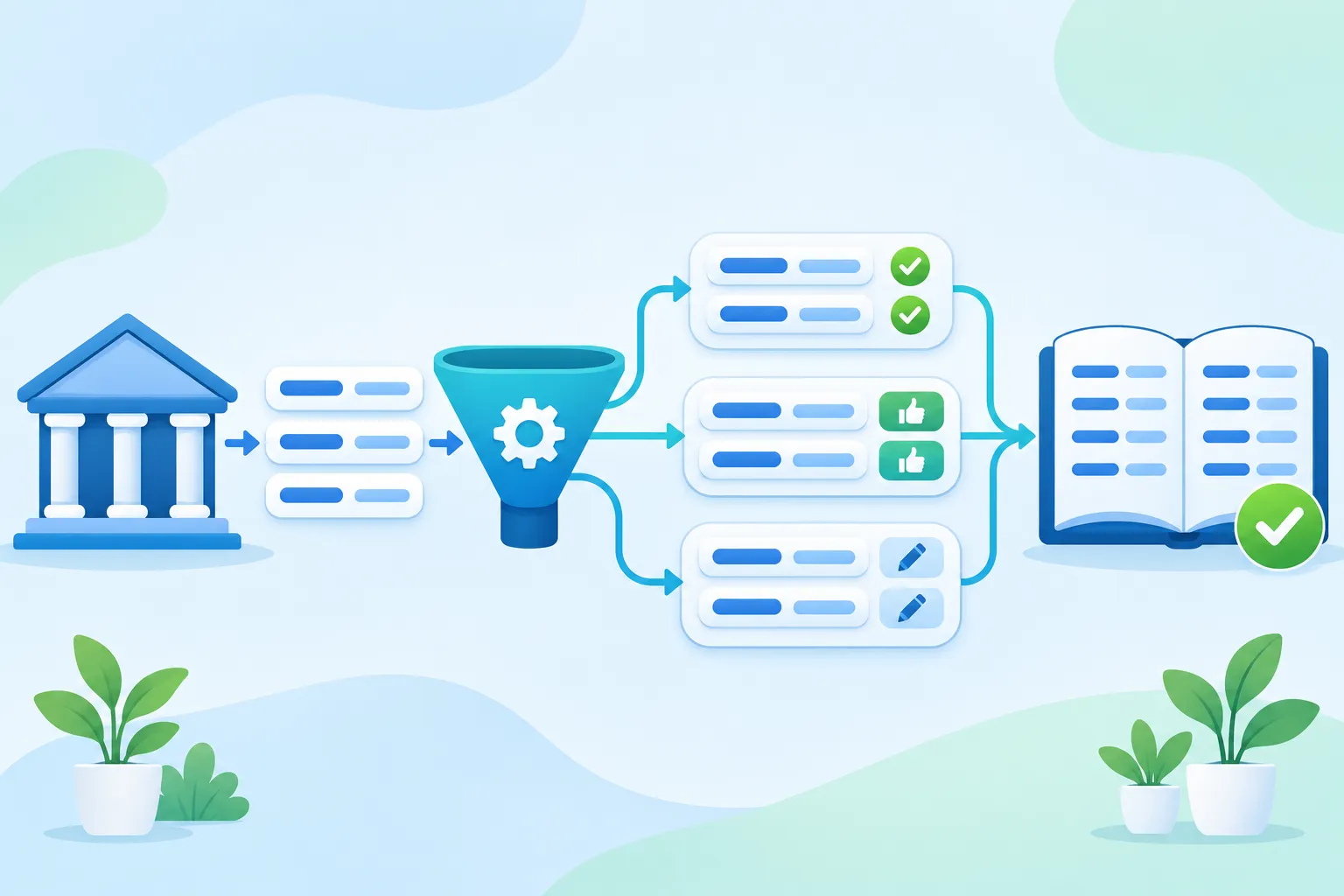
Bank transactions arrive automatically through an open banking connection. A classification engine then proposes the debit and credit accounts for each line, using rules it learns from the bookkeeper's own past decisions. It works in three tiers:
- Auto-fill. When confidence is very high, the accounts are filled in with no action needed.
- Recommend. When confidence is good but not conclusive, the bookkeeper sees a suggestion and approves or rejects it with one click.
- Leave blank. When the system has not seen enough, it stays out of the way. The bookkeeper codes the line manually and the system records that choice as a new rule.
Rules are isolated per client company. A pattern learned in one client's books is never applied to another's, even if the same counterparty appears in both. Each approval makes a rule stronger and each correction replaces it, so accuracy improves the longer a client is on the platform.
Balance reconciliation
The platform stores daily balance snapshots for every bank account and compares the change in balance against the transactions recorded for that day. Days that do not add up are flagged, so a bookkeeper goes straight to the discrepancy instead of scanning a whole month to find it.
Sync with existing accounting and invoicing systems
The firm kept its accounting software. Income and expense documents are pulled in from the invoicing tools its clients already use, and classified bank data is pushed to the accounting system by a small sync agent. That system runs on the firm's own network, so the cloud platform never connects to it directly: the agent calls out over HTTPS with an organization-scoped token, and nothing on the firm's network is exposed to the internet. For more on this pattern, see how to integrate legacy systems.
Client self-service portal
Business owners get their own login to a separate portal with profit and loss, balance, ledger, and tax reports, plus their bank activity. Reports are served from stored snapshots, so they load quickly and never put load on the accounting database. Questions that used to be a phone call to the bookkeeper are now answered by the client themselves.
Technologies & tools
- Backend: Node.js with NestJS, split into an API service, a scheduler, and background workers connected by a message queue (RabbitMQ) and Redis-backed job queues.
- Data: PostgreSQL for accounting data and report snapshots, MongoDB for document-oriented data.
- Frontend: React with Next.js and Tailwind CSS, multilingual, with separate staff and client interfaces.
- AI: large language model extraction against a fixed JSON schema, with OCR pre-processing for scanned documents.
- Integrations: email, messaging, cloud file storage, open banking data, invoicing platforms, and an on-premise accounting system.
- Security: organization-level data isolation, role-based access for admins, bookkeepers, and clients, encrypted third-party credentials, and scoped API tokens for machine-to-machine access.
Development Process
- Discovery. We mapped the bookkeeping workflow step by step with the firm's staff and ranked each step by how much time it consumed and how safely it could be automated.
- Integrations first. Document intake and data feeds came first, because automation is only as good as the data reaching it.
- Automation with a human in the loop. Extraction and classification shipped as suggestions that bookkeepers confirm. Trust in the automatic path was earned on real data before anything was filled in unattended.
- Client portal. A working prototype validated which reports clients actually used. It was then rebuilt inside the main platform with proper roles and tenant isolation.
- Hardening. Multi-organization support, credential encryption, and a security review prepared the platform for more firms and more clients.
Results
The main outcome is lower labor intensity per client. The same number of bookkeepers now runs a larger client portfolio, because the hours that used to go into collecting, typing, and coding are spent on review and exceptions.
- More clients per bookkeeper. The firm can take on new clients without hiring at the same rate.
- Review instead of data entry. Documents and bank lines arrive pre-filled. Staff confirm or correct them.
- Automation that improves with use. Every decision a bookkeeper makes trains that client's rule base, so the share of transactions needing manual coding keeps shrinking.
- Faster reconciliation. Discrepancies are flagged by day and by account.
- Fewer interruptions. Clients read their own reports in the portal.
- No disruption to existing tools. The firm's accounting software, and the way clients send documents, stayed the same.
If your team spends its days moving data between documents, bank statements, and an accounting system, talk to us about what can be automated.

