
A legacy system often carries the processes your business cannot afford to interrupt: order fulfillment, billing, customer records, underwriting rules, inventory, or regulatory reporting. The question is not whether to replace it overnight. It is how to integrate legacy systems without breaking the workflows, data integrity, and institutional knowledge that keep the operation moving.
For most mid-market companies, the right answer is not a large-scale rip-and-replace program. It is a controlled integration strategy that exposes the right data and actions, adds modern capabilities around the existing platform, and creates a practical path for future modernization. That approach can reduce manual work quickly while keeping operational risk under control.
Why legacy integration is an operational issue
Legacy platforms become a problem when they force people to act as the connector between systems. Teams export spreadsheets, rekey the same information into a CRM and ERP, check multiple screens before approving a request, or chase documents through email. Those are not isolated inconveniences. They create slower cycle times, inconsistent decisions, weak audit trails, and expensive exceptions.
A system may be old without being disposable. A COBOL-based policy administration platform, a heavily customized on-premise ERP, or a proprietary database can still hold the most complete and trusted record of a business process. Replacing it may require years of process redesign, data cleanup, user training, and parallel operations. Integration lets the organization address the immediate constraint first.
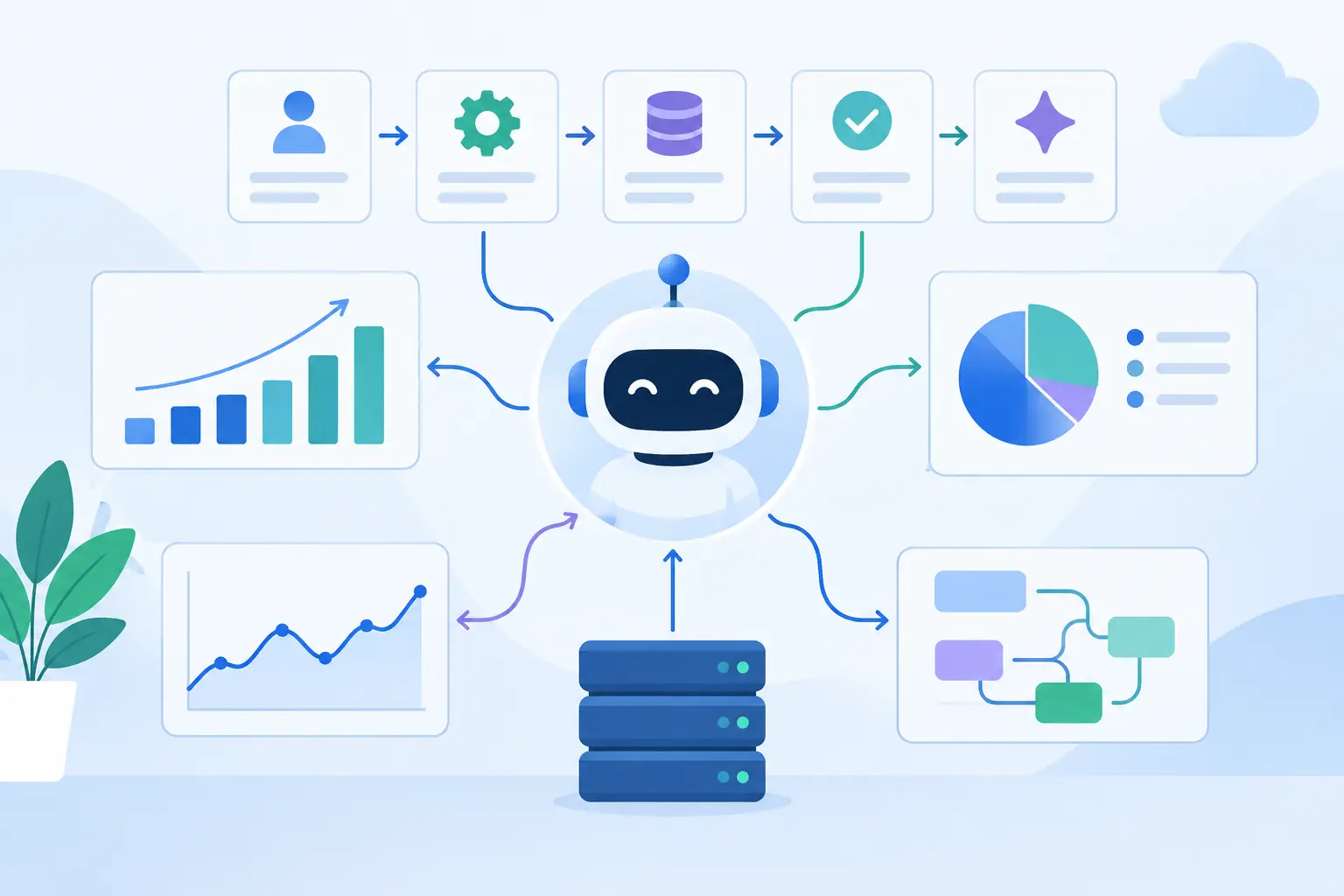
The goal is to make the legacy platform usable within a modern operating model. That might mean sending customer updates to a support platform, synchronizing financial data with a reporting tool, giving a mobile app controlled access to account information, or allowing an AI agent to retrieve approved knowledge and trigger defined actions. The legacy system remains authoritative where it should. New applications handle the experiences and automation it was never designed to support.
How to integrate legacy systems: start with the workflow
Integration projects fail when they begin with a technology preference rather than a business process. Choosing an API gateway, middleware platform, or AI tool before identifying the bottleneck produces connectors that move data but do not improve the work.
Start by selecting one high-value workflow. Good candidates are repetitive, cross-system, measurable, and costly when delayed. For example, a loan operations team may receive documents by email, validate them against an internal system, update a CRM, and route exceptions to an underwriter. The integration objective is not "connect every system." It is to reduce document handling time, eliminate duplicate entry, and preserve a clear record of each decision.
Define the workflow in practical terms: what triggers it, which system owns each data field, where human judgment is required, what exceptions occur, and which outcome will prove the project worked. Metrics should be tied to operations, such as processing time, error rate, backlog volume, first-response time, or cost per transaction.
This discovery work also identifies a critical distinction: read access is not the same as write access. Many early integrations only need to retrieve data from a legacy system and present it in a modern interface. Writing back changes the risk profile because it can affect financial records, inventory, customer status, or compliance reporting. Design permissions and controls accordingly.
Assess the integration surface before choosing tools
The practical integration method depends on what the legacy environment can safely expose. Some systems offer modern REST or SOAP APIs. Others provide database access, scheduled file exports, message queues, terminal interfaces, or vendor-supported connectors. In the most constrained cases, robotic process automation can interact with a user interface, but it should be treated as a temporary bridge rather than the core architecture.
An API is usually the best option when it is available, documented, and supported by the vendor. It provides a defined contract for requesting data and executing approved operations. But an API alone does not solve integration. Teams still need to account for authentication, rate limits, version changes, field mapping, retries, and error handling.
Direct database access can be effective for read-only reporting or controlled synchronization, especially when APIs are limited. It carries more risk when external applications write directly to production tables. Business rules are often embedded in the application layer, not the database schema. Bypassing them can create records that look valid technically but fail operationally.
File-based integration remains common in finance, logistics, manufacturing, and regulated environments. It is less immediate than an API, but it can be reliable when properly designed. Use structured formats, validation rules, encryption, delivery confirmation, and reconciliation reports. A nightly file exchange with strong controls can be better than a real-time connection that cannot be monitored or recovered.
Build an integration layer, not a chain of point-to-point fixes
A direct connection between two systems can solve a narrow need. Repeating that pattern across CRM, ERP, support, finance, data warehouse, and custom applications creates a fragile web of dependencies. Every schema change becomes a coordinated repair effort, and no one has a clear view of where data travels.
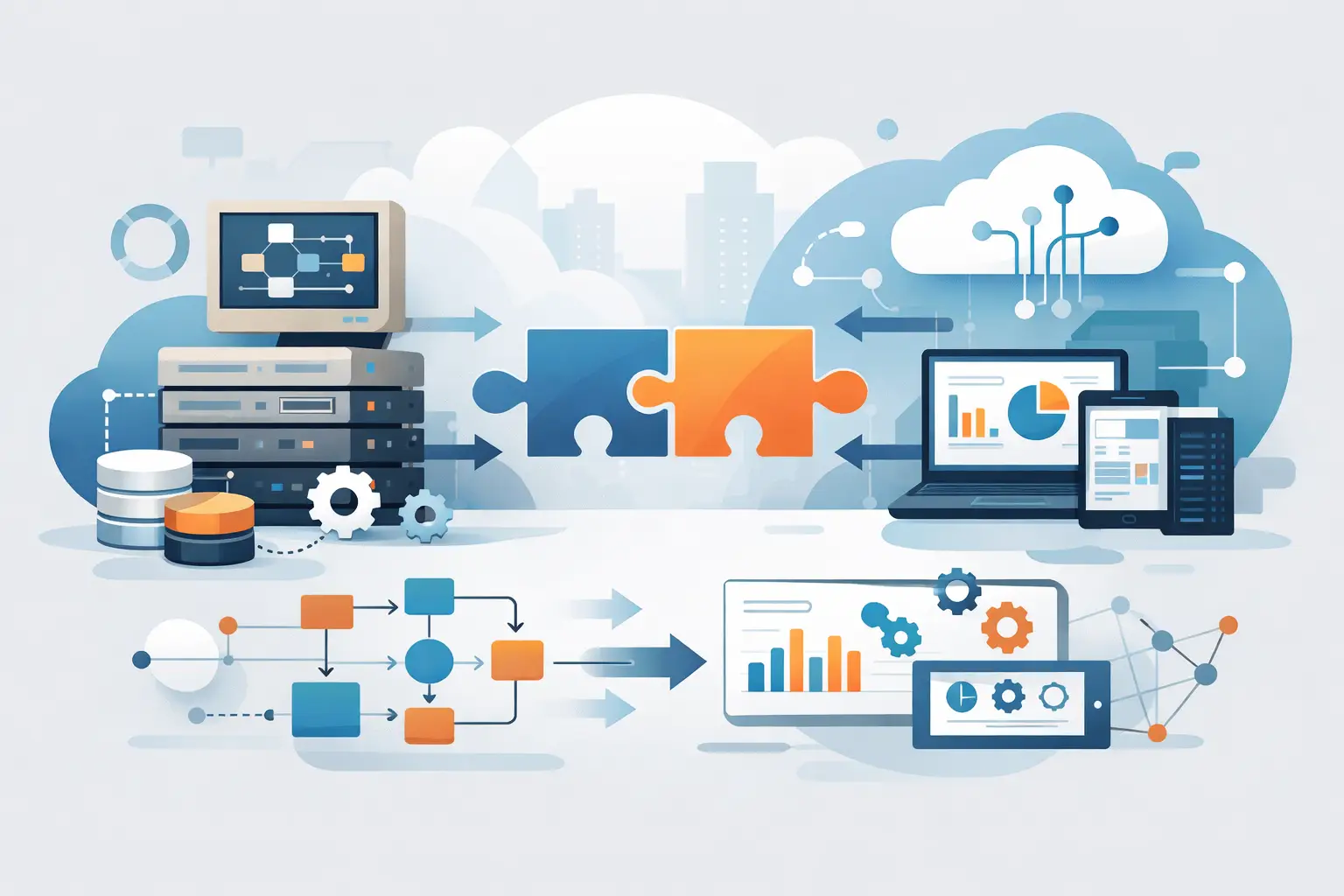
A better approach is an integration layer that separates business applications from the details of each connector. This layer can normalize data, manage authentication, apply validation, log transactions, queue work during outages, and expose reusable services to new applications. It may consist of an API gateway, integration platform, message broker, custom middleware, or a combination based on the environment.
The point is architectural control. If the legacy system changes, teams update the connector rather than every downstream application. If a new portal or AI workflow needs customer data, it uses the governed service instead of gaining unrestricted access to a production database.
Data contracts are central to this model. Define what a customer, order, claim, or account record means across systems. Document required fields, allowable values, ownership, update frequency, and conflict rules. If the ERP owns billing status and the CRM owns sales activity, the integration must enforce that distinction rather than let systems overwrite each other unpredictably.
Design for failure, security, and auditability
Legacy environments are rarely designed for continuous external traffic. A new integration can overload a system, expose sensitive data, or create duplicate transactions if it assumes every request will succeed. Production-grade delivery plans for failure from the start.
Use idempotent operations where possible, so a retried request does not create a second invoice or duplicate customer update. Queue non-urgent work when a downstream system is unavailable. Set timeouts, retry limits, and escalation paths. Reconcile records regularly so teams can identify transactions that were received by one system but not completed by another.
Security requires the same discipline. Apply least-privilege access, encrypt data in transit and at rest, store credentials in managed secrets rather than application code, and segment network access. Log who accessed data, what action was taken, and the outcome. For compliance-sensitive processes, the audit trail is part of the product requirement, not an administrative extra.
AI features need additional guardrails. An LLM can summarize documents, classify requests, retrieve policy information, or draft a response, but it should not receive broad production access by default. Give it approved tools with narrow permissions, validate inputs and outputs, require human review for material decisions, and maintain traceable records of automated actions. Concrete automation, not generic AI hype, means treating AI as one controlled component in a larger workflow.
Deliver in phases and prove value early
A phased rollout reduces both technical and organizational risk. Begin with a pilot that uses representative data, defined users, and a limited set of actions. Validate integration behavior under normal conditions and realistic failure scenarios. Then run in parallel with the existing process long enough to compare results before expanding access.
A practical delivery sequence includes five checkpoints:
- Map the workflow, system owners, risks, and success metrics.
- Build a small connector or prototype around one measurable use case.
- Test mappings, permissions, exception handling, and recovery paths.
- Deploy to a controlled user group with monitoring and support procedures.
- Optimize based on production evidence before adding more workflows.
This is not slower than a broad transformation program. It avoids spending months integrating low-value functions while the most costly manual process remains untouched. It also gives operations teams a chance to shape the design based on how work actually happens.
Know when integration should lead to replacement
Integration can extend the useful life of a legacy platform, but it cannot resolve every limitation. Replacement becomes more compelling when the system has unacceptable security exposure, unsupported infrastructure, inaccessible data, escalating maintenance costs, or constraints that prevent core business changes.
Even then, integration should often come first. A well-designed integration layer can support a gradual migration by moving one capability at a time to a modern service. It also prevents the new platform from becoming another isolated system on day one.
The strongest modernization programs treat legacy systems as an architecture and workflow challenge, not a source of embarrassment. Start where manual effort, delays, and risk are highest. Connect systems through governed interfaces. Measure the operational change. That is how organizations turn aging platforms into a controlled foundation for better software, better automation, and faster execution.