

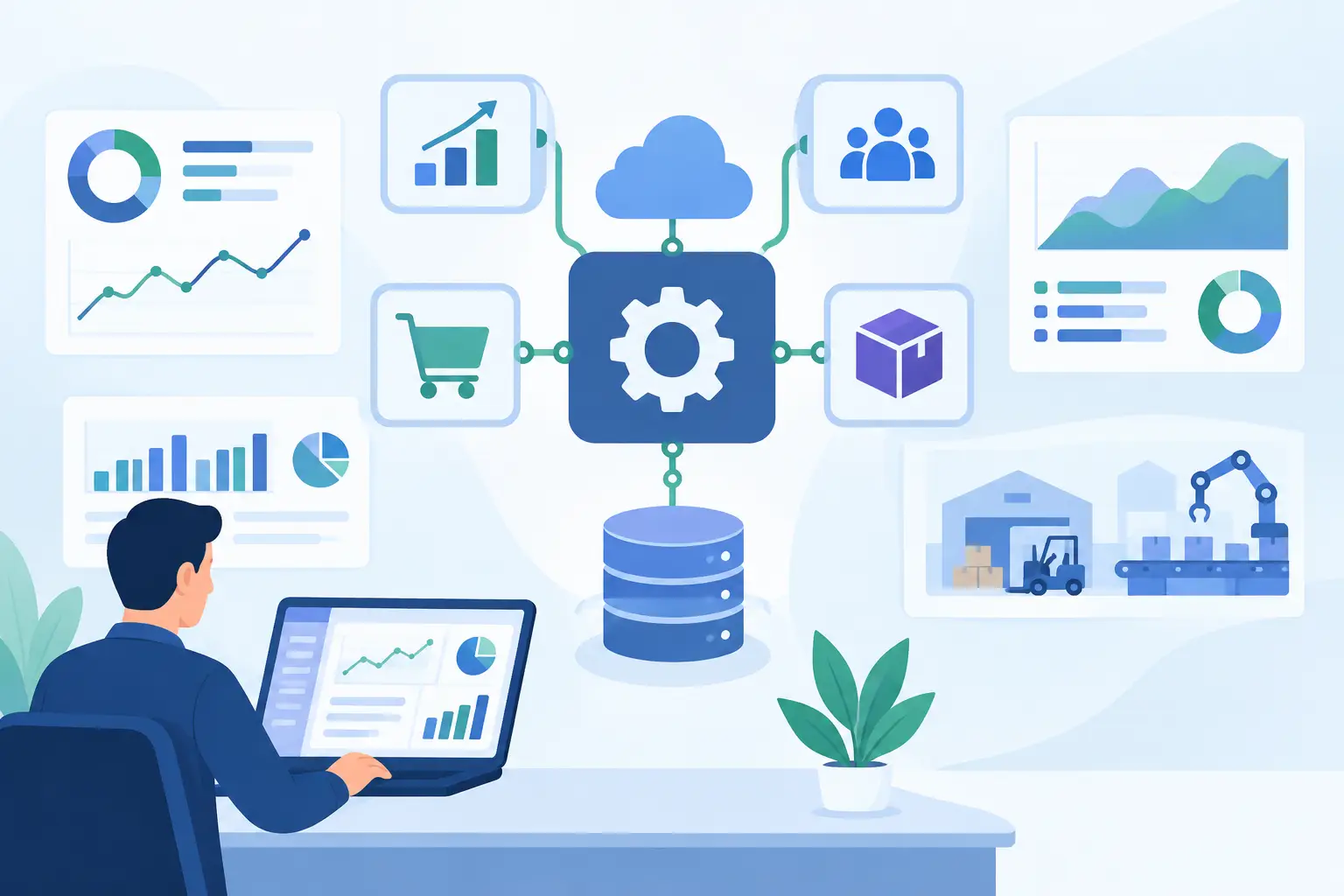
An ERP integration can look simple on a process map: move an order from a storefront into finance, synchronize inventory with a warehouse, or send customer data to a CRM. In production, that same workflow can affect revenue recognition, fulfillment, tax calculations, purchasing, and reporting. Knowing how to integrate ERP APIs means treating the ERP as a system of record, not just another application endpoint.
For operationally complex businesses, the objective is not merely to make systems exchange data. It is to create controlled, observable workflows that preserve data integrity, respect business rules, and continue working when a vendor API slows down, changes behavior, or returns incomplete records.
Start With the Business Workflow, Not the API
Most ERP integration failures start before development. Teams choose endpoints first, then discover that the operational process has exceptions the API design does not address. A sales order may need credit approval before release. A purchase order may require a specific cost center. An invoice may be posted only after a shipment confirmation and tax validation.
Map the workflow from trigger to financial or operational outcome. Identify the system that owns each data entity, the people or services allowed to change it, and the event that makes a record ready to transfer. This establishes whether the integration should be real-time, scheduled, event-driven, or a combination of all three.
For example, inventory availability may need near-real-time updates to prevent overselling. General ledger synchronization can often run in controlled batches. Trying to force every process into real-time API calls increases cost and failure risk without necessarily improving the business outcome.
Define the system of record
For each object, establish one authoritative source. Customer profiles may originate in a CRM, item masters in the ERP, shipping status in a logistics platform, and product content in a PIM. Without clear ownership, two systems can overwrite each other with valid but conflicting data.
This decision should include field-level ownership. A CRM may own a customer contact's email address, while the ERP owns payment terms, credit status, and tax classification. The integration should not blindly copy an entire customer record in both directions.
Assess the ERP API Before Committing to the Design
ERP APIs vary widely. Some offer modern REST endpoints with webhooks and clear rate limits. Others rely on SOAP services, custom query languages, bulk import jobs, middleware connectors, or database-level interfaces. The right architecture depends on what the ERP actually supports, not what its product documentation implies at a high level.
Review authentication methods, token lifetimes, rate limits, pagination behavior, field-level permissions, error responses, and available sandbox environments. Confirm whether the API exposes the business objects you need and whether it supports create, update, delete, search, and status operations consistently.
A key question is whether the API supports idempotency. An idempotent request can be safely retried without creating duplicate orders, invoices, or payments. If the ERP does not provide idempotency keys, the integration layer needs its own duplicate detection strategy based on external IDs, timestamps, and transaction state.
Do not assume a successful HTTP response means the ERP transaction is complete. Many platforms accept a request, queue a background job, and process it later. Your integration must be able to track that downstream state before telling another system that the work has succeeded.
How to Integrate ERP APIs With a Reliable Architecture
A direct point-to-point connection is appropriate for a small, stable workflow with limited systems. It becomes difficult to manage when the ERP must coordinate with ecommerce, CRM, WMS, finance, support, procurement, and AI-driven automation. Every additional direct connection adds more transformation logic, credentials, failure paths, and maintenance burden.
For most mid-market organizations, use an integration layer between the ERP and connected systems. This can be a custom service, an iPaaS platform, or a hybrid approach. Its role is to manage mapping, validation, orchestration, retries, logging, and security without embedding business-critical logic across multiple applications.
The integration layer should separate three concerns. First, it receives or retrieves data from the source system. Second, it validates and transforms that data into the ERP's required schema. Third, it submits the transaction and records the result. Keeping these responsibilities separate makes changes easier to test and less likely to damage unrelated workflows.
Use canonical models carefully
A canonical data model creates a shared internal format for concepts such as customers, orders, invoices, and products. It can reduce repeated mappings when several systems connect to the same ERP.
But a canonical model is not automatically the right answer. If you are integrating only two systems, an extra abstraction layer may slow delivery and hide ERP-specific rules. Use it when multiple applications need shared data definitions or when the business expects to replace systems over time. Keep it pragmatic and focused on the fields that are genuinely reusable.
Design for asynchronous processing
ERP operations are often slow or constrained by vendor limits. A customer-facing application should not wait for an ERP call to complete before confirming a user action. Instead, record the request, place it on a queue, process it asynchronously, and expose a clear status back to the originating system.
This pattern protects user experience and improves recovery. If the ERP is temporarily unavailable, the queue retains the work. When service resumes, the integration can retry according to defined rules rather than losing transactions or requiring staff to re-enter them manually.
Make Data Quality a Gate, Not a Cleanup Task
ERP records carry operational and financial consequences. A missing unit of measure, invalid tax code, unmatched SKU, or incorrect legal entity can halt processing or create an error that surfaces weeks later during reconciliation.
Validate data before it reaches the ERP. Required fields, format rules, allowable values, account mappings, customer status, and reference data should all be checked at the integration boundary. Where possible, validate against current ERP master data rather than a stale copy maintained elsewhere.
Exceptions need a defined destination. Some failures should retry automatically, such as a temporary timeout. Others require a human decision, such as an order with an inactive customer account or a product that has no revenue account. Route these cases into an exception queue with enough context for operations teams to resolve the issue without searching through logs or contacting engineering.
Avoid silent field truncation and default values for financially meaningful data. A transfer that appears successful but posts to the wrong account is more dangerous than one that fails visibly.
Secure the Connection and Limit the Blast Radius
ERP access should follow least-privilege principles. Create dedicated service accounts for each integration and grant only the permissions required for its tasks. An inventory synchronization service should not have the ability to approve payments or modify the chart of accounts.
Store credentials in a managed secrets system, rotate them, and avoid placing tokens in source code, spreadsheets, or application configuration files. Encrypt data in transit and protect sensitive data at rest, especially when integrations handle customer identifiers, payroll information, bank details, or regulated records.
Audit trails matter as much as access controls. Record who or what initiated a transaction, which source record was used, what payload was sent, what the ERP returned, and whether a person intervened. For compliance-sensitive workflows, this traceability is part of the product requirement, not an optional operational feature.
Test the Failure Paths Before Production
Happy-path testing is not enough. Test duplicate submissions, malformed payloads, missing reference records, expired authentication, API rate limiting, partial batch failures, network timeouts, and ERP maintenance windows. Confirm that retries do not create duplicate financial or fulfillment transactions.
A sandbox is useful, but it rarely reproduces every production condition. Run a controlled pilot using a limited transaction type, business unit, or customer segment. Reconcile the source, integration logs, and ERP results daily during the pilot. This exposes mapping and timing issues before they affect the broader operation.
Quality assurance should include business users who understand the downstream impact. Finance can validate posting behavior. Warehouse teams can validate allocation and fulfillment states. Operations leaders can identify exceptions that technical teams may not recognize from API documentation alone.
Monitor the Workflow, Not Just the Endpoint
An API uptime dashboard does not prove the integration is working. A service may return 200 responses while records are being rejected later, queued indefinitely, or posted with the wrong mappings.
Monitor business-level signals: orders received versus orders created, invoices expected versus invoices posted, inventory adjustments processed versus failed, and average time from source event to ERP completion. Set alerts for backlog growth, unusual error rates, repeated retry attempts, and reconciliation gaps.
Operational visibility should answer three questions quickly: What failed? What is the business impact? What action is required? That is the difference between an integration that engineering can troubleshoot eventually and one that operations can manage with confidence.
ERP API integration is not a one-time connector project. Vendor versions change, business rules evolve, and new systems enter the stack. Build the first release with clear ownership, testable logic, and measurable controls. That gives your organization a dependable base for automation, including AI workflows that can act on business data only within the guardrails your operation requires.