
A finance team receives invoices through email, a supplier portal, and a shared drive. Someone downloads each file, checks vendor data against the ERP, routes exceptions for approval, and posts approved invoices for payment. The question is not whether this work should be automated. The question in workflow automation vs RPA is what kind of automation will remain reliable after the process, systems, and volume change.
For operationally complex businesses, that distinction affects cost, resilience, auditability, and speed to value. A bot that handles one repetitive screen task can be useful. But a business process that spans systems, approvals, documents, and exceptions usually needs more than a bot clicking through an interface.
Workflow Automation vs RPA: The Core Difference
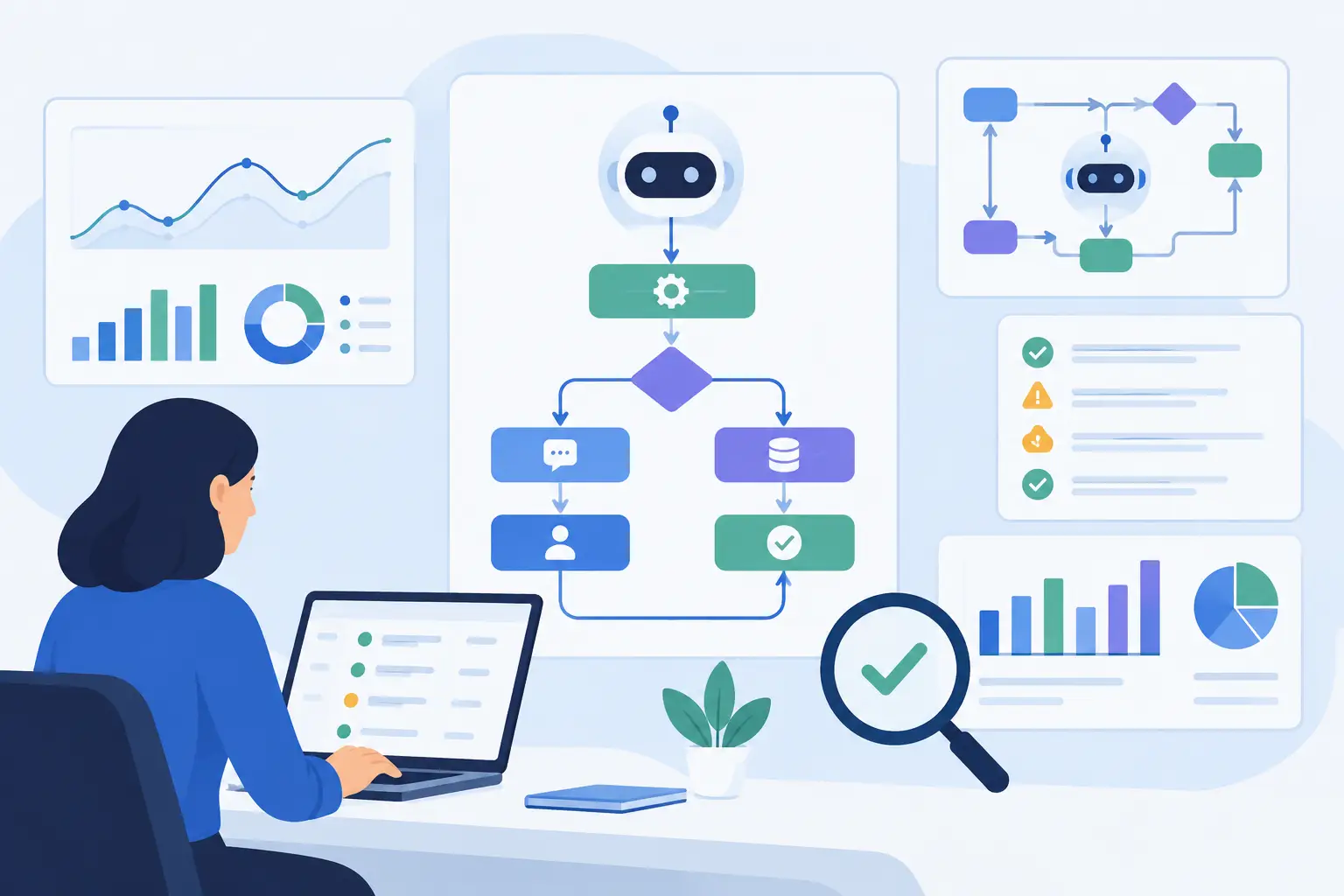
Workflow automation coordinates work across people, applications, data, and rules. It uses triggers, APIs, integrations, decision logic, notifications, approvals, and status tracking to move a process from start to finish. The workflow is the operating model: what starts the process, which system owns each record, who makes a decision, and what happens when something fails.
Robotic process automation, or RPA, uses software bots to replicate actions a person performs in a digital interface. A bot can log in to a web portal, copy information from one screen to another, download a report, fill in a form, or update a legacy application that does not offer an API. RPA is especially effective for stable, rules-based tasks with predictable inputs.
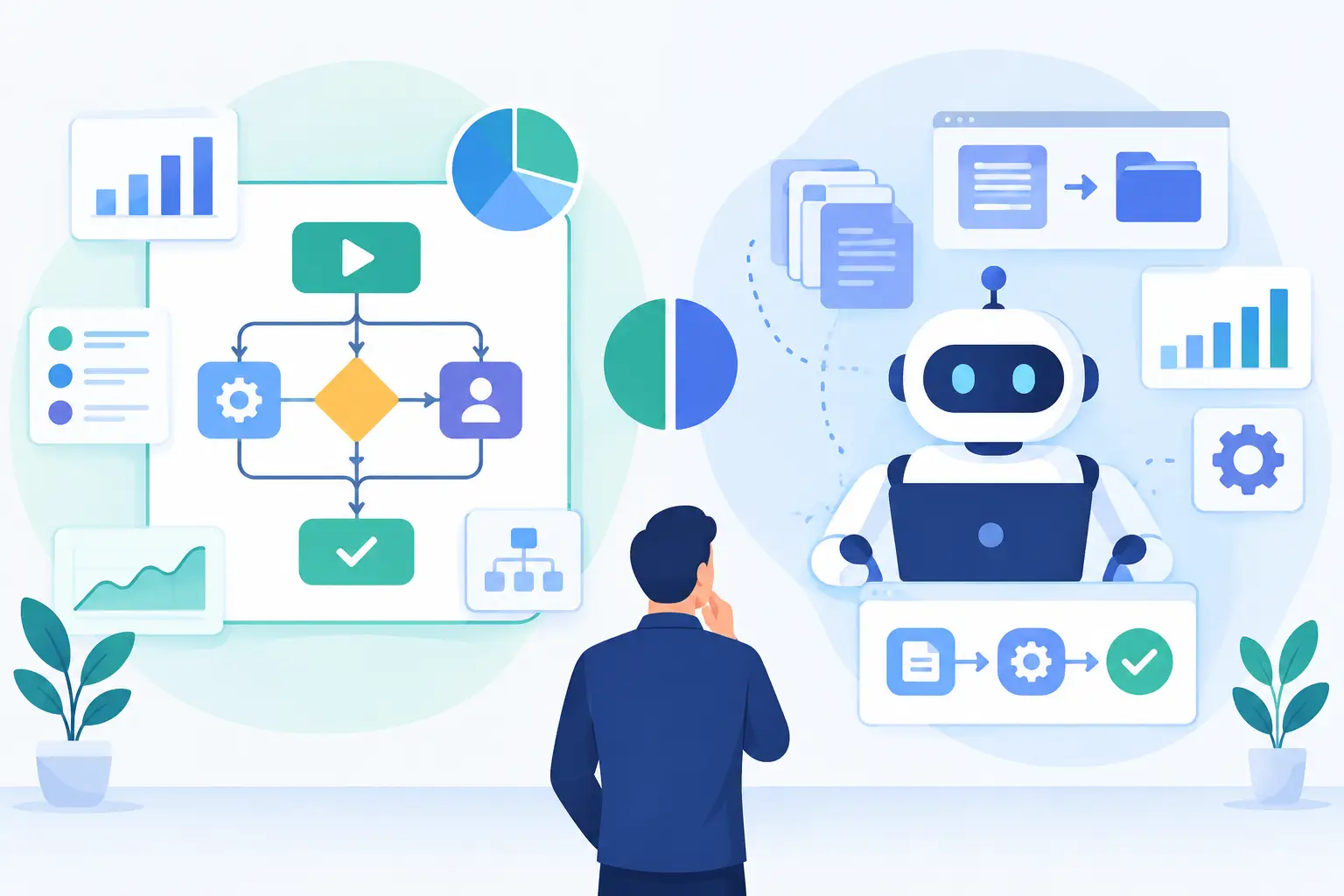
The technologies can work together. RPA is often one component of a broader workflow. For example, a workflow can receive a request, validate the data through APIs, send an approval to the right manager, then call an RPA bot only for the legacy system step. Treating them as mutually exclusive choices creates unnecessary architectural limits.
How the Two Approaches Behave in Production
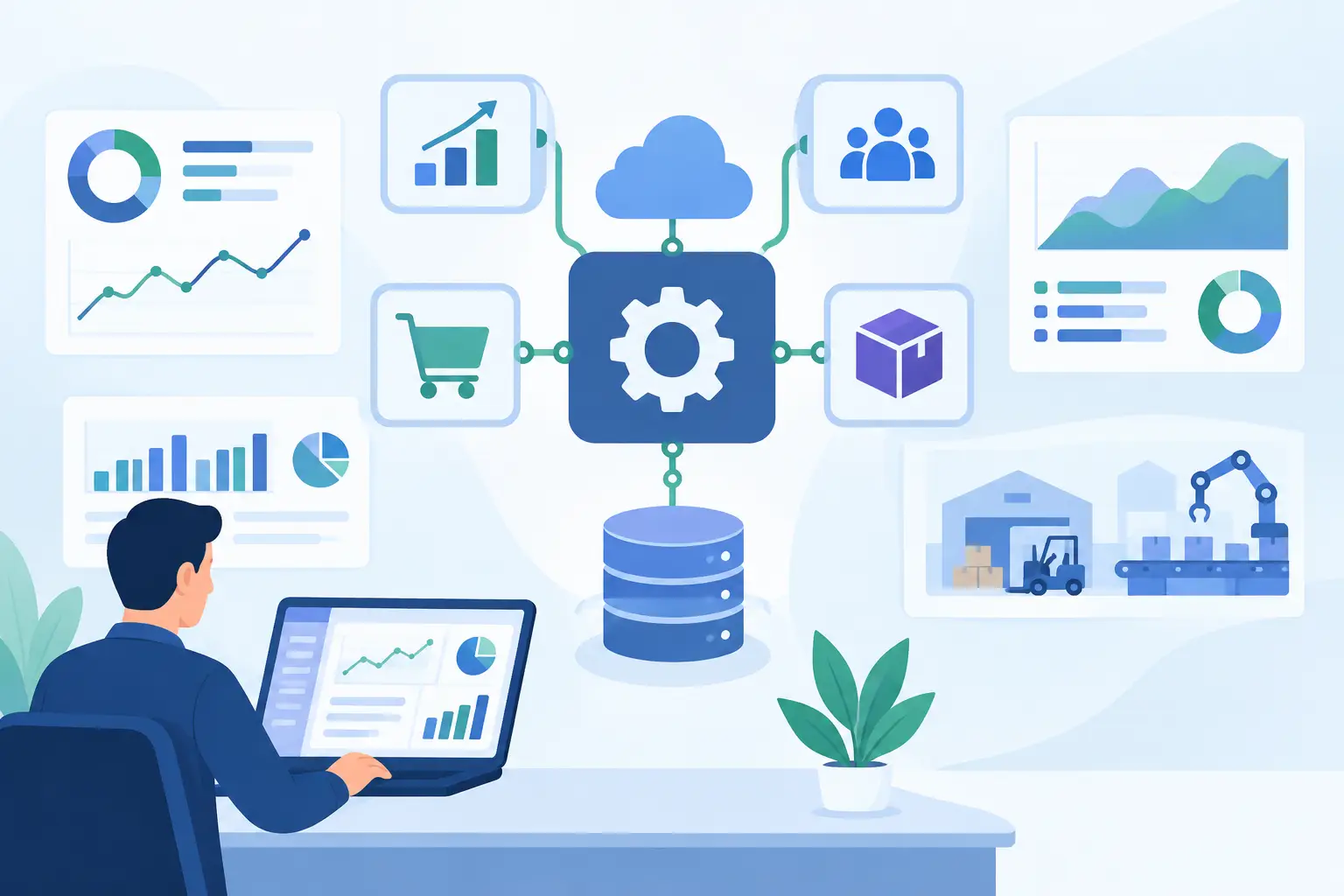
The practical difference is where each approach interacts with a system. Workflow automation generally integrates at the application or data layer. It calls APIs, reads and writes records, listens for events, and maintains a traceable state as work moves between systems.
RPA generally operates at the presentation layer. It sees screens, buttons, fields, and page layouts much as a human user does. This is valuable when no integration path exists, but it also creates dependency on the interface. A minor layout change, an expired session, a multi-factor authentication prompt, or a modified field label can interrupt a bot.
That does not mean RPA is fragile by definition. Well-engineered bots include monitoring, error handling, retry logic, credential controls, and test coverage. Still, interface dependence is a real maintenance consideration. If an API is available and suitable, it is usually the more durable path for high-volume, business-critical data exchange.
Workflow automation also makes process ownership clearer. It can show that an order is awaiting credit approval, a claim is pending document review, or a support request is blocked by missing customer information. An RPA bot can execute a task inside that process, but it does not automatically provide end-to-end orchestration, visibility, or accountability.
Where RPA Is the Right Tool
RPA is a strong choice when a critical system cannot be integrated through an API, when manual work follows a consistent sequence, and when the underlying interface is stable. Common examples include entering data into a legacy ERP, collecting reports from partner portals, reconciling records between systems, and migrating information during a platform transition.
It can also deliver value quickly when teams need to reduce a narrowly defined workload without replacing a system. If staff spend hours each day copying the same data between applications, a targeted bot can remove that burden while a longer-term modernization plan is developed.
The limitation appears when the process contains frequent exceptions or judgment calls. A bot that handles the standard path may still leave employees managing email threads, missing files, ambiguous requests, and escalations outside the bot. If those exceptions represent a meaningful share of the work, the business case should account for the whole process, not just the most repetitive step.
Where Workflow Automation Delivers More Value
Workflow automation is usually the better foundation for processes that cross departments and systems. Consider customer onboarding: sales submits a deal, finance validates billing details, compliance reviews required documentation, operations provisions an account, and the customer receives updates. The process has dependencies, owners, deadlines, and exceptions. It needs orchestration.
The same applies to purchase approvals, claims processing, underwriting, employee onboarding, support escalation, and document-heavy back-office operations. These are not just collections of clicks. They are processes that need defined rules, system-of-record updates, approval controls, and an auditable history.
A well-designed workflow can also preserve human decisions where they matter. Rather than attempting to automate every judgment, it can prepare the relevant data, assign a review to the right person, capture the decision, and continue the process automatically. This approach removes administrative effort without creating an opaque decision path.
AI Changes the Design, Not the Need for Control
AI expands what can be automated, particularly where inputs are unstructured. An AI component can extract information from invoices, classify incoming requests, summarize case histories, identify missing documents, or draft a response for review. LLM agents can retrieve approved information from internal knowledge bases and take constrained actions in connected systems.
But AI does not replace workflow architecture. An extracted value still needs validation. A proposed action still needs permission boundaries. A customer-facing response may need approval, especially in regulated, financial, or compliance-sensitive operations.
The production pattern is straightforward: use AI for interpretation and assistance, then use workflow controls for routing, validation, audit records, and execution. For high-risk actions, set confidence thresholds and send uncertain cases to a human queue. Keep source data, model outputs, approvals, and system actions traceable. Concrete automation, not generic AI hype, is what produces dependable operational gains.
Choosing Between Workflow Automation and RPA
Start with the process rather than the tool. Map each handoff, identify the systems involved, measure the volume, and separate standard paths from exceptions. Then assess whether the systems offer APIs, webhooks, database access, or other supported integration methods.
If the task is a stable, repetitive interaction with a system that cannot be integrated directly, RPA may be the practical answer. If the work involves multiple applications, approvals, SLAs, and changing business rules, workflow automation should lead the design. If both conditions exist, build an orchestrated workflow and use RPA only at the legacy boundary.
Decision-makers should also examine maintenance ownership. Who will monitor failures? Who updates automations when a vendor changes its interface? How are credentials stored and rotated? What evidence is retained for audits? These questions matter more than a successful demo because they determine whether the automation performs under real operating conditions.
Build for the Process You Will Have Next Year
The fastest implementation is not always the cheapest over time. A screen-based bot may solve an urgent pain point, while an API-based workflow may require more discovery and integration work. The right choice depends on the urgency, system constraints, expected volume, and likelihood of process change.
A disciplined delivery process reduces that uncertainty. Begin with discovery and process mapping. Define measurable outcomes such as cycle-time reduction, fewer manual touches, lower exception rates, or improved service-level performance. Build a pilot around a bounded use case, test it against real exceptions, and add monitoring before scaling.
For organizations that need custom integrations, AI-assisted decisions, and production-grade controls, the architecture should be designed as a connected system rather than a collection of automations. Invatechs approaches automation this way: connecting business systems, applying AI where it improves the process, and engineering the controls needed for reliable operation.
The useful next step is to select one process where manual effort is measurable, exceptions are understood, and business ownership is clear. That creates the evidence needed to decide whether a workflow, an RPA bot, or a combined design will deliver value that lasts.