
A support team is handling the same password-reset question for the hundredth time. A finance analyst is reconciling exceptions across an ERP, a spreadsheet, and email. Both tasks may involve conversational AI, but the right solution is not necessarily the same. The chatbot vs AI copilot decision determines whether AI simply answers questions or actively helps people complete work inside the systems that run the business.
For operationally complex companies, that distinction affects scope, architecture, risk, and ROI. A polished chat interface alone does not create automation. Value comes from connecting AI to trusted data, defined business rules, approvals, and the workflows people already use.
What a Chatbot Is Built to Do
A chatbot is primarily a conversational interface designed to respond to prompts. It is usually focused on answering common questions, guiding users through a process, collecting basic information, or routing a request to the right team.
Customer support is the familiar example. A chatbot can explain return policies, provide order status when connected to a commerce platform, collect troubleshooting details, or create a support ticket. Internal chatbots can answer questions about benefits, IT policies, onboarding, or company documentation.
The strength of a chatbot is containment. It handles recurring, relatively predictable interactions at scale. If the goal is to reduce repetitive Tier 1 inquiries, make knowledge easier to find, or provide service outside business hours, a chatbot can be a practical solution.
Its limitations become clear when a request requires judgment, access to multiple systems, or a sequence of actions. A chatbot that can tell an employee how to submit an expense report is useful. A system that can review a receipt, classify the expense, check policy, identify missing fields, and prepare the draft report operates at a different level.
What Makes an AI Copilot Different
An AI copilot is designed to assist a person while they perform work. Rather than sitting at the edge of a process as a question-answering tool, it is embedded in the tools, data, and decision points that define the process.
A copilot might help an underwriter review an application package, extract key details from documents, compare them against underwriting criteria, flag contradictions, and prepare a rationale for human review. It does not need to make the final approval decision to create material value. It reduces the time spent searching, transcribing, and assembling information.
For sales operations, a copilot could read meeting notes, update CRM fields, identify stalled deals, draft follow-up messages, and surface account risks based on recent activity. For support agents, it can summarize a case history, retrieve relevant knowledge, recommend a response, and draft notes after the interaction.
The defining feature is context plus action. An effective copilot understands the user’s role, accesses authorized information, and supports a defined workflow. In some cases, it can execute approved actions through APIs. In others, it prepares work for a person to verify. The appropriate level of autonomy depends on the process and its risk profile.
Chatbot vs AI Copilot: The Operational Difference
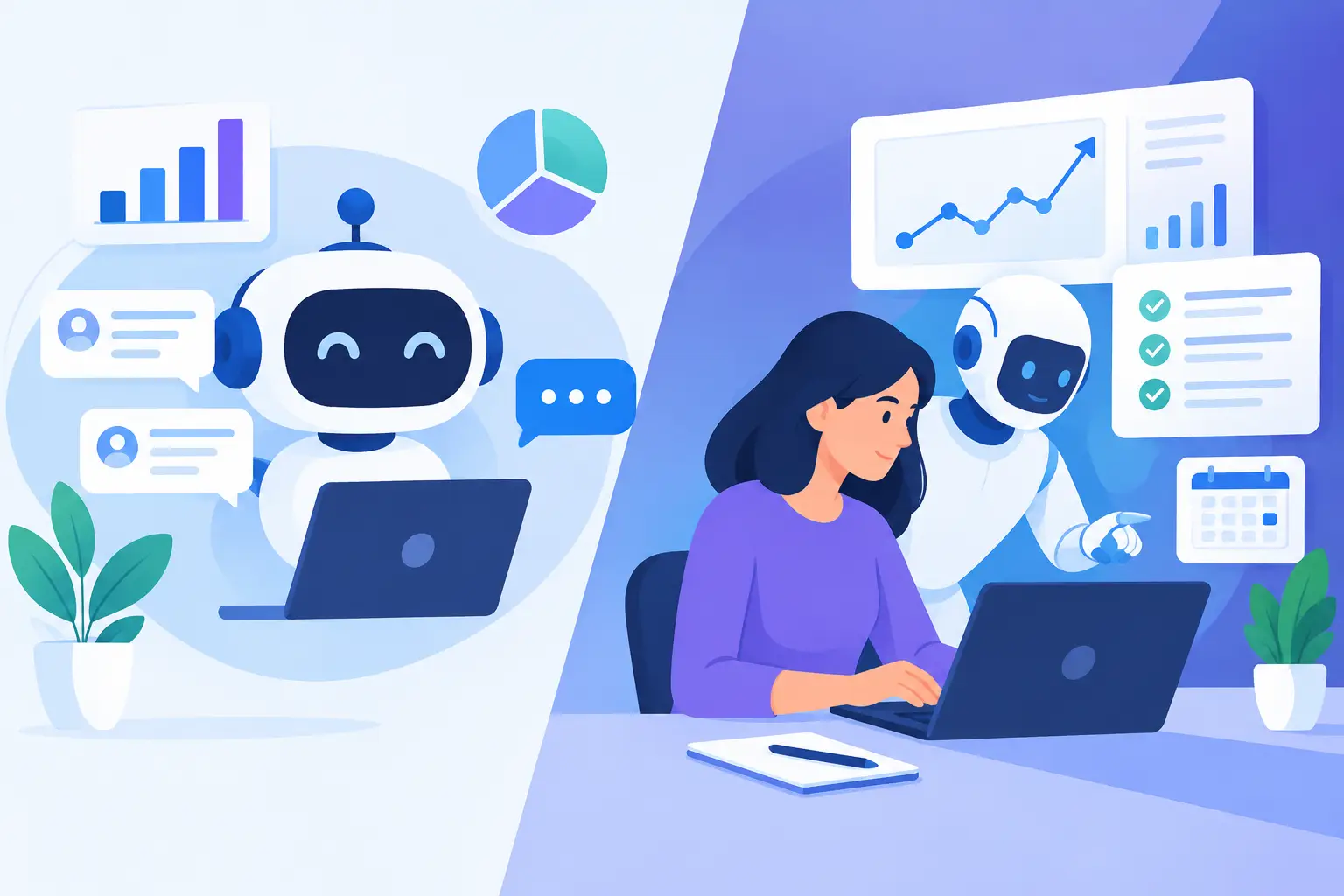
The simplest distinction is this: chatbots are usually optimized for conversations, while copilots are optimized for task completion.
That does not mean a chatbot cannot access data or trigger an action. Nor does it mean every copilot needs a chat interface. The difference is in the product and architecture decisions behind the experience. A chatbot project often begins with a set of user questions and a knowledge source. A copilot project begins with a business workflow, its systems of record, its exception paths, and the decisions that require human oversight.
Consider an HR policy question. A chatbot can answer, “How many PTO days do I have?” if it has the right data access. An HR copilot may also explain the balance, identify an upcoming leave conflict, prepare a request based on company policy, and route it to the correct approver. The copilot has a broader responsibility to move work forward accurately.
This distinction matters because many AI initiatives fail at the handoff. The model generates a useful answer, but an employee still has to copy information into another system, locate supporting documents, verify the data, and ask for approval. The manual work remains. A production-grade copilot is designed around reducing those handoffs.
When a Chatbot Is the Better Investment
A chatbot is often the right first move when requests are high-volume, repetitive, and low-risk. It is a strong fit for customer FAQs, appointment or intake flows, basic IT help, policy retrieval, and lead qualification.
It is also appropriate when the main business problem is discoverability. Companies frequently have valuable policies, product documentation, and historical support knowledge spread across platforms. A well-designed chatbot can make that information accessible without forcing users to search through folders or wait for a human response.
The implementation should still be disciplined. The chatbot needs curated sources, clear fallback behavior, access controls, monitoring, and escalation paths. If it provides inaccurate policy or account information, the apparent savings from deflection can quickly turn into more support volume and less trust.
A chatbot is less suitable when each inquiry requires multiple system updates, document interpretation, or role-specific judgment. Adding these requirements without redesigning the workflow often produces an overextended chatbot that is difficult to test and harder to govern.
When an AI Copilot Creates More Value
A copilot is appropriate when knowledge work is repetitive but not fully deterministic. These are processes where employees repeatedly review the same types of information, make decisions within known guardrails, and perform administrative follow-up across systems.
Common opportunities include document intake, case management, claims review, customer onboarding, compliance checks, service operations, revenue operations, procurement, and financial exception handling. The best candidates typically have measurable friction: long cycle times, large queues, duplicate data entry, frequent errors, or experienced staff spending too much time on preparation rather than judgment.
The business case should not rest on vague productivity claims. Establish a baseline: average handling time, rework rate, backlog age, turnaround time, cost per case, or conversion rate. Then identify the specific work the copilot will reduce. If an analyst spends 25 minutes assembling a case file and the copilot reduces that preparation to eight minutes with required citations, the improvement can be tested and measured.
Integration Is Where the Real Work Begins
The language model is only one component of a useful copilot. Production value depends on the surrounding system.
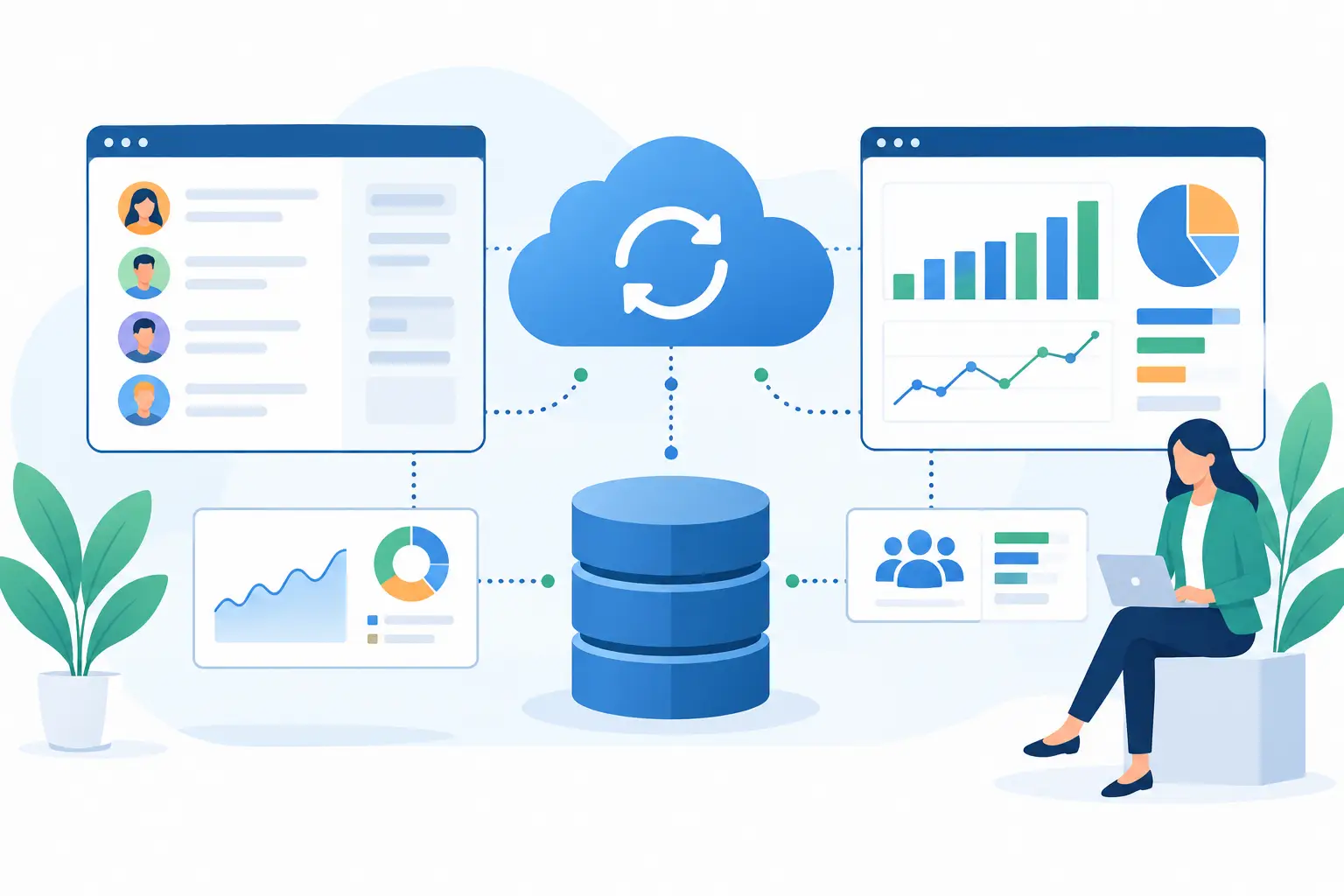
A copilot may need secure access to a CRM, ERP, document repository, ticketing platform, finance system, or proprietary application. It needs a reliable way to retrieve current information, distinguish authoritative sources from informal notes, and respect each user’s permissions. It also needs tools to perform approved actions, such as creating a record, updating a status, generating a document, or triggering a workflow.
This is why architecture matters early. Teams must define source-of-truth systems, API contracts, identity and access management, logging, retention requirements, approval gates, and failure behavior. A copilot should not silently invent a customer status when an integration is unavailable. It should state that it cannot verify the status, preserve the audit trail, and route the issue appropriately.
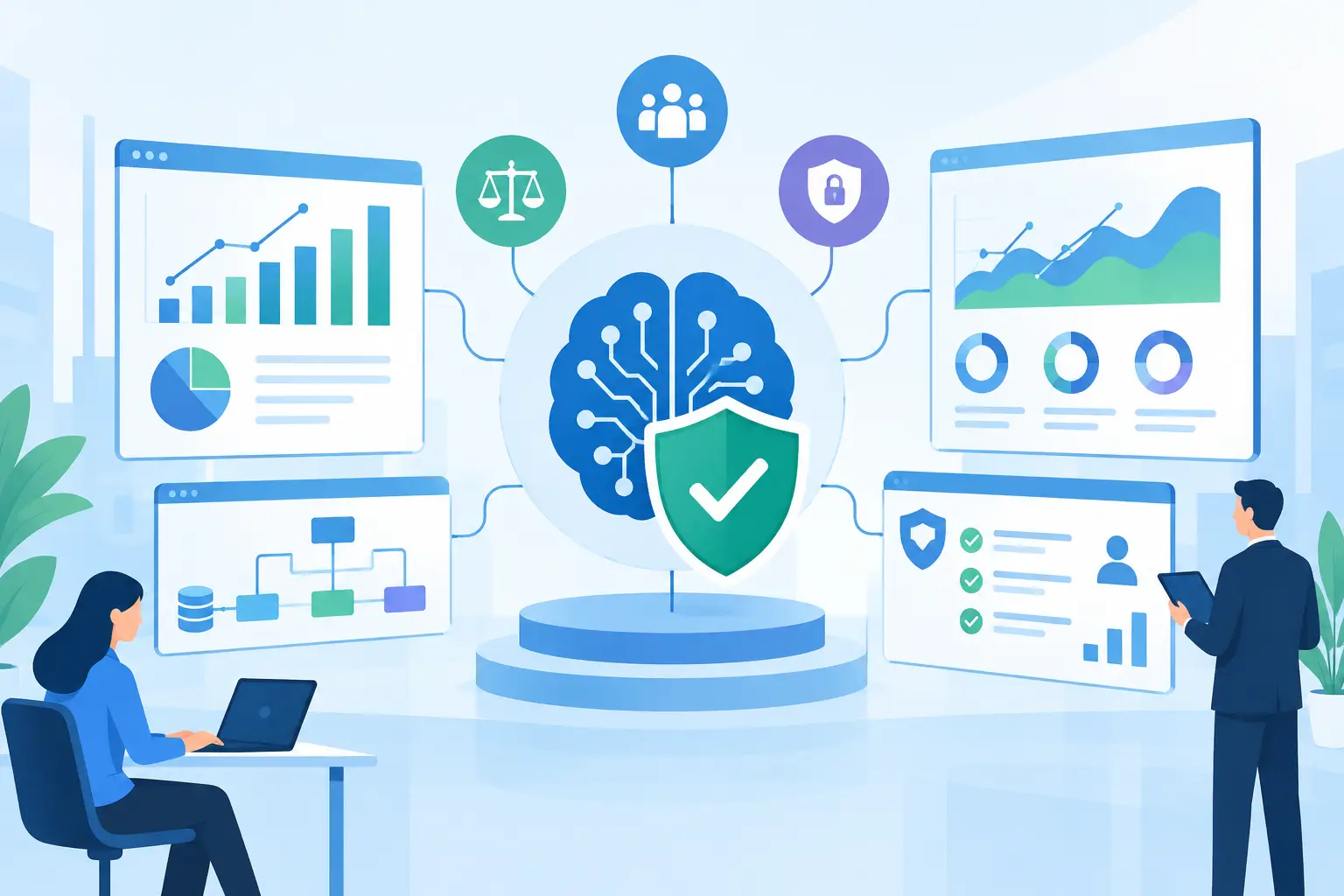
For regulated or compliance-sensitive processes, controls should be designed into the workflow rather than added after a pilot. That includes data minimization, role-based access, prompt and action logging, evaluation criteria, human review thresholds, and rules for sensitive data. The goal is concrete automation, not generic AI hype.
A Practical Decision Framework
Start with the workflow, not the interface. Ask whether the primary need is to answer and route requests or to help employees complete a multi-step task. Then assess the variability of the work. Highly standardized, low-risk interactions tend toward chatbots. Work involving documents, multiple applications, and informed judgment tends toward copilots.
Next, evaluate the available data. A chatbot can succeed with a governed knowledge base and limited integrations. A copilot requires dependable access to operational data and clear definitions of what it may read, recommend, and change. If the underlying data is fragmented or inaccurate, a copilot will expose that problem quickly.
Finally, decide how much autonomy is justified. Many successful implementations begin with a copilot that drafts, summarizes, classifies, or recommends while a person approves the result. As accuracy, evaluation results, and user confidence improve, selected actions can be automated under defined rules. Full autonomy is not the default target. Reliable, controlled throughput is.
Build for Adoption, Not a Demo
A demo can make almost any AI experience look compelling. Production adoption depends on whether the tool fits the workday. Users need clear reasons to trust its outputs, simple ways to correct it, and predictable behavior when information is missing.
That requires a pilot with real users and realistic cases. Test performance against a representative set of documents, requests, edge cases, and system failures. Measure not only model quality, but also workflow completion, user edits, escalation rates, latency, and downstream errors. QA should cover the full chain from retrieval and reasoning to API actions and audit logs.
Invatechs approaches these projects as software delivery initiatives, not isolated model experiments. The work includes workflow discovery, integration architecture, controlled pilots, production hardening, and ongoing optimization. That is the discipline required to turn AI into working software.
The best next step is to choose one process where employees already feel the friction, the outcome can be measured, and a human can remain accountable while the system proves its value. Build the smallest useful version, connect it to the right systems, and let the operating results determine what to automate next.