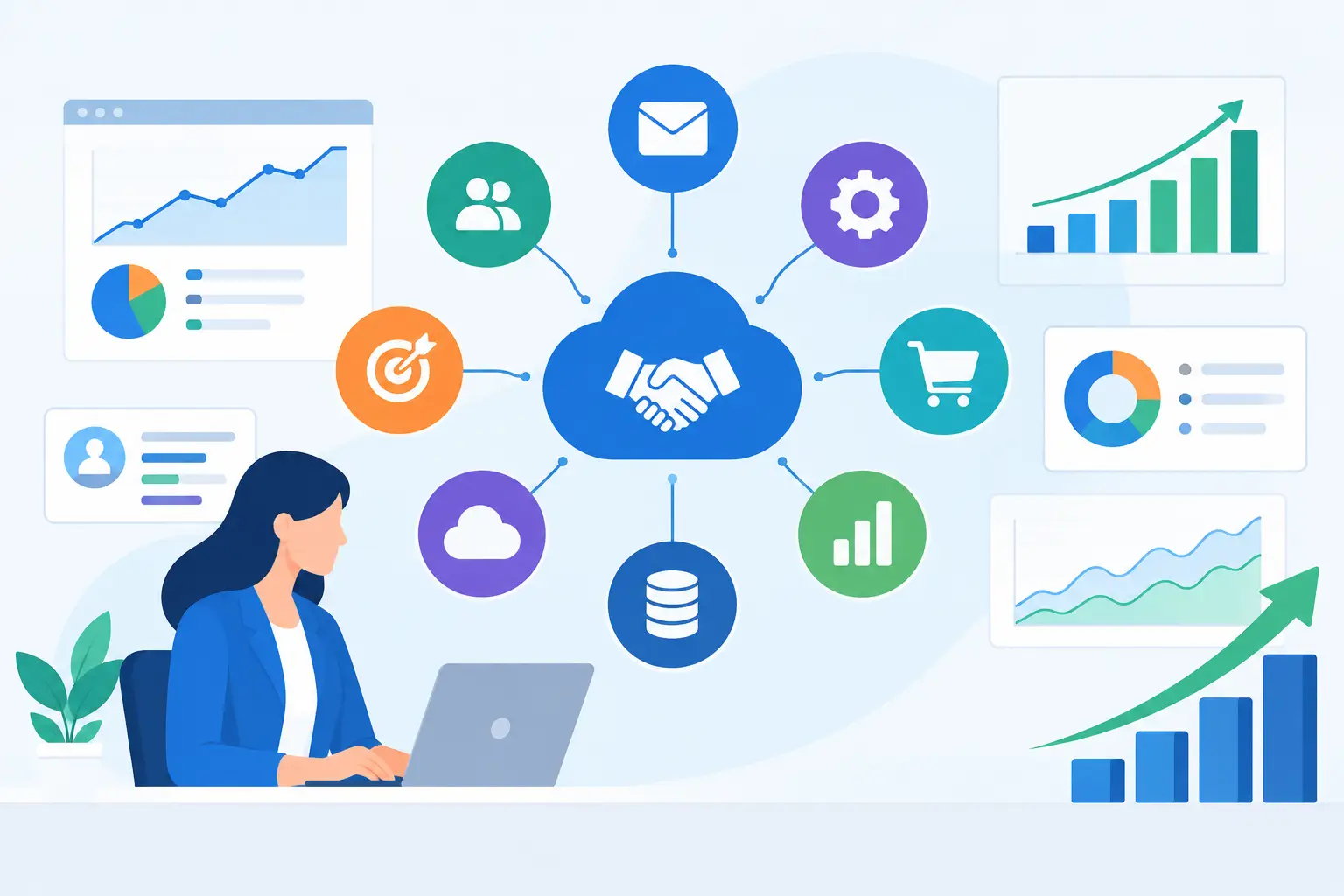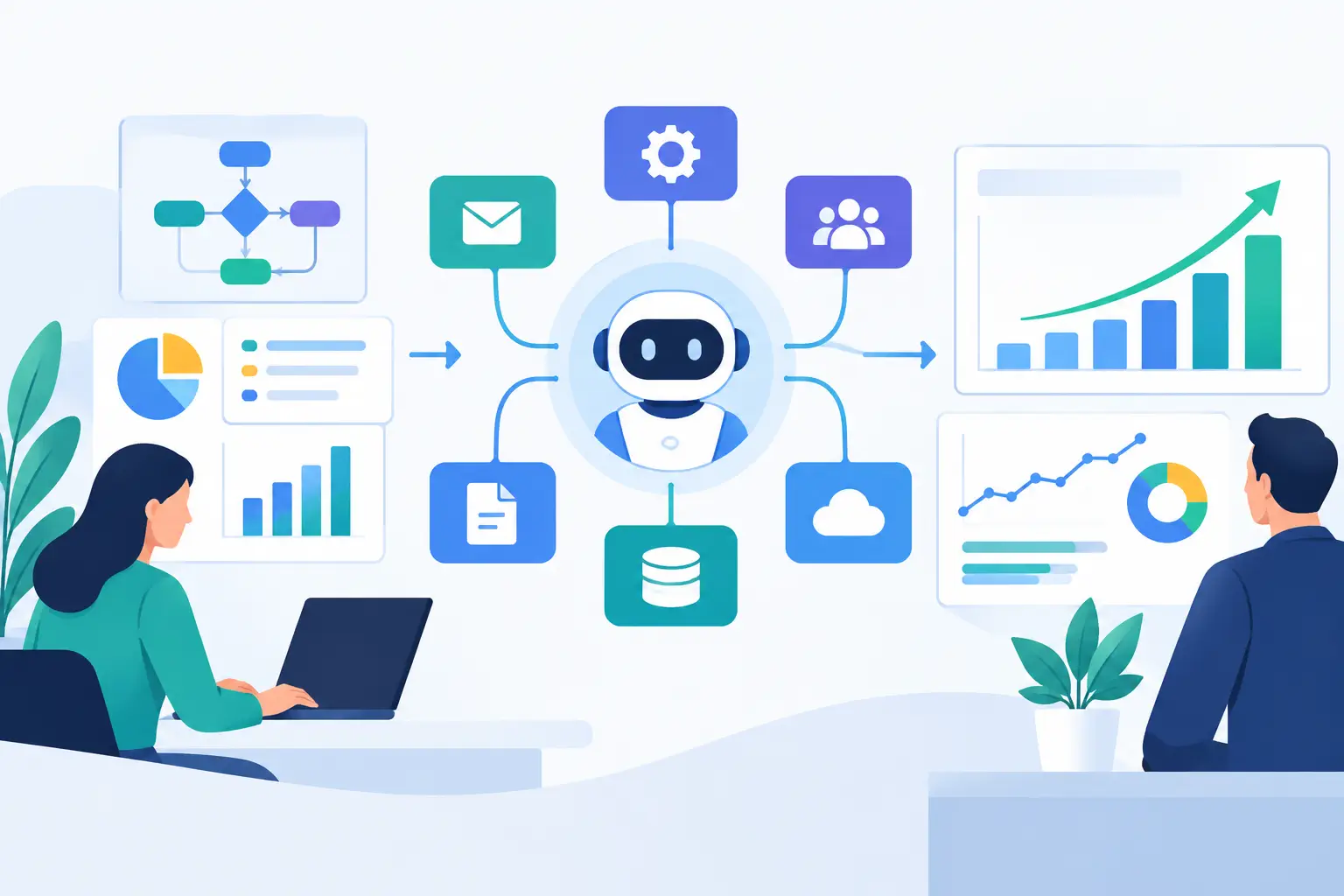

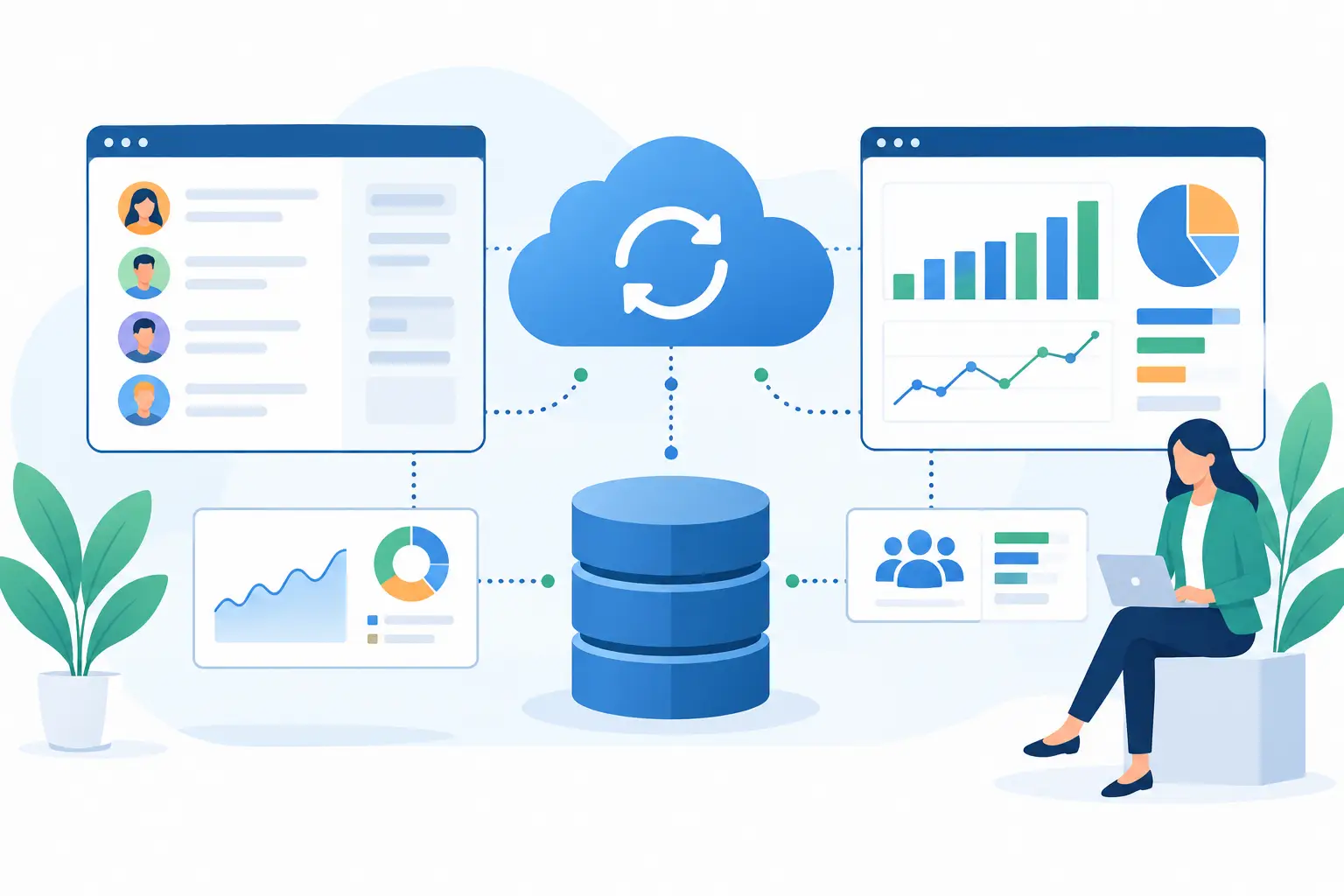
A CRM becomes a liability when sales, support, finance, and operations are each working from different versions of the customer record. This CRM data synchronization guide addresses the real engineering work behind fixing that problem: defining ownership, moving data predictably, and making failures visible before they affect customers or reporting.
For operationally complex companies, synchronization is not a connector checkbox. It is an architecture decision. A contact created in a marketing platform may need to become an account in the CRM, a customer in an ERP, and a user in a product database. If those records are linked poorly, teams inherit duplicate accounts, incorrect lifecycle stages, broken automations, and unreliable forecasts.
Start the CRM data synchronization guide with ownership
The first question is not which integration platform to use. It is which system owns each field.
Many projects fail because every connected application is allowed to update the same data. A sales rep changes an account name in the CRM, finance updates it in the ERP, and a third system sends an older value back through a scheduled sync. The result is a quiet data conflict that may not appear until a contract, invoice, or report is wrong.
Define a system of record at the object and field level. Your CRM might own opportunity stage, sales activity, and account qualification. The ERP may own legal entity name, billing status, tax information, and invoice history. A support platform may own ticket status and service-level metrics. Ownership can vary by field, but it should never be ambiguous.
This decision also exposes process issues that software alone cannot solve. If sales and finance use different definitions of an active customer, the integration should not simply copy one value over the other. The teams need an agreed business rule, such as active after a signed agreement, first invoice, or successful provisioning event.
Design around business events, not just records
A reliable synchronization design begins with the events that matter operationally. Examples include a lead reaching qualification, an opportunity closing, a customer account being approved, a payment failing, or a service ticket escalating.
For each event, document what should happen, which system initiates it, which records change, and how quickly downstream teams need the result. A closed-won opportunity might create an onboarding task immediately, while finance data may only need to update every few hours. Treating both workflows as identical adds cost without improving outcomes.
This is where an event-driven approach often helps. Webhooks or message queues can publish meaningful changes as they happen, while scheduled jobs handle lower-priority reference data and reconciliation. The correct model depends on volume, API limits, operational urgency, and the capabilities of each platform.
Real-time synchronization is not automatically better. It increases implementation complexity and requires careful handling of retries, duplicate messages, and partial failures. For daily reporting or noncritical enrichment, a scheduled batch process may be more economical and easier to operate.
Create durable identity rules
Names, emails, and phone numbers are useful matching signals, but they are not durable identifiers. People change jobs, companies share inboxes, and account names change after mergers or rebranding. Matching records only on a human-readable field is a common source of duplication.
Every synchronized object should carry stable external IDs. Store the CRM record ID in connected systems where possible, and store each connected system's ID in the CRM through dedicated fields or an integration data model. This allows the integration to locate the exact record without guessing.
Account and contact relationships require special attention. A contact can move between accounts, hold multiple roles, or be associated with a parent organization and subsidiary. The mapping needs to reflect the business model rather than force complex relationships into a flat contact record.
Deletion is another identity decision. Hard deletion can remove useful audit history and make recovery difficult. Many organizations use a deactivation or archived status, then propagate that state according to retention rules. That approach is often safer in compliance-sensitive environments, although it requires downstream applications to respect inactive records.
Map data with transformation rules in plain language
A field mapping spreadsheet is useful, but it is not enough. Each mapping should explain the transformation logic and the business reason behind it.
For example, a CRM lifecycle stage may map to a customer status in another platform, but the values rarely align one-to-one. A status of Contract Sent does not necessarily mean an account is ready for provisioning. A transformation rule might require a signed date, an approved credit check, and a product selection before creating the downstream customer record.
Normalize values before they enter shared workflows. Standardize country and state formats, currencies, date conventions, and product identifiers. Validate required fields before sending a record to the next system. These checks reduce failures, but they also prevent bad source data from spreading across the organization.
Custom fields deserve the same discipline as standard CRM fields. Avoid copying every field simply because an API makes it possible. Sync only data that supports a defined workflow, reporting need, or customer experience. Excess fields increase API traffic, make debugging harder, and expand the exposure of sensitive data.
Engineer for conflicts and failures
Synchronization failures are normal. API rate limits, expired credentials, changed schemas, network interruptions, and validation errors will occur. The difference between a dependable integration and a fragile one is whether failures are contained, observable, and recoverable.
Use idempotent operations wherever possible. If a job retries after a timeout, it should not create a second account or duplicate an order. Track a unique event or transaction key so the receiving system can recognize a previously processed request.
Define conflict behavior before deployment. For low-risk fields, a latest-update-wins rule may be acceptable. For contract terms, financial information, or ownership changes, a conflict may need to create an exception for a person to review. Automated overwrite rules are fast, but they can hide errors in high-value data.
A production implementation should include structured logs, monitoring, and alerts tied to business impact. An alert that says an API call failed is less useful than one that says 47 closed-won opportunities were not handed to onboarding. Keep failed records in a retry queue or error store with enough context for an operator to correct the issue and replay the transaction.
Protect customer data across the integration boundary
CRM synchronization moves information across systems, which expands the security perimeter. Apply least-privilege access to integration users and API tokens. The connector should have only the permissions required to read and write the approved objects and fields.
Sensitive fields need explicit handling. Limit the movement of payment data, health information, government identifiers, and confidential notes unless a workflow requires them. Encrypt data in transit and at rest, rotate secrets, and maintain an audit trail for access and changes. For regulated teams, retention policies and regional data requirements should be part of the architecture from the start, not a late-stage review.
AI features add another layer of consideration. An AI agent that summarizes account activity or drafts follow-up actions needs current CRM context, but it should not receive unrestricted access to every contact, note, and attachment. Use permission-aware retrieval and narrow the data exposed to the task at hand.
Roll out synchronization in controlled stages
Start with one workflow that has visible business value and manageable edge cases. A common example is creating an onboarding workflow when a deal reaches a validated closed-won state. Establish baseline metrics before launch: manual handoff time, duplicate record rate, provisioning delay, and error volume.
Test with production-like data in a controlled environment. QA should cover new records, updates, missing fields, duplicates, ownership changes, deleted or archived records, API outages, and replay behavior. Happy-path testing is necessary, but edge cases determine whether the integration can operate under real conditions.
After deployment, reconcile records regularly. Compare counts, key fields, and relationship integrity between systems. Reconciliation catches silent drift caused by configuration changes, manual edits, or missed events. It should be an operational process with an owner, not a one-time launch task.
For organizations connecting CRMs to ERPs, support platforms, custom applications, and AI workflows, a delivery partner such as Invatechs can turn these requirements into production-grade architecture, connectors, monitoring, and long-term support.
Build for change, not just the current workflow
CRM processes change as teams add products, territories, acquisition channels, and compliance controls. Integration logic that is buried in undocumented scripts becomes expensive to modify. Keep mappings, ownership rules, and exception paths documented. Version integration changes, review them before release, and test them like any other business-critical software.
The best first milestone is not a large data migration or a complex two-way sync. It is a trusted operational handoff that removes a measurable manual task without creating new ambiguity. Once teams trust the data moving between systems, automation can expand with purpose instead of adding another layer of operational risk.