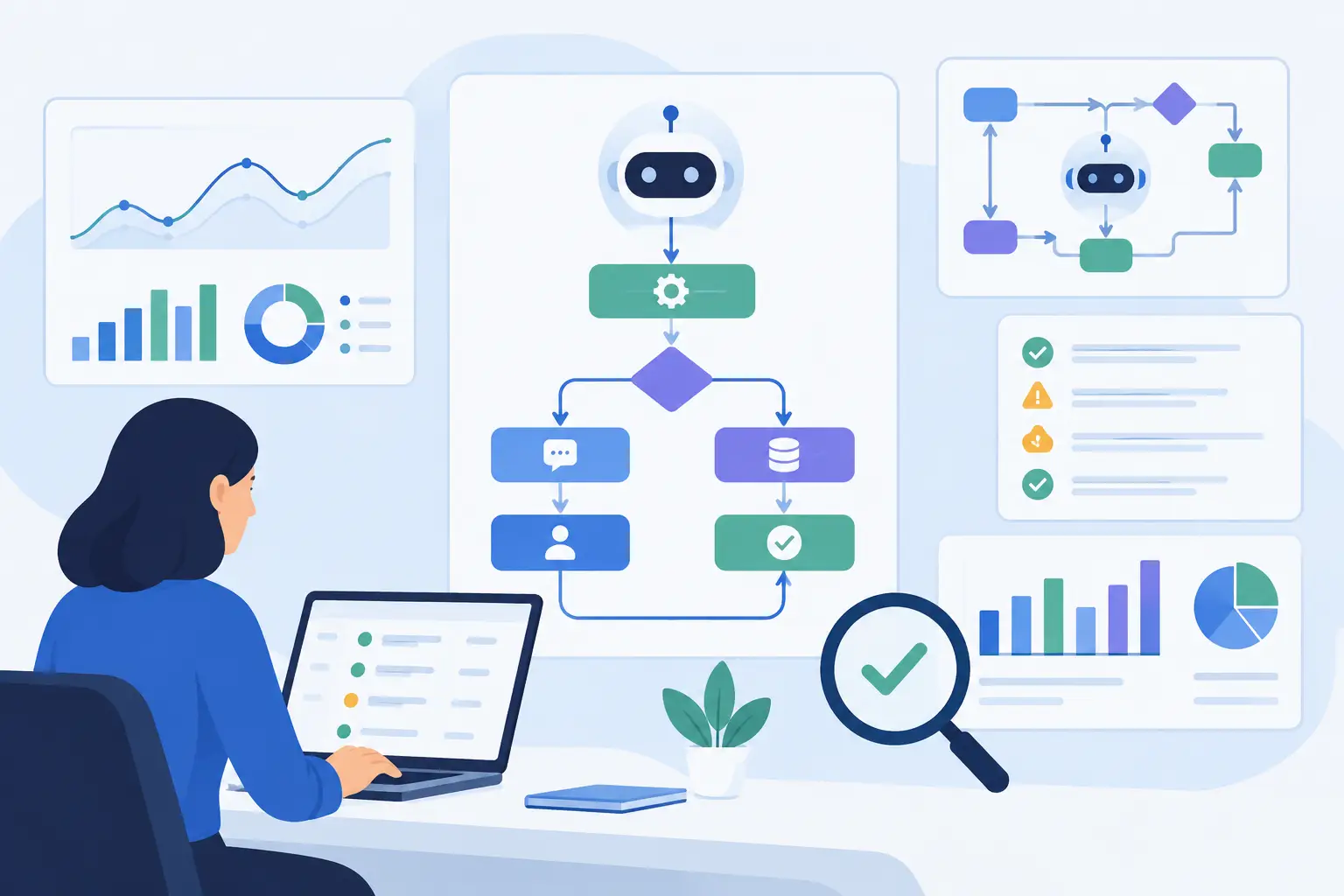
A copilot that summarizes a support ticket is easy to demonstrate. A copilot that reads the right customer history, follows approved policy, prepares an accurate next action, and records that action in the correct system is a production capability. The difference is architecture, workflow design, and operational control.
Knowing how to deploy AI copilots means treating them as part of your software and process stack, not as a chat interface added beside it. For operations leaders, the goal is concrete automation: fewer manual touches, faster decisions, more consistent service, and a clear record of what the system did and why.
Start With a Workflow, Not a Model
The strongest copilot deployments begin with a narrow, high-volume workflow where staff already spend time collecting information, interpreting documents, drafting responses, or moving data between systems. A vague objective such as “use AI in customer service” creates too many design choices. A defined objective such as “prepare a claims intake summary from documents and CRM history for adjuster review” creates an implementable scope.
Choose a workflow with a measurable baseline. Document how long it takes, how many people touch it, where errors occur, and what a good outcome looks like. This gives the organization a way to judge whether the copilot is improving operations rather than generating interesting output.
The best early use cases usually have three characteristics: information is available digitally, the work follows recognizable patterns, and a person can review the result before an irreversible decision is made. Examples include sales research preparation, underwriting document extraction, support response drafting, finance reconciliation review, compliance evidence collection, and internal knowledge assistance.
Avoid starting with a workflow that has unclear ownership or poor source data. AI does not resolve conflicting process rules on its own. If teams disagree on approval criteria, customer status definitions, or the system of record, those operating decisions need to be settled before automation can be trusted.
How to Deploy AI Copilots Without Creating New Risk
A production copilot needs more than access to a large language model. It needs controlled access to business context, explicit permissions, predictable workflow boundaries, and a way to audit outcomes.
Connect to authoritative systems
A copilot should retrieve information from the systems your business already trusts: CRM, ERP, support platform, document repository, finance tool, product database, or internal knowledge base. It should not rely on employees copying sensitive records into a general-purpose chat tool.
Define the source of truth for each task. If the copilot answers a billing question, determine whether the current invoice record, contract, account notes, or payment platform has priority when information conflicts. Retrieval logic must reflect that hierarchy. Otherwise, an answer may sound credible while using stale or incomplete context.
Secure connectors matter as much as model quality. Use least-privilege access, service identities, encryption, environment separation, and role-based controls. A sales copilot may need account and opportunity data, while a finance copilot may need no access to those records at all. Permissions should follow the user and the workflow, not a broad promise that the tool can “help with everything.”
For organizations with several internal tools, an integration layer or MCP server can provide standardized, governed access to approved actions and data. This reduces point-to-point complexity and gives engineering teams a clearer place to enforce authentication, logging, and business rules.
Give the copilot a job description
Every copilot should have a defined role, available tools, allowed actions, and refusal conditions. “Assist operations” is not a job description. “Review inbound vendor invoices, identify missing purchase order references, create a review task, and draft a vendor follow-up” is.
This level of definition controls risk and improves quality. It tells the system when to retrieve records, when to ask for clarification, when to stop, and when to escalate. It also makes testing possible because the team can compare actual behavior against stated requirements.
A useful design separates three actions: read, recommend, and execute. Reading retrieves approved context. Recommending produces a draft, score, summary, or proposed next step. Executing changes a system record, sends a communication, creates a case, or triggers a downstream workflow. Most organizations should begin with read and recommend, then expand execution rights after the copilot has demonstrated accuracy and reliability.
Keep humans where judgment matters
Human review is not a sign that a copilot has failed. It is a deliberate control for decisions involving financial exposure, regulated communications, customer commitments, clinical or legal interpretation, and exceptions outside normal policy.
The review experience must be efficient. Give the reviewer the proposed result, the evidence used, the relevant policy or record references, and clear choices to approve, edit, reject, or escalate. A reviewer who must reopen five systems to verify every suggestion will bypass the copilot.
Capture those decisions. Approval and correction data reveals where instructions are weak, source data is missing, or policies are ambiguous. Over time, this feedback becomes the basis for improving prompts, retrieval, routing, and workflow rules.
Build the Pilot Around Operational Evidence
A pilot should test a real operating process with a limited user group, not a polished demonstration built on ideal data. Use representative documents, incomplete records, unusual cases, and the language customers and staff use in daily work.
Set acceptance criteria before development begins. The criteria should cover quality, security, usability, and business performance. For example, a support copilot may need to produce an approved draft response within a set time, cite the correct knowledge source, avoid restricted data exposure, and reduce average handling time without increasing escalation rates.
Track at least four signals during the pilot:
- task completion rate and time saved per task
- accuracy or reviewer acceptance rate by workflow type
- exception, escalation, and correction rates
- usage patterns, including where users abandon or override the copilot
Do not judge success by the number of prompts sent. A heavily used tool can still create downstream rework. The meaningful question is whether the process now produces a better result at lower cost, with equal or better control.
Test for Failure Modes Before Expanding Access
AI copilots fail differently from conventional software. A form validation error is usually visible. A generated answer may be fluent, plausible, and wrong. Testing must account for this.
Create a test set from real, de-identified cases. Include standard cases, missing information, conflicting records, outdated policies, ambiguous requests, and inputs designed to trigger unsafe actions. Review not only the output but also the copilot's chosen source material, tool calls, and final system actions.
Evaluate what should happen when confidence is low. In some workflows, the correct behavior is to ask a user a specific question. In others, it is to create an exception case for an experienced operator. A copilot should never invent a policy, fabricate an account detail, or quietly proceed after a critical system call fails.
Production monitoring should continue after launch. Log requests, retrieved context, tool activity, outputs, approvals, edits, and failures in a way that respects privacy and retention requirements. Monitor model cost and latency alongside quality. A workflow that is accurate but too slow for frontline users will not be adopted.
Roll Out in Stages and Own the Operating Model
The right deployment pattern depends on the workflow. A document-heavy back-office process may support batch processing with periodic review. A customer-facing assistant may require real-time responses, stricter guardrails, and faster fallback paths. There is no single copilot architecture that fits every team.
Expand access in controlled stages. Start with a defined user cohort, then add workflow variants, teams, and execution permissions as evidence supports the change. Maintain a clear release process for prompts, retrieval settings, business rules, and integrations. Each change can affect output quality, so it deserves versioning, testing, and approval like any other production release.
Ownership should span operations, technology, security, and the business function using the copilot. Operations defines the desired process and exception handling. Technical teams manage architecture, integrations, reliability, and observability. Security and compliance establish access and audit requirements. Business users provide the feedback that distinguishes useful assistance from theoretical capability.
This is where experienced implementation teams add value. Invatechs approaches copilots as integrated software products: connected to the systems that run the business, tested against real cases, and maintained as workflows and policies evolve.
The right first copilot is rarely the most ambitious one. Choose the process where a well-governed recommendation removes real friction, prove the result with operational data, and build from there with the controls needed to trust every next step.