The best business process management software is not necessarily the platform with the longest feature list. For an operations team managing approvals, customer onboarding, claims, compliance reviews, or service delivery, the real test is simpler: can the platform coordinate people, data, documents, and decisions without creating another disconnected system?
That question matters because many BPM projects fail at the integration layer. A workflow may look polished in a demo, then stall when it needs data from an ERP, a CRM, a document repository, or a legacy line-of-business application. The right choice depends on the process, the systems around it, the level of governance required, and whether the business needs a configurable tool or a tailored operational solution.
What Business Process Management Software Should Do
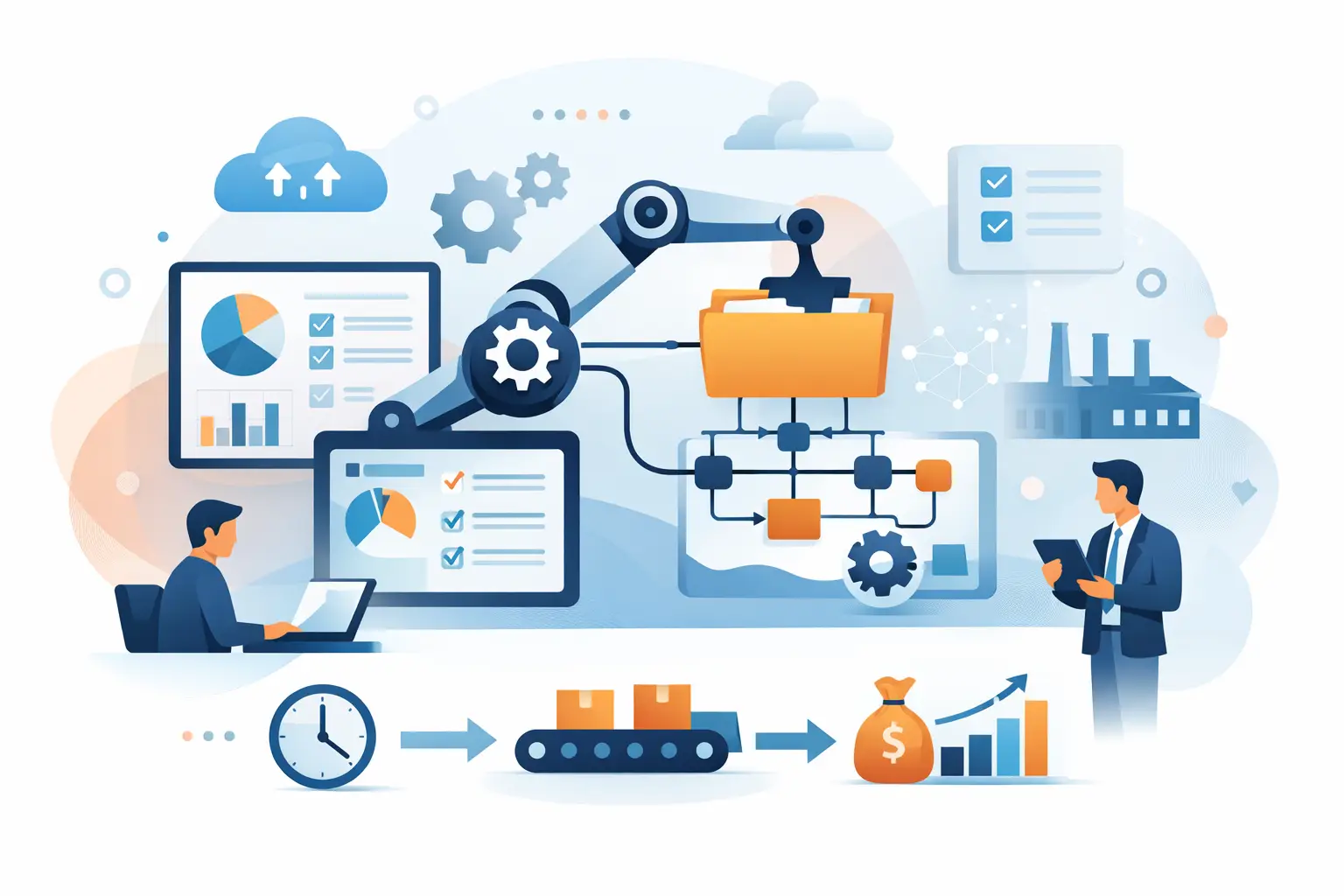
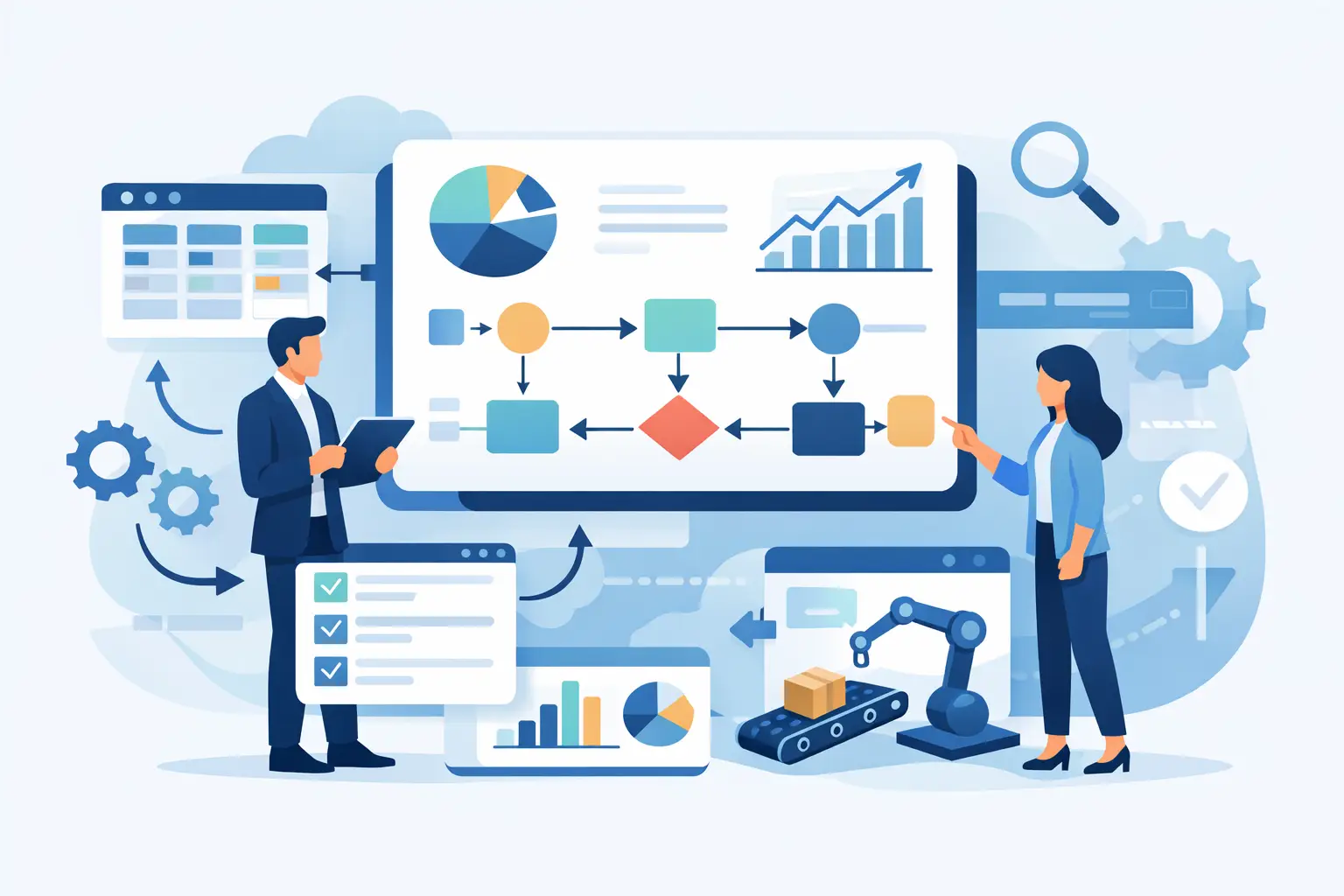
Business process management software gives organizations a structured way to design, run, monitor, and improve repeatable processes. It goes beyond task management. A BPM platform defines who does what, when a decision is required, which data is needed, what exception path applies, and how performance is measured.
For example, a loan underwriting process may begin when an application arrives, collect documents, extract data, run validation rules, route exceptions to analysts, request missing information, record the final decision, and push results to downstream systems. BPM software can coordinate that chain. AI can strengthen it by classifying documents, extracting fields, summarizing cases, or recommending the next action, but the workflow still needs clear controls and auditability.
For mid-market and growth-stage companies, the strongest BPM programs usually focus on a specific operational bottleneck first. Common candidates include employee onboarding, vendor approval, customer intake, support escalation, contract review, payment exceptions, and compliance evidence collection. Starting with a measurable process is more valuable than trying to automate every department at once.
Best Business Process Management Software by Use Case
There is no universal winner. The best business process management software depends on the complexity of your workflows and the technology environment it must operate within.
Microsoft Power Automate and Power Platform
Microsoft Power Automate is a practical option for organizations already invested in Microsoft 365, Dynamics, Teams, SharePoint, and Azure. It supports low-code workflows, approvals, desktop automation, and a broad connector ecosystem. It is often effective for departmental automation and internal processes that rely heavily on Microsoft data and collaboration tools.
The trade-off is governance. As adoption grows, unmanaged flows, duplicate logic, and inconsistent connector usage can become difficult to control. Complex, business-critical processes require environment strategy, security roles, release management, monitoring, and clear ownership.
ServiceNow
ServiceNow is a strong fit for enterprises managing IT service operations, employee workflows, customer service operations, and governance-heavy internal processes. Its value comes from a common data model, workflow controls, case management, and enterprise-grade administration.
It is generally less attractive for smaller teams seeking a lightweight solution. Licensing, implementation effort, and platform expertise can be significant. The return is strongest when multiple service workflows can operate on the same platform rather than when it is deployed for one narrow approval flow.
Appian and Pega
Appian and Pega are well suited to complex, rules-driven processes that involve cases, decisions, integrations, and high volumes of exceptions. They are frequently considered in financial services, insurance, government, healthcare, and other regulated environments where traceability matters as much as speed.
Both platforms can support sophisticated operational applications, not just simple automation. That capability comes with a requirement for sound process architecture and experienced implementation. A weak design will not be fixed by a powerful BPM suite.
Camunda
Camunda is a compelling choice for technical organizations that want workflow orchestration embedded in custom software. Its standards-based approach and developer focus make it useful when processes need to coordinate APIs, microservices, human tasks, and event-driven systems.
It is not a drag-and-drop business tool in the same sense as many low-code platforms. Camunda works best when an engineering team can own process modeling, integration development, testing, deployment, and observability.
Nintex, Kissflow, and ProcessMaker
These platforms can be effective for teams that need accessible workflow design, forms, approvals, and process visibility without the footprint of a large enterprise suite. They are often good starting points for HR, finance, operations, and administrative workflows.
Their suitability changes as requirements become more specialized. If a process depends on complex rules, unusual data models, custom portals, deep API orchestration, or compliance-specific controls, the organization may need custom development around the platform or a different architecture altogether.
Salesforce Flow
For organizations whose operational data and customer interactions live primarily in Salesforce, Salesforce Flow can be the most sensible place to automate. It keeps workflow logic close to customer records, cases, opportunities, and service activities.
The limitation is scope. Salesforce Flow is strongest inside the Salesforce ecosystem. Processes spanning finance, fulfillment, external portals, document intelligence, and multiple enterprise systems may require middleware, custom services, or a broader orchestration layer.
How to Evaluate BPM Platforms Before Buying
Start with the process, not the vendor category. Map the current state in enough detail to identify handoffs, systems of record, approval thresholds, exception paths, required documents, and failure points. If the process cannot be described clearly, it cannot be automated reliably.
Then assess each platform against the operational realities that determine success:
- Integration depth: Confirm how the platform connects to your CRM, ERP, finance tools, databases, identity provider, document systems, and custom APIs. Prebuilt connectors help, but they do not replace reliable error handling and data mapping.
- Human work and exceptions: Most valuable processes are not fully automated. Evaluate task assignment, queues, escalations, role-based views, delegated approvals, and the ability to handle cases that do not fit the standard path.
- Rules and decisioning: Determine whether business rules can be managed clearly, versioned, tested, and audited. Avoid hiding critical policies inside unmaintainable workflow conditions.
- Security and compliance: Review access controls, data residency, audit trails, retention policies, encryption, environment separation, and approval history. These are design requirements, not late-stage checkboxes.
- Deployment and change control: Ask how workflows move from development to testing to production, how changes are approved, and how rollbacks work. A process platform needs software delivery discipline.
- AI readiness: If AI will classify documents, summarize cases, or assist operators, establish where prompts, source data, confidence thresholds, human review, and logs will live. AI should improve a controlled workflow, not bypass it.
A vendor demonstration should use one of your real process scenarios. Generic examples rarely expose the integration and exception-handling work that drives cost, timeline, and adoption.
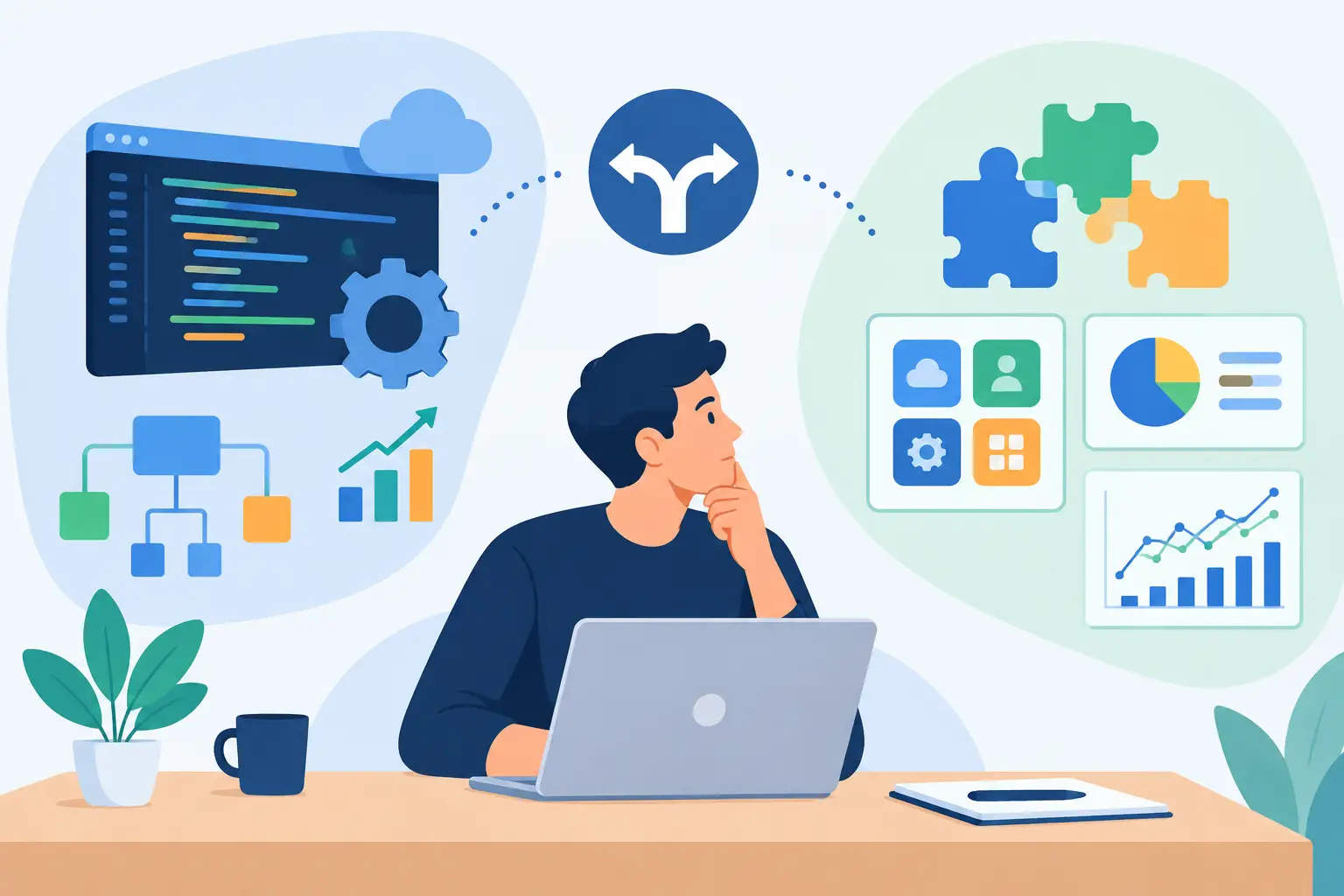
Low-Code, Custom BPM, or a Hybrid Model?
Low-code BPM is often the right answer when a process is relatively stable, the needed integrations are available, and internal teams need to make controlled changes quickly. It can reduce delivery time and give operations leaders more visibility into workflow logic.
Custom BPM software is more appropriate when the process is a source of competitive advantage, includes specialized decision models, serves external customers, or must work across systems that do not fit a platform's standard patterns. Custom software also provides more flexibility around user experience, performance, data models, and embedded AI capabilities.
In practice, many organizations need a hybrid model. A platform may handle workflow state, approvals, and task management, while custom services manage complex calculations, integrations, document processing, or customer-facing applications. This approach avoids rebuilding commodity capabilities while preserving control where the process is genuinely unique.
The key is to avoid treating BPM software as a standalone purchase. It is an operational layer that must fit into your architecture, security model, and ownership structure.
Implementation Is Where BPM Value Is Won or Lost
A successful rollout begins with a focused discovery effort. Define the baseline: cycle time, rework rate, approval delays, error frequency, manual touches, and cost per case. Those metrics establish whether the automation is producing a measurable result.
Build a pilot around a process with enough volume to prove value and enough complexity to validate the architecture. Include unhappy paths from the beginning, such as missing documents, duplicate records, failed integrations, denied approvals, and manual overrides. Happy-path automation creates impressive demos. Exception-ready automation creates dependable operations.
Testing should cover workflow logic, data quality, permissions, integration failures, concurrency, and recovery procedures. Production support also needs a clear operating model: who owns business rules, who handles incidents, how performance is reviewed, and how improvements are prioritized.
For organizations adding AI, the same principle applies. An LLM agent can assist a case manager, retrieve policy guidance, or prepare a draft response, but it should operate within defined permissions and escalation rules. Production-grade AI requires secure connectors, grounded source data, evaluation criteria, monitoring, and a human path for low-confidence outcomes.
Invatechs approaches BPM initiatives as integrated software delivery rather than isolated workflow configuration. That means connecting automation to the systems that run the business, testing it under real conditions, and designing for continued change after launch.
The most useful BPM decision is the one that makes the next operational improvement easier, not merely the first workflow faster. Choose a platform and delivery approach your team can govern, extend, and trust when the process gets more complex.