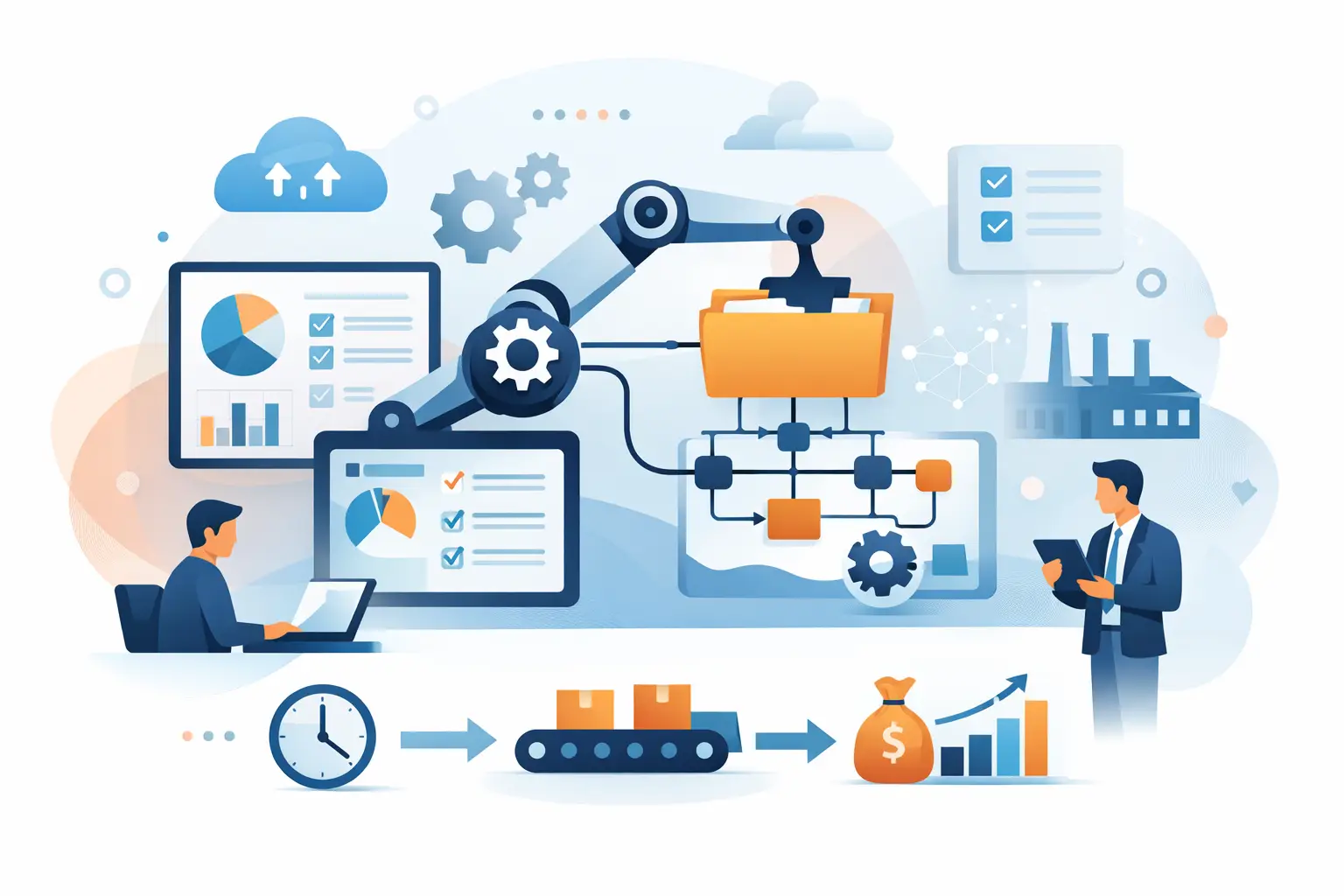
A loan application sits in an inbox waiting for review. Customer data must be copied into a CRM, documents checked against a policy list, an approval routed to the right manager, and the applicant updated. None of those tasks is especially difficult. Together, they create delays, errors, and a process that becomes more expensive as volume grows. That is the operating problem behind the question: what is business process automation BPA?
What Is Business Process Automation BPA?
Business process automation, or BPA, is the use of software, rules, integrations, and sometimes AI to execute repeatable business workflows with less human intervention. It does not simply automate a single click or task. BPA coordinates the full process: what triggers work, where data is collected, which rules apply, who must approve an exception, and where the final record is stored.
A well-designed BPA workflow connects the systems where work already happens. For example, it might pull a customer request from a support platform, retrieve account details from a CRM, validate eligibility against an ERP or policy database, create a task for a specialist only when needed, and write the outcome back to each system. The goal is concrete automation, not generic AI hype.
BPA is particularly valuable when a process is high-volume, rule-driven, document-heavy, or dependent on handoffs between teams. Finance operations, onboarding, claims handling, order management, support triage, compliance reviews, and underwriting are common examples. In each case, the business is trying to move work faster while maintaining visibility and control.
How Business Process Automation Works in Practice
A BPA solution begins with a trigger. That might be a submitted form, a new support ticket, an invoice received by email, a status change in a CRM, or a scheduled event. The workflow then gathers the information required to make progress, applies business logic, and takes the next action.
Some decisions are deterministic. If an invoice matches a purchase order and falls below an approval threshold, the system can route it for payment. Other decisions require judgment. An AI model may extract data from an unstructured document, classify a request, summarize case history, or recommend the next best action. In a production environment, those AI outputs should be bounded by confidence thresholds, validation rules, audit logs, and human review paths.
The final step is often overlooked: recording the result. Automation should update the systems of record, preserve supporting data, notify the relevant people, and expose exceptions in an operational dashboard. A workflow that completes a task but leaves CRM fields stale or creates an untraceable decision is not a finished process.
BPA vs. RPA vs. AI Automation
These terms are often used interchangeably, but they solve different parts of the problem.
Robotic process automation, or RPA, typically uses software bots to mimic actions a person takes in an application interface. It can be useful for legacy systems without APIs, such as copying values between screens or downloading reports. Its weakness is fragility: an interface change can break the bot, and the automation may not understand the broader business process.
BPA operates at the workflow level. It manages triggers, business rules, approvals, exceptions, integrations, and outcomes across multiple systems. It is usually the better long-term foundation when APIs, webhooks, and reliable system connectors are available.
AI automation adds capabilities that traditional rules cannot handle efficiently, especially with unstructured inputs. It can read documents, interpret customer messages, classify cases, generate drafts, and retrieve information from internal knowledge bases. AI should not replace process design. It should be embedded where it improves a specific decision or handoff, with controls appropriate to the risk involved.
The strongest implementations often combine all three. A BPA platform orchestrates the process, API integrations handle modern systems, RPA addresses a legacy gap when necessary, and AI processes documents or language-based inputs.
Where BPA Delivers Measurable Value
The best candidates are not always the most visible workflows. A process with 20 people each spending 15 minutes a day on repetitive checks may have more value than a customer-facing feature that looks impressive but changes little operationally.
Consider employee onboarding. A new hire may require account provisioning, equipment requests, tax and policy documents, training assignments, payroll setup, and manager notifications. BPA can coordinate those steps, validate missing information, and escalate only the exceptions. The result is faster readiness, fewer compliance gaps, and less administrative follow-up.
In customer operations, BPA can classify incoming requests, identify the customer and product involved, enrich the ticket with account history, route it to the correct queue, and draft a response for agent approval. In finance, it can capture invoices, extract line items, match records, enforce approval policies, and maintain an auditable trail. In each case, success should be measured by cycle time, error rate, throughput, cost per transaction, and exception volume.
Building Business Process Automation That Holds Up
Automation projects fail when teams start with a tool instead of a process. A workflow that is unclear, inconsistent, or full of undocumented exceptions will not become reliable simply because it is automated. It will become a faster version of the same confusion.
Start by mapping the current state in operational detail. Identify the trigger, inputs, systems touched, decisions made, handoffs, service-level expectations, and exception paths. Ask where people spend time copying data, chasing approvals, rekeying information, or searching for context. Those are often the first opportunities, but they must be evaluated alongside the cost of integration and the risk of errors.
Next, define the future-state workflow and decide what should be fully automated, what should be assisted, and what must remain human-controlled. High-risk decisions involving payments, legal commitments, regulated data, or low-confidence AI outputs may need approval gates. That is not a failure of automation. It is sound process architecture.
Then build the integration layer around systems of record. Prefer stable APIs and event-driven connections over screen scraping. Use clear data contracts, idempotent actions where duplicate events are possible, and monitoring that reveals failed steps before they become a backlog. A production workflow also needs retry logic, role-based access, audit trails, and an owner responsible for operational performance.
A pilot can validate the design, but it should use realistic data and actual users. Measure the baseline before launch, then compare performance after deployment. Invatechs approaches automation as connected software delivery: discovery and architecture first, followed by controlled implementation, QA, production deployment, and ongoing optimization.
Security, Compliance, and Exceptions Are Core Requirements
For operationally complex companies, the hard part of BPA is rarely the happy path. It is access control, sensitive data, incomplete inputs, conflicting records, and the exceptions that require judgment.
A sound design limits each integration to the permissions it needs and keeps credentials out of workflow logic. It records who approved an action, what data informed the decision, and which version of a rule or model was used. Where AI is involved, companies should define which data can be sent to a model, how outputs are retained, and when a human must review the result.
This is especially relevant in finance, healthcare-adjacent services, insurance, and regulated B2B operations. Compliance should shape the architecture from the beginning, not be added after a prototype has already reached business users.
How to Decide Whether a Process Is Ready
A process is a strong BPA candidate when it has meaningful volume, repeatable steps, accessible data, a clear owner, and a measurable business outcome. It may not be ready when policies change weekly, the source data is unreliable, or every case depends on expertise that has not been documented.
That does not mean the process should be ignored. Sometimes the right first move is standardization: define intake requirements, establish decision rules, clean up master data, and document exceptions. Automation becomes far more valuable once the operating model is stable enough to support it.
The practical question is not whether every manual task can be automated. It is which workflow, if redesigned and integrated properly, will remove the most friction without creating unacceptable risk. Start there, prove the result with operational metrics, and use that foundation to build the next automation with greater confidence.