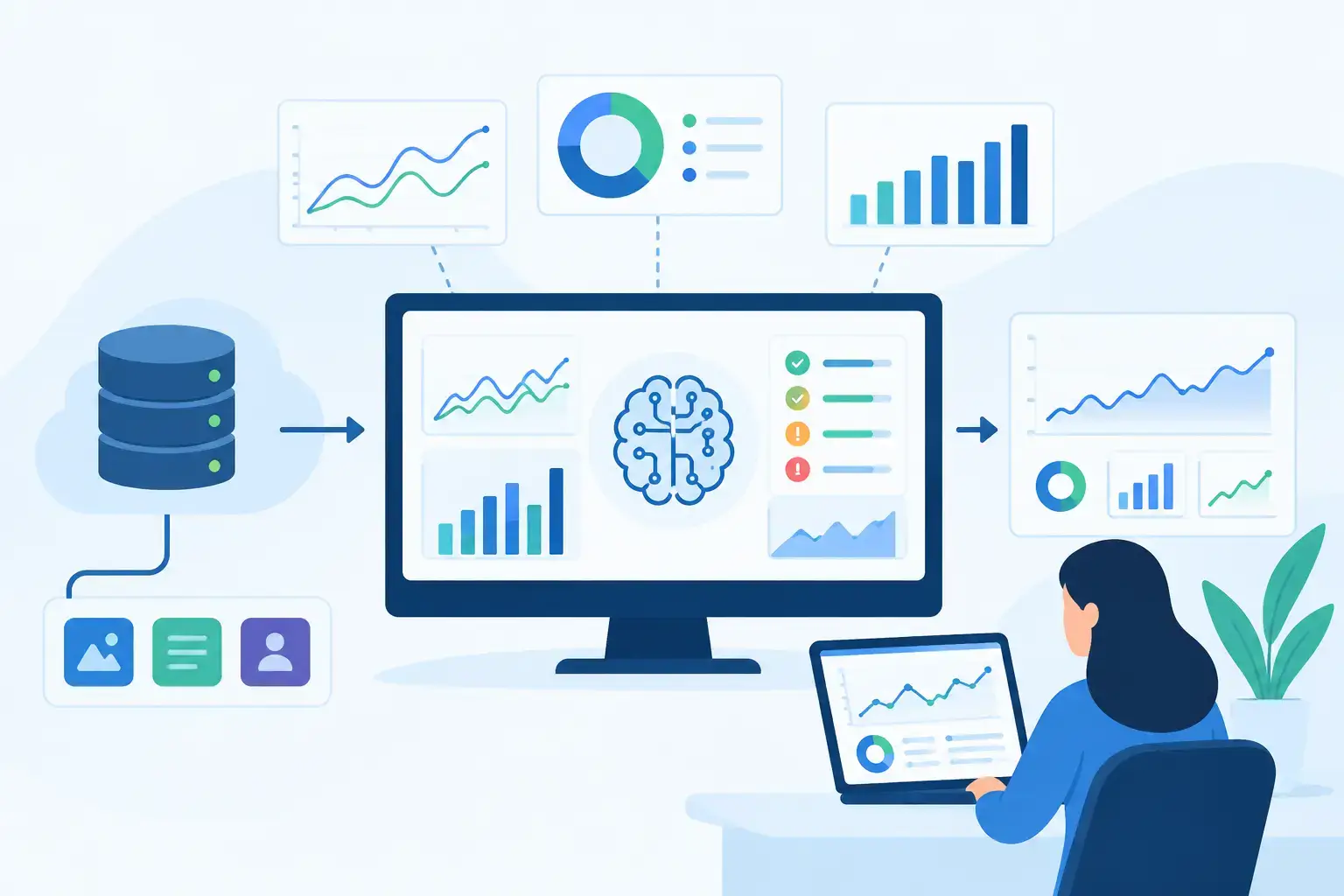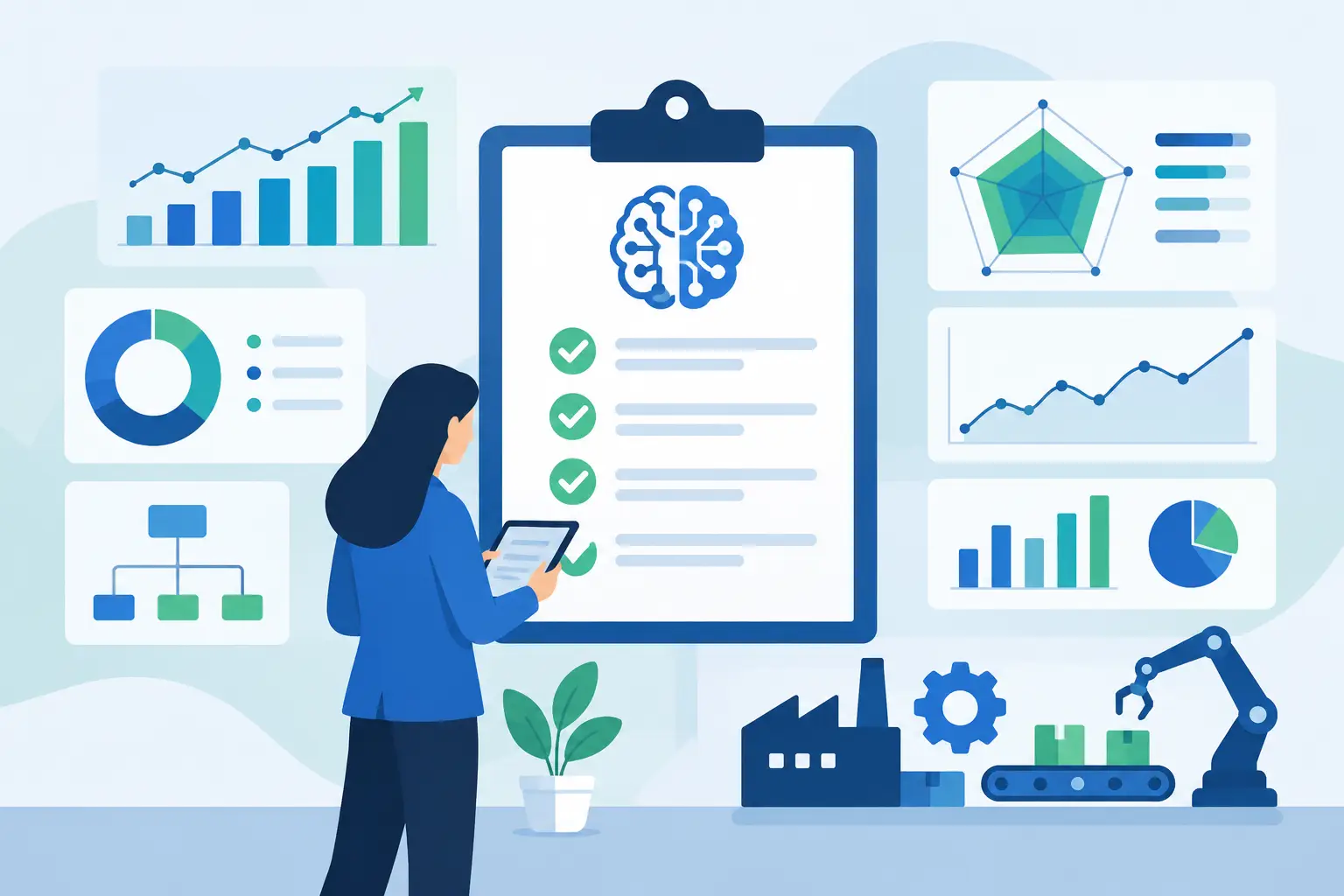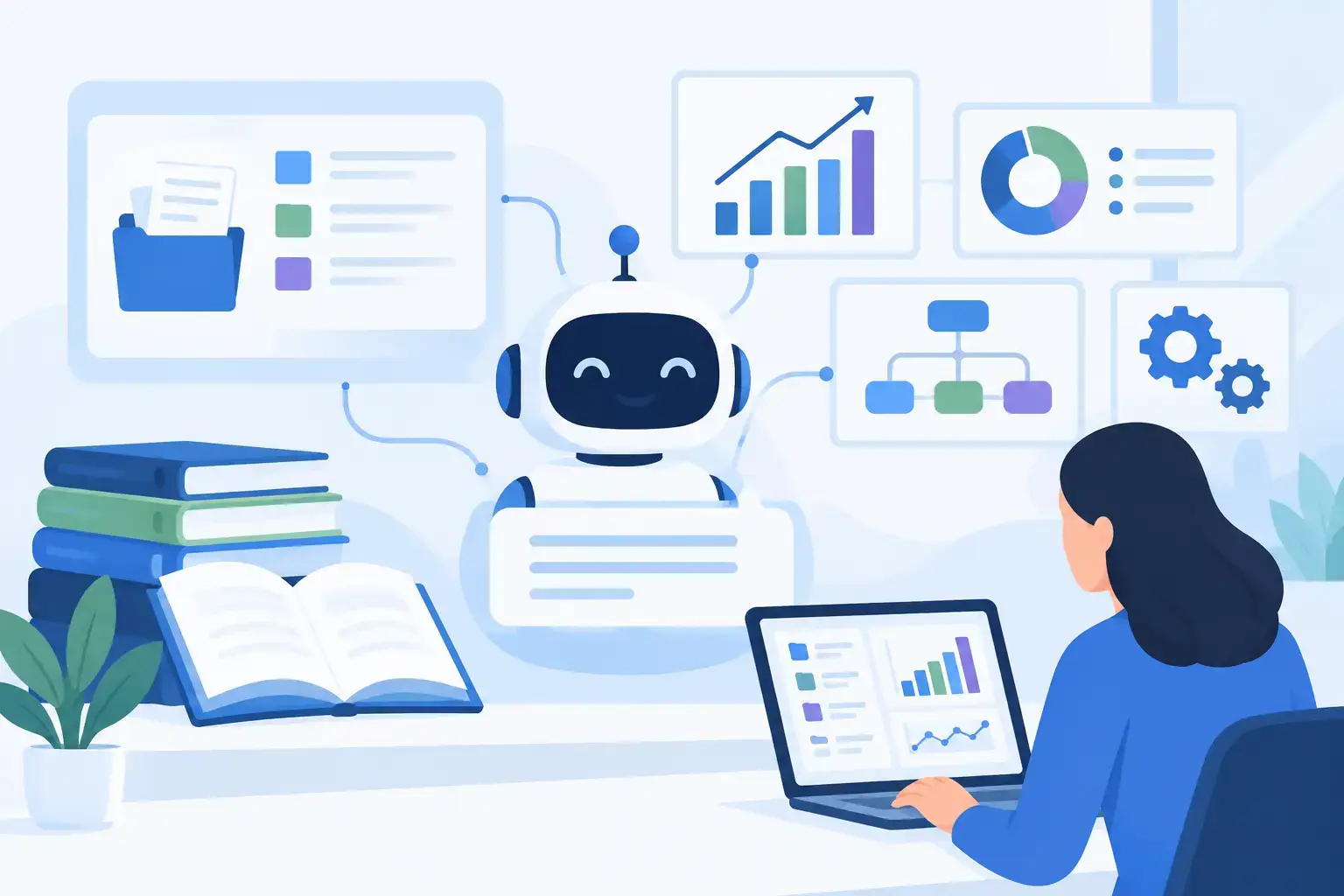
A support agent is handling a renewal question. The answer exists, but it is split between a policy PDF, a CRM record, a product release note, and a Slack thread from six months ago. Searching takes longer than the conversation itself. Guessing creates risk. This is where a knowledge base AI assistant becomes an operational capability rather than another chat interface.
The value is not that an assistant can summarize documents. The value is that it can retrieve approved information, understand the context of a business request, cite the underlying source, and take the next approved step inside the systems where work already happens.
For mid-market companies with fragmented knowledge and document-heavy processes, that distinction matters. A generic AI tool may produce a plausible answer. A production-grade assistant must produce a useful answer that is grounded, permission-aware, traceable, and available within the workflow.
What a Knowledge Base AI Assistant Should Actually Do
A knowledge base AI assistant connects company knowledge to employees, customers, or both through natural-language questions. It searches across selected sources, retrieves relevant content, and uses an LLM to provide a focused response. In a mature implementation, it also understands user roles, respects source permissions, and can trigger controlled actions.
Consider an operations team that needs to answer questions about account status, service eligibility, and internal procedures. A basic assistant can search a folder of uploaded files. A better implementation can retrieve the current policy, check the relevant CRM field, identify exceptions, and present an answer with source references. If configured for action, it may also create a follow-up task or route the case to the right queue.
That is not simply better search. It is a system for reducing the time between a question and a defensible decision.
The right scope depends on the operating problem. An internal assistant may help sales, support, HR, finance, or implementation teams find approved answers faster. A customer-facing assistant may deflect repetitive requests while escalating sensitive or ambiguous cases. A specialist assistant can support underwriting, claims review, compliance checks, technical troubleshooting, or contract operations.
The common requirement is reliable context. Without it, an assistant is only as trustworthy as its latest response.
Why Generic Chatbots Fail in Business Workflows
Most companies do not lack information. They lack a dependable way to use it at the point of work. Knowledge lives across SharePoint, Google Drive, Notion, ticketing platforms, product documentation, CRM notes, databases, and line-of-business systems. It changes constantly, and not every employee should see every record.
A standalone chatbot struggles because it is separated from these realities. It may rely on stale uploads, ignore permissions, or answer without distinguishing a current policy from an outdated draft. It also cannot resolve a question that depends on live system data unless the required integrations are in place.
This creates three practical risks. First, inaccurate answers can lead to financial, compliance, or customer-service errors. Second, teams may stop using the tool when they cannot verify where an answer came from. Third, an ungoverned deployment can expose internal content to users who should not have access.
The trade-off is clear: fast deployment is useful for proving demand, but it is not the same as production readiness. A pilot that works on a controlled document set should be treated as a learning stage, not proof that the system can safely handle company-wide knowledge.
Architecture Behind a Production-Ready Assistant
The model is only one component. The quality of a knowledge base AI assistant depends more heavily on data preparation, retrieval design, access controls, integration architecture, and ongoing evaluation.
Connect the right sources
Start with the knowledge that supports a specific workflow. This might include product documentation, standard operating procedures, approved policies, ticket histories, account records, or technical runbooks. Pulling every document into the system rarely improves outcomes. It often increases noise and makes governance harder.
Each source should have a defined owner, refresh schedule, and retention rule. When a policy changes, the assistant needs access to the updated source quickly. When a document is retired, it should no longer influence answers.
Retrieve before generating
Reliable assistants use retrieval-augmented generation. Before responding, the system searches a prepared knowledge index for relevant passages and passes those passages to the model as context. This grounds the response in company-approved information rather than relying on general model knowledge.
Retrieval quality requires deliberate engineering. Documents must be parsed correctly, divided into meaningful sections, labeled with metadata, and indexed in a way that reflects how users ask questions. A 200-page policy manual cannot be treated as one block of text. Nor should tables, version history, document dates, and business-unit permissions be discarded during ingestion.
Enforce permissions at every layer
Security cannot be added after the assistant begins answering questions. If a user cannot access a document in the source system, the assistant should not use that document to answer their question. This requires identity-aware connectors and authorization checks that carry into retrieval.
For regulated or compliance-sensitive environments, logging is equally important. Teams need to know what was asked, what sources informed the response, which actions were taken, and when a user overrode or escalated an answer. The exact retention approach depends on the industry and internal policy, but the audit requirement should be designed early.
Integrate with the system of work
The assistant should appear where the work happens. For one organization, that may be inside a support platform. For another, it may be embedded in a CRM, internal portal, mobile application, or operations dashboard.
Integration also makes answers more useful. Instead of telling an agent to search for account details, the assistant can retrieve the details through a secured API. Instead of asking an employee to manually open a ticket, it can prepare a draft with the relevant context. Actions should be narrow, approved, and reversible where possible. An assistant that can write to production systems needs stronger controls than one that only answers questions.
A Practical Implementation Path
The strongest projects begin with a narrow, high-volume workflow. Choose a use case where delays are visible, answers are repetitive, and source material can be identified. Support policy lookup, sales enablement, internal IT assistance, and operations procedure guidance are common starting points.
Discovery should map the user journey from question to outcome. Identify who asks the questions, which systems hold the answer, what constitutes an acceptable response, and when the assistant must escalate. This stage also exposes hidden dependencies, such as conflicting policy versions or unreliable source data.
Next, build a pilot against a representative set of sources. Evaluate it with real questions from the target users, not only with curated demo prompts. Measure whether it finds the right source, gives a complete answer, avoids unsupported claims, and handles uncertainty appropriately.
Once the pilot proves value, production work focuses on connectors, identity management, monitoring, interface design, failure handling, and QA. At Invatechs, this is where AI engineering and full-cycle software delivery meet: the assistant becomes working software connected to the business systems that shape the workflow.
How to Measure Business Value
Usage alone is not a sufficient KPI. An assistant can receive many queries and still create rework if employees must verify every answer or correct it afterward.
Measure the operational effect tied to the original problem. For support teams, this can include average handle time, first-contact resolution, escalation rate, and customer satisfaction. For internal operations, track time to find information, onboarding speed, process exceptions, and manual handoffs. For revenue teams, measure response time, proposal preparation effort, and consistency of approved messaging.
Quality metrics should sit beside efficiency metrics. Track grounded-answer rate, source citation coverage, unanswered queries, escalation accuracy, and user feedback on usefulness. Review failure cases regularly. A repeated unanswered question may indicate a missing document, poor metadata, an integration gap, or a process that needs redesign.
Keep Human Judgment Where It Belongs
Not every question should receive a fully automated answer. High-impact decisions involving pricing exceptions, legal interpretation, medical guidance, financial approvals, or sensitive personnel matters need explicit boundaries. In these cases, the assistant should retrieve relevant information, explain what is known, and route the decision to an authorized person.
This is not a limitation. It is good system design. The most valuable assistants reduce low-value searching and repetitive administrative work so experienced people can focus on judgment, exceptions, and customer relationships.
A knowledge base AI assistant earns trust one accurate, traceable response at a time. Build it around the work your teams already perform, give it only the access it needs, and treat every production answer as part of an accountable business process.