An invoice arrives as a PDF attachment, a scanned image, or an entry in a vendor portal. Someone in accounts payable opens it, keys in the supplier name, invoice number, dates, line items, taxes, and coding, then checks it against a purchase order. Repeated hundreds or thousands of times each month, this work creates cost, delay, and avoidable exposure. So, can AI process invoices? Yes, but reliable invoice processing requires more than asking a model to read a document.
The practical opportunity is to combine AI document understanding with workflow rules, ERP integrations, approval logic, and clear exception handling. That is what turns AI into working finance automation rather than a promising demo.
Can AI Process Invoices End to End?
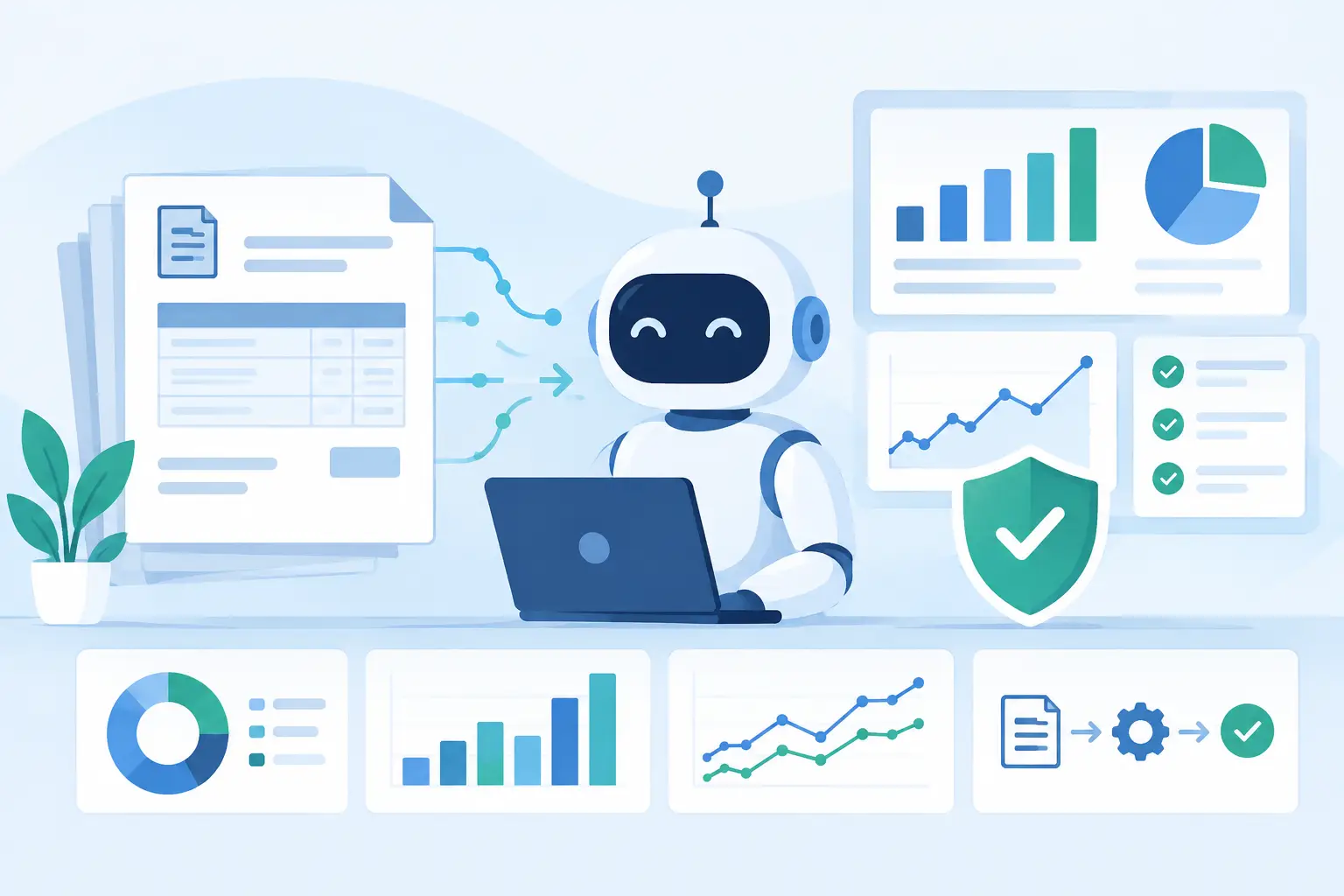
AI can extract invoice data, classify expenses, identify suppliers, match documents, detect anomalies, and route exceptions to the right people. In the right architecture, it can also create draft records in an ERP or accounting platform and trigger approval workflows.
It should not independently approve every payment or alter financial records without controls. Invoice processing affects cash flow, vendor relationships, tax reporting, auditability, and fraud prevention. The right goal is not fully autonomous finance at any cost. It is a controlled process where automation handles routine work and people make decisions when risk or uncertainty is high.
A well-designed system typically processes low-risk, high-confidence invoices automatically. It escalates invoices with missing purchase orders, duplicate numbers, mismatched totals, unknown vendors, unusual banking details, or low-confidence extraction results. This approach reduces manual workload while preserving accountability.
What AI Actually Does in Invoice Automation
Traditional optical character recognition, or OCR, converts an image of text into machine-readable text. That is useful, but invoices are not standardized forms. Suppliers use different layouts, currencies, date formats, tax structures, product descriptions, and terminology. A basic OCR system can read words while still failing to understand which number is the invoice total or whether a date is a due date versus a service date.
AI-based document intelligence adds context. It can recognize fields such as supplier name, remit-to entity, invoice number, purchase order number, subtotal, tax, total, and payment terms even when placement varies. It can also extract tables and line items, which are often the most difficult part of invoice capture.
Language models can contribute further by interpreting unstructured notes, identifying likely general ledger categories, comparing invoice descriptions with purchase orders, and explaining why an invoice was flagged. However, a language model should be one component in the workflow, not the system of record. Deterministic validations and source-system data remain essential.
For example, an AI workflow may read an invoice, identify the vendor, and propose that the charge belongs to a software expense account. The workflow should then verify that the vendor exists in the ERP, confirm the entity and cost center, check whether the invoice number has already been processed, and validate totals against purchase order and receipt data before posting a draft.
The Workflow That Makes Automation Reliable
Production-grade invoice automation starts with intake. Invoices may arrive through email, supplier portals, shared folders, electronic data interchange feeds, or an accounts payable platform. The system needs a consistent ingestion layer that captures the source file, records receipt time, and retains the original document for audit purposes.
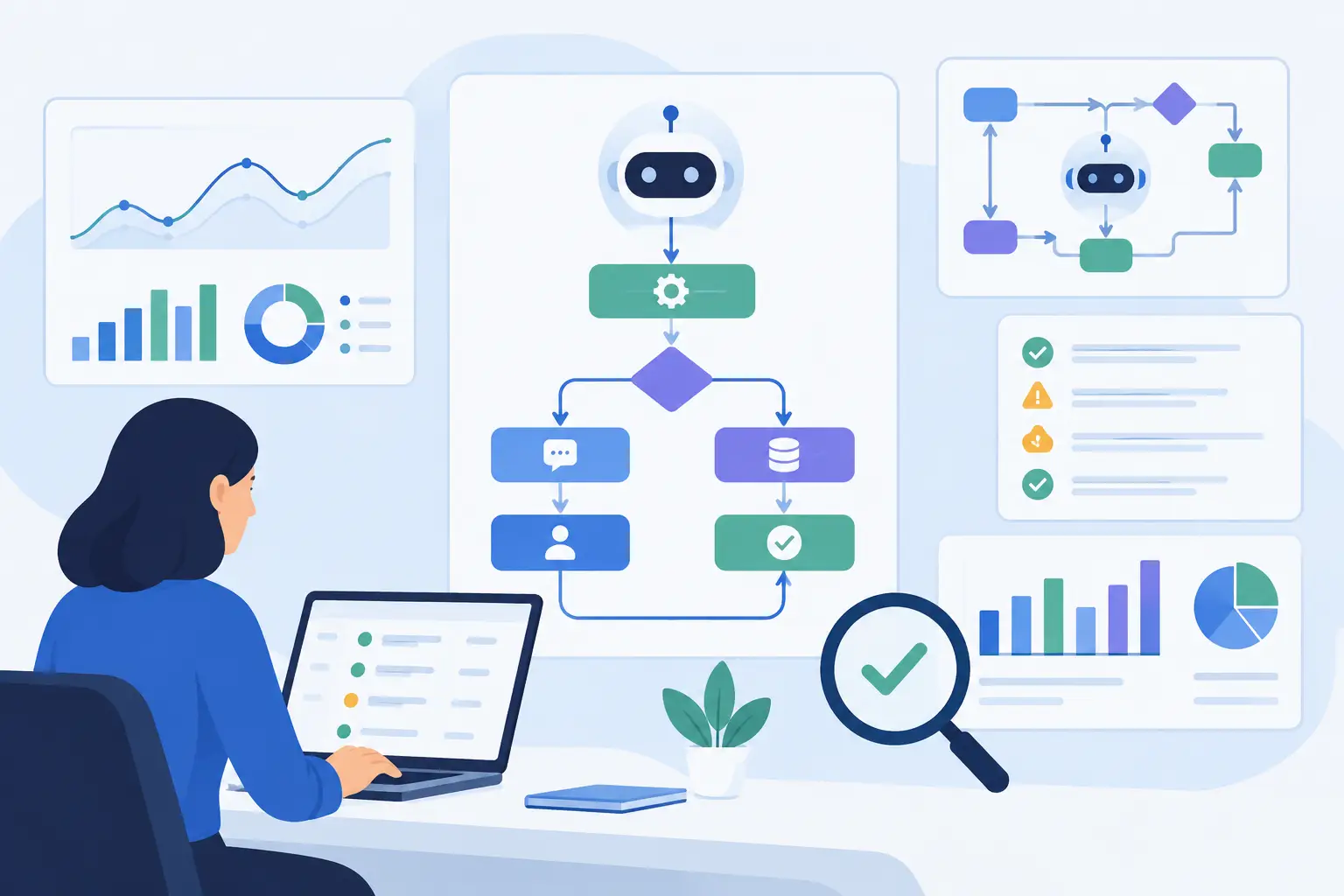
After ingestion, document intelligence extracts structured data. This is followed by validation, where the system checks required fields, confidence scores, mathematical totals, tax calculations, vendor master data, and duplicate indicators. Extraction alone is not enough. An invoice with a perfectly readable amount can still be invalid if the vendor is inactive or the purchase order is closed.
Matching is the next operational layer. For purchase-order invoices, the system can perform two-way or three-way matching: invoice to purchase order, or invoice to purchase order and goods receipt. Tolerances matter here. A business may allow a small price or quantity variance for certain categories but require approval for any variance in regulated spending or capital purchases.
Once an invoice passes controls, the workflow can create or update a record in systems such as an ERP, accounting platform, procurement application, or workflow tool. Approval routing should use existing business rules: amount thresholds, legal entity, department, project, vendor risk, and budget ownership. Finance teams should not have to recreate their operating model inside a disconnected AI tool.
Where Human Review Still Matters
The best invoice automation programs are explicit about exceptions. A system that hides uncertainty creates more risk than value. Human review is appropriate when source quality is poor, extraction confidence is low, a vendor is new, payment terms conflict with the vendor record, or matching produces a meaningful variance.
Review is also necessary when business judgment is involved. An AI system can flag that a recurring software invoice is 28% higher than last month. It cannot reliably determine whether the increase reflects a contract amendment, additional seats, an unauthorized charge, or a planned expansion without access to governed business context and a responsible decision-maker.
Exception queues should be designed for speed. Reviewers need the original document, extracted fields, purchase order data, prior invoices, validation results, and a clear reason for the flag in one place. If staff must search across inboxes, spreadsheets, and three systems to resolve a single invoice, the automation has simply moved the manual work downstream.
Integration Is the Difference Between a Tool and a Process
Many invoice AI products can demonstrate extraction from a sample PDF. The harder work is connecting the solution to the systems that govern financial operations. That includes ERP and accounting platforms, procurement tools, vendor master data, identity and access management, email systems, data warehouses, and approval applications.
Integration design determines whether finance data stays consistent. A workflow must know when to create a draft, when to update an existing record, how to handle failed API calls, and how to prevent duplicate posting if a process is retried. It also needs idempotency controls so the same invoice cannot create multiple liabilities because an integration timed out.
Security requirements deserve equal attention. Invoice documents can contain banking details, tax identifiers, addresses, contract references, and commercially sensitive pricing. Organizations should define access by role, encrypt data in transit and at rest, maintain audit logs, set document retention policies, and establish where model processing occurs. For compliance-sensitive businesses, architecture choices may include private environments, approved model providers, data minimization, and strict connector permissions.
How to Measure Whether AI Invoice Processing Is Working
The first metric is not the number of invoices touched by AI. It is the quality and business value of the resulting workflow. Finance leaders should measure straight-through processing rate, extraction accuracy by field, exception rate, average handling time, cost per invoice, duplicate prevention, and approval cycle time.
Accuracy should be examined by invoice type and supplier, not just as a single blended score. A system may achieve excellent header-field extraction while struggling with complex line-item invoices, handwritten scans, foreign tax formats, or multi-entity billing. Those patterns inform where to refine prompts, models, validation rules, or supplier onboarding requirements.
It is also useful to measure false confidence. An invoice that is routed to review because the system is uncertain is operationally inconvenient but manageable. An invoice that is confidently extracted incorrectly and posted without review is more serious. Thresholds should reflect the financial and compliance risk of each decision.
A Practical Implementation Path
Start with a defined invoice segment rather than every document across the organization. Good pilot candidates include a high-volume supplier group, non-PO invoices in one business unit, or a repetitive invoice type with known manual pain. Establish baseline metrics before automation so improvements can be measured in hours, error rates, and cycle time.
Next, map the real process, including the exceptions people handle outside the documented flow. Identify data sources, approval conditions, matching rules, system owners, integration constraints, and audit requirements. This discovery phase often reveals that the bigger issue is fragmented master data or inconsistent purchase order discipline, not document extraction.
Build the workflow with a controlled human-review path, test it against representative historical invoices, and validate integration behavior under failure conditions. A production rollout should include monitoring, QA, feedback loops, and a process for adjusting confidence thresholds and business rules as invoice patterns change.
Invatechs approaches this work as an integration and software delivery problem, not a standalone AI experiment. The objective is concrete automation that fits the systems, controls, and operating realities already in place.
The most valuable invoice AI implementation is rarely the one that claims to remove every person from accounts payable. It is the one that gives finance teams less rekeying, faster visibility, fewer preventable errors, and the confidence to scale transaction volume without scaling manual effort at the same rate.