A model that can draft an answer is easy to demonstrate. A model that can retrieve the right customer record, validate a policy, create a ticket, and leave an audit trail is a production system. That is where MCP adoption becomes relevant for operationally complex companies.
Model Context Protocol, or MCP, provides a standard way for AI applications to access tools, data, and business capabilities through defined server interfaces. It can reduce the one-off integration work that often slows AI delivery. But the protocol itself is not the strategy, security model, or workflow design. Those decisions still determine whether an AI initiative produces measurable operational improvement or another isolated pilot.
What MCP Adoption Actually Changes
Before MCP, teams commonly connected each AI use case to internal systems with custom prompts, bespoke APIs, and application-specific integration logic. That can work for a narrow prototype. It becomes costly when several assistants need access to the same CRM, knowledge base, document repository, support platform, or internal service.
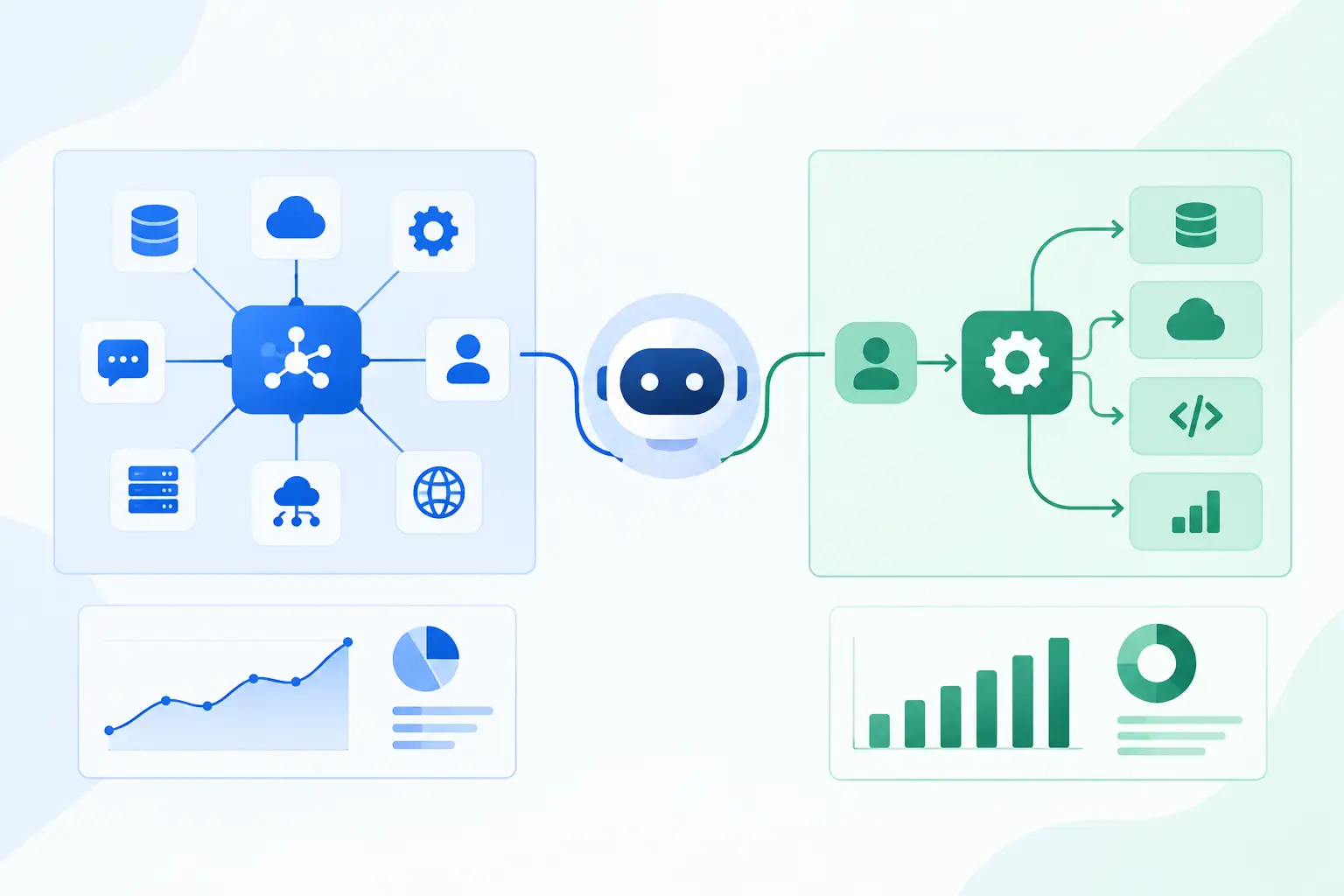
MCP introduces a clearer separation of responsibilities. An MCP server exposes a controlled set of capabilities, such as searching approved documents, retrieving account details, checking an order status, or submitting a case for review. The AI client can discover and use those capabilities without every client team rebuilding the same integration pattern.
For the business, the value is consistency. A support copilot, operations agent, and internal sales assistant can use governed access to the same underlying systems. Teams gain a more reusable integration layer instead of creating point-to-point connections that are difficult to secure, test, and maintain.
That does not mean every system should be exposed to an AI model. MCP adoption should begin with a specific workflow where access boundaries, expected actions, and business outcomes are clear. The right first use case is usually repetitive, document-heavy, and constrained by existing rules - not a broad mandate to connect a model to every company database.
Where MCP Produces Operational Value
MCP is most useful when an AI workflow needs current business context and must take action in established systems. Common examples include support operations, underwriting and claims review, account management, finance operations, procurement, and internal knowledge retrieval.
Consider a support team handling requests that require information from a CRM, product documentation, billing history, and an issue tracker. A useful AI assistant cannot rely on a static upload of knowledge-base articles. It needs controlled access to live information, a clear distinction between what it may read and what it may change, and escalation paths for uncertain cases.
An MCP server can present those capabilities as explicit tools. Instead of giving an assistant broad database access, the server might allow it to retrieve account status, find relevant policy documents, draft a case note, and create a ticket. Each tool can enforce validation, scope, and logging before a downstream action occurs.
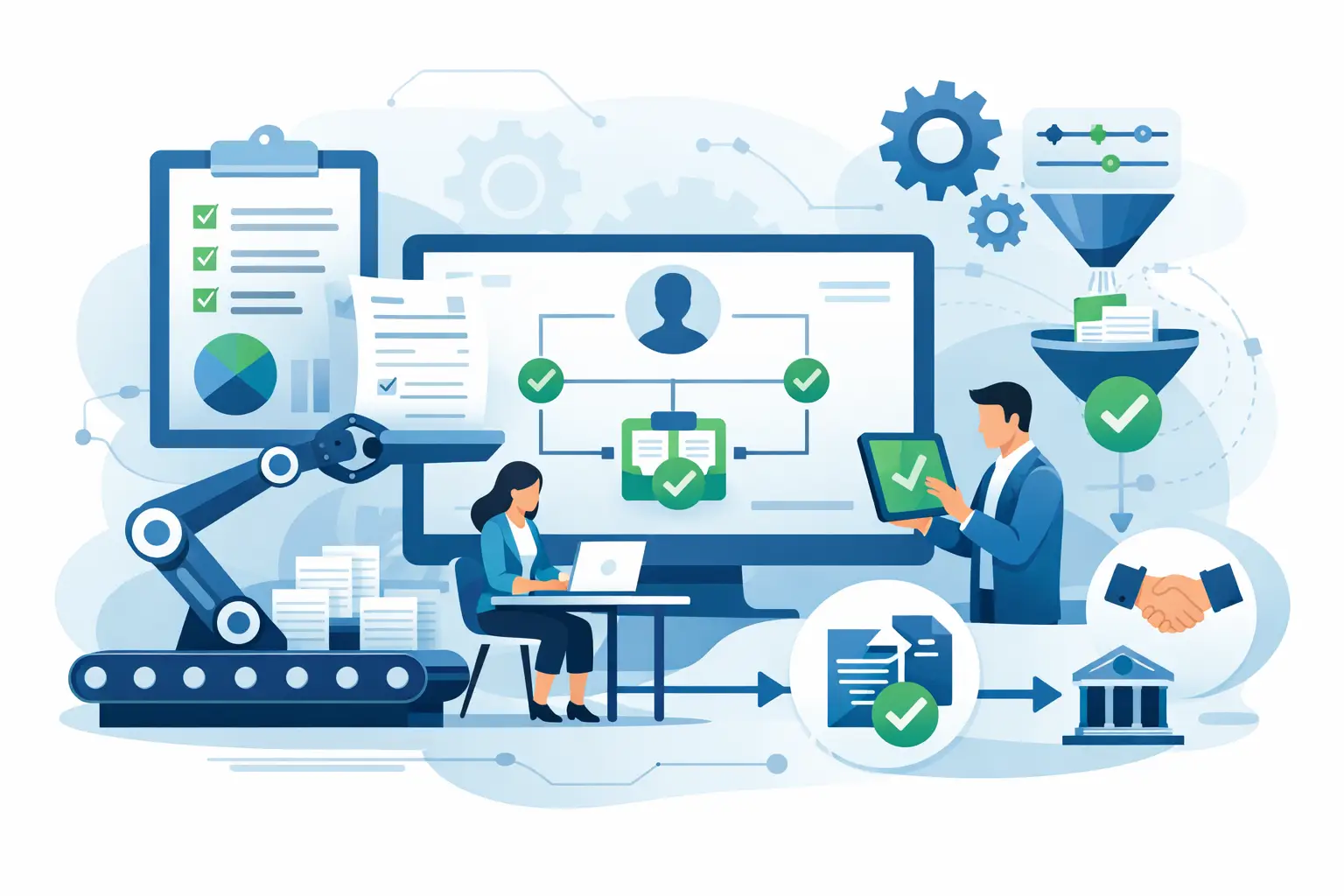
The same principle applies to document-intensive processes. An operations agent may extract data from an intake package, compare it against rules stored in an internal system, identify missing fields, and prepare a review task. The AI handles interpretation and coordination; deterministic services remain responsible for calculations, policy enforcement, and final system updates where precision is mandatory.
The Security Reality Behind MCP Adoption
A protocol does not automatically make an integration safe. MCP adoption can increase risk if teams treat a tool interface as permission to expose sensitive functions without adequate controls. Models can misunderstand instructions, be influenced by untrusted content, or make poor tool selections. Business systems also contain data that should never be broadly available to an assistant.
Production architecture should apply least-privilege access at the user, agent, server, and tool level. A customer support assistant should not inherit finance administrator permissions simply because both need CRM data. Read access, draft creation, approval requests, and final write actions should be separate capabilities with separate policies.
Authentication and authorization must be designed around the actual acting identity. In many environments, that means preserving the end user's permissions through the workflow rather than using a shared service credential with unrestricted access. Where a service identity is necessary, its scope should be narrow, time-bound where possible, and monitored closely.
Tool inputs also require validation. If a model requests a refund, updates a customer address, or creates a payment record, the receiving service should verify required fields, allowed values, monetary thresholds, and approval requirements. Never rely on a prompt as the final control for a consequential business action.
Logging is equally practical. Teams need to know which model or user invoked a tool, what data was returned, what action was attempted, whether it succeeded, and which downstream system changed. In regulated or compliance-sensitive processes, that audit trail is part of the product requirement, not an optional engineering enhancement.
Build the Workflow Before the Connector
The most expensive mistake is starting with integration inventory instead of process design. A company may have dozens of systems that could be connected through MCP, but only a few workflows that justify the complexity and risk.
Start with the operational bottleneck. Define the trigger, the required context, the decisions the AI may support, the actions it may take, and the human checkpoint. Then establish success criteria in business terms: reduced handling time, fewer manual touches, improved first-response resolution, lower error rates, or faster document turnaround.
A good initial workflow has a bounded outcome. For example, an agent can prepare a complete support case using approved sources and route it to the correct queue. It should not autonomously resolve every customer issue on day one. Bounded workflows are easier to test, easier to govern, and more likely to earn trust from operations teams.
A practical delivery sequence
A disciplined MCP implementation usually moves through four stages:
- Discovery and architecture: Map the workflow, systems of record, data classifications, roles, constraints, and measurable target outcome.
- Controlled pilot: Build a narrow MCP server and AI experience around a limited set of read and low-risk action tools.
- Production hardening: Add identity controls, input validation, observability, error handling, QA scenarios, approval flows, and operational ownership.
- Optimization and expansion: Review usage data and failure patterns, improve tool design, then extend to adjacent workflows only when the first use case is stable.
This sequence avoids a common pattern: a compelling demonstration followed by months of rework when the team discovers that real users need role-based access, exception handling, and integration reliability.
Tool Design Determines Agent Reliability
An MCP server should expose business capabilities, not raw technical complexity. A tool called `get_customer_account_summary` is easier for an AI application to use safely than a generic database query interface. The tool should return only the information required for the workflow, in a predictable structure, with clear descriptions and meaningful error states.
Narrow tools also improve governance. A server can expose `create_draft_invoice_adjustment` without exposing `modify_any_invoice`. The first supports a defined process; the second creates unnecessary operational risk. When business rules change, teams can update the server-side implementation without rewriting every AI client that uses it.
There is a trade-off. Highly specific tools can proliferate and become difficult to manage if each is built for one prompt. Overly generic tools make models less reliable and broaden the security surface. The right level of abstraction follows stable business actions and established ownership boundaries.
Testing must cover more than happy-path tool calls. Test incomplete data, conflicting records, unavailable systems, ambiguous user requests, prompt injection attempts, permission failures, duplicate actions, and retry behavior. For workflows with financial, legal, or customer-impacting consequences, include human review and explicit approval thresholds from the beginning.
How Leaders Should Measure MCP Adoption
Usage counts are not enough. An assistant may receive many requests while delivering little value or creating extra review work. Measure the workflow, not the novelty of the interface.
Useful metrics include time from intake to completion, percentage of cases resolved without manual data gathering, number of exceptions correctly routed, quality of generated records, error and rollback rates, and cost per completed workflow. Compare these measures against a baseline before deployment.
Also track reliability at the integration layer: tool failure rates, latency, permission denials, stale-data incidents, and downstream API errors. These metrics reveal whether a problem sits with the model, the tool contract, or the underlying business system. Without that visibility, teams tend to blame the AI for failures caused by unclear interfaces or fragile integrations.
For organizations with multiple AI initiatives, MCP can become a useful platform decision. It supports reusable, governed access to core capabilities while allowing different applications to serve different teams. But standardization should follow proven demand. A small set of well-designed servers that support high-value workflows is better than a broad catalog of loosely governed connectors.
Invatechs approaches MCP implementation as production software delivery: workflow discovery, secure integration architecture, targeted pilots, QA, and ongoing optimization. The objective is concrete automation, not generic AI hype.
The next productive question is not, “Which systems can we connect?” It is, “Which constrained workflow would create value if an AI assistant had the right context, the right tools, and clear limits?” Start there, and make every connection earn its place in the operating model.